



What is Edge Computing?
This is the first article in Teguar’s Edge Computing Series, defining and discussing Edge Computing and its implementation in industrial applications. The collection was published in 2020 and updated in February 2026.
Devices and sensors are positioned all around you, collecting massive amounts of data.
Whether it’s a simple home security system or a gigantic smart factory, all of that data needs to be processed.
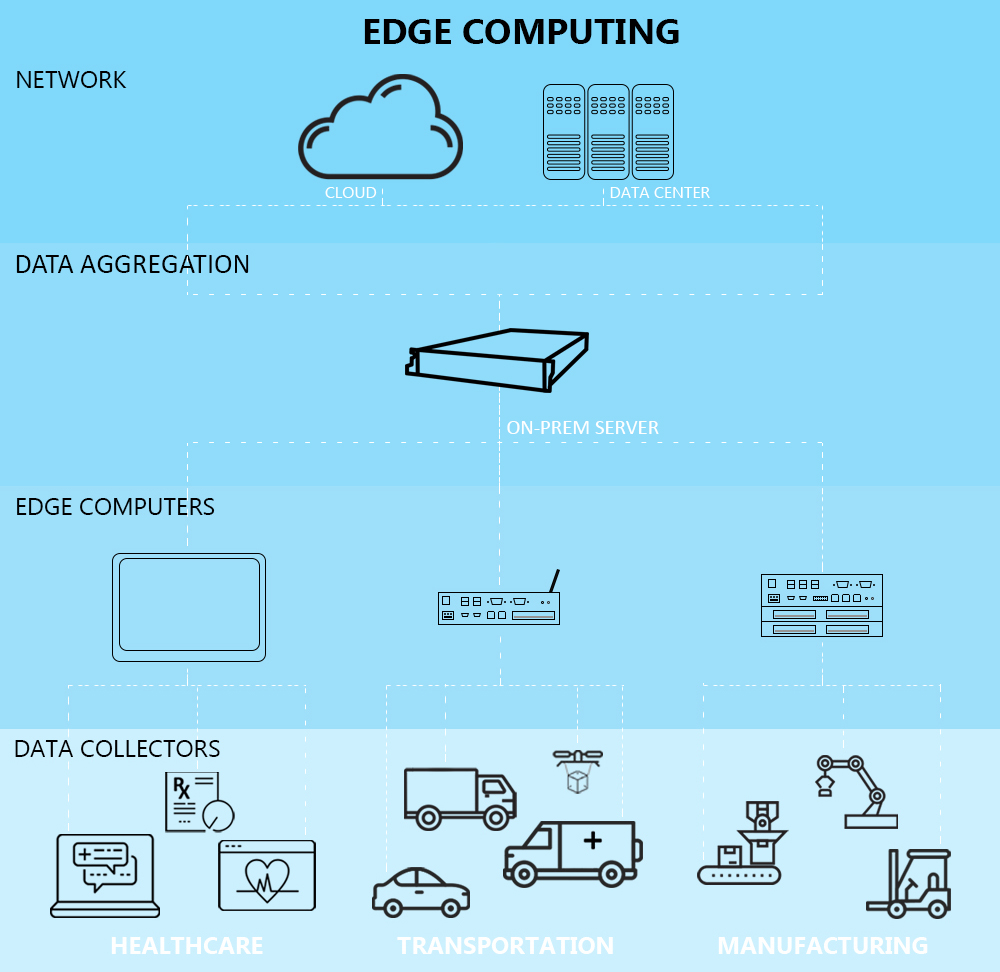
When it comes to loads of data, the biggest concern is the concept of data gravity: the concept that the closer data stays to the source of data generation, the lower the cost is to store, process, and move the data. The further the data goes from the source, the more it costs you: in storage, in time, in computing power to process, and in cost to move that data (or the applications it collects) along the way. There is always a trade off on how much compute you have to the analysis you want to perform. That is where data aggregation servers that are on-prem can play a role, and edge computing plays a role in collecting and acting on that data.
You can let data gravity work with you rather than against you by processing some of that data locally, on a computer in the same building or even on the actual device that’s collecting the data. That’s edge computing: processing data close to where that data is actually captured.
After some, or most, of the data is processed, analyzed, filtered, etc., what is left can be sent to the network. Let’s talk about data aggregation, from the industrial computer, an industrial gateway device, then an on-prem edge server, then out to the cloud. Once the data gets to the network, it might undergo further analysis or be put into storage.
Edge computing is not meant to replace cloud computing, but to work in conjunction with it. Cloud backups and wirelessly administered updates, for example, are valuable accessories to the reliable heart of the on-prem system. By processing some of the data before it’s sent to the cloud, you improve speed, reliability, and security.
Examples of Edge Computers
Healthcare Edge Computing
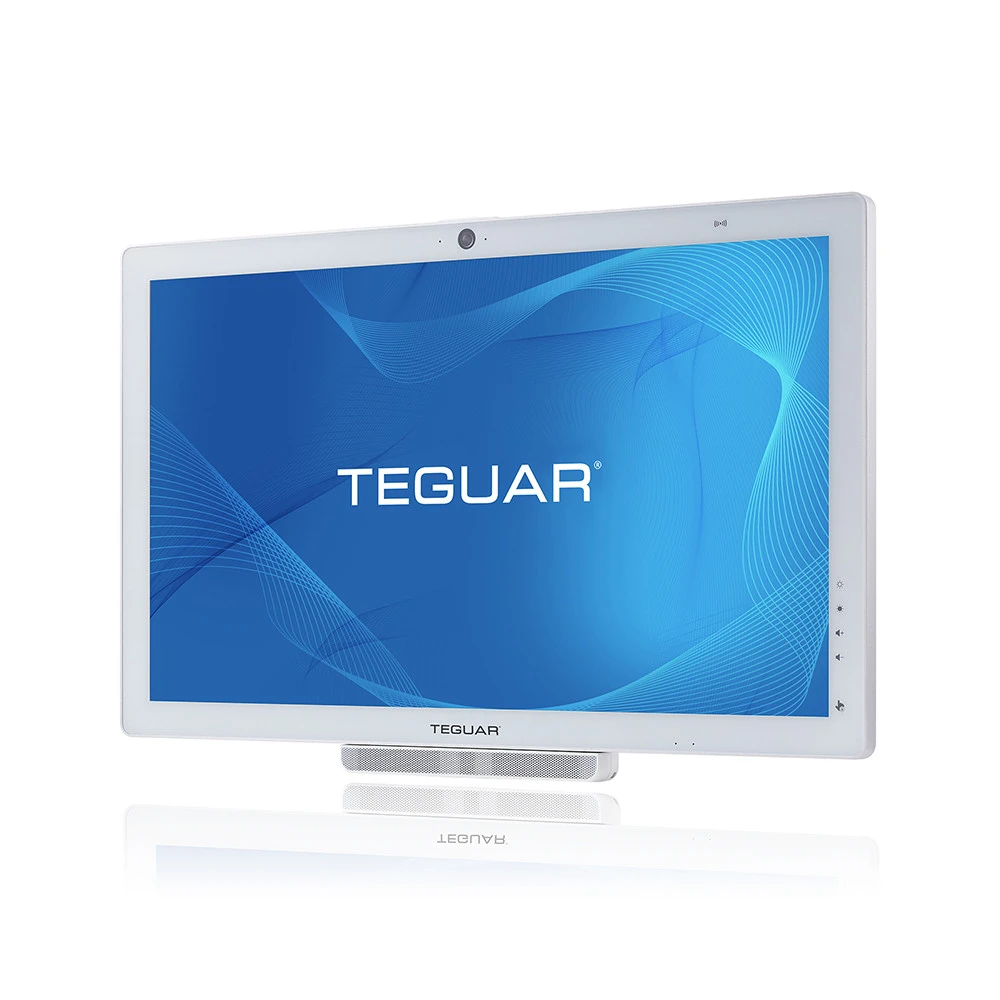
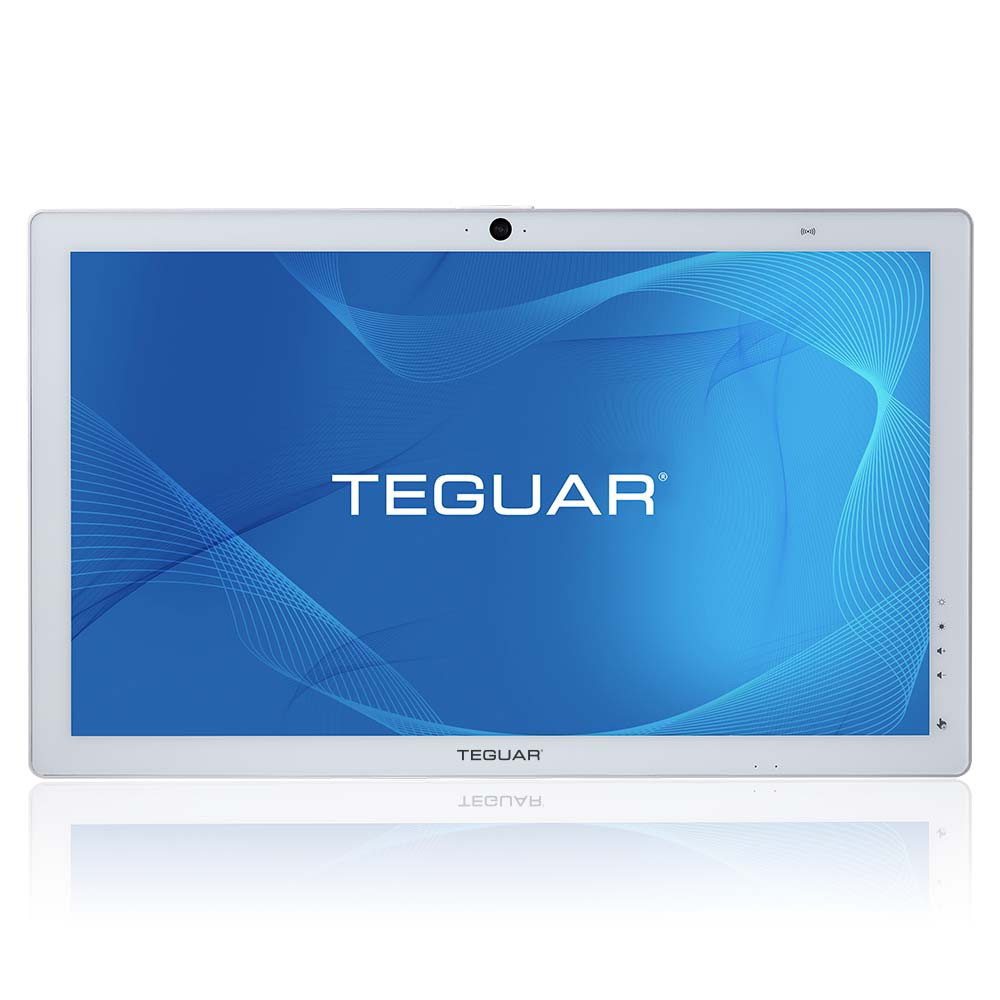
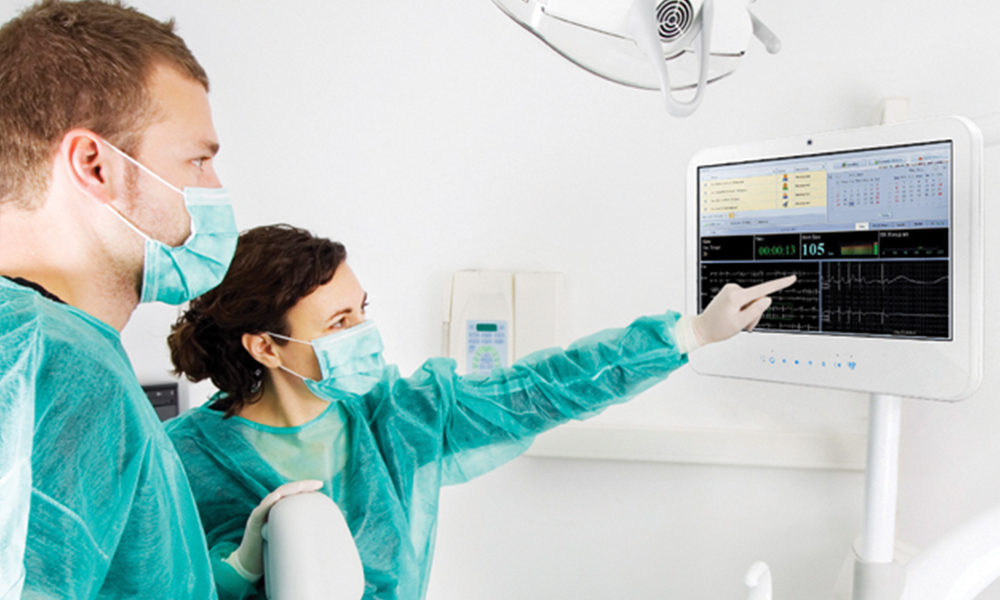
In healthcare, an edge computer may take the form of either an all-in-one platform or a box PC. A Teguar Medical AIO computer can serve as a central monitoring hub at a nurse’s station or point-of-care workstation, collecting and displaying live patient data from multiple connected devices.
For example, staff can view real-time vitals such as heart rate, oxygen saturation, blood pressure, respiratory rate, and infusion pump output on one screen. By processing this information locally, the Medical AIO supports faster clinical response times and more reliable bedside decision-making. Key data points—such as average BPM, medication volume delivered, alarm history, and trend reports—can then be transmitted securely across the network for documentation in the patient’s electronic chart.
Another example is in a heart/lung perfusion system, where it’s all about operation at the edge; even the battery life is designed such that if there is no network or power, the device keeps providing what’s needed for the surgeon to complete the surgery.
Vehicle Edge Computing
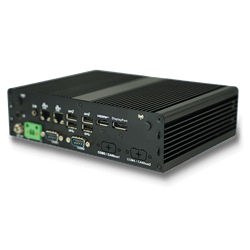
In transportation, a rugged mini PC is a good edge solution, because it delivers maximum impact in a small form factor. The ruggedness is key for shock and vibration resistance. In a self-driving freight truck, the edge computer may be monitoring hundreds of metrics about the truck and what’s around it. If a car is passing the truck, the truck will wait to change lanes, until the car is safely ahead. If the truck is rerouted due to construction, cellular data is vital to access the cloud to find the best alternate route.
Other vehicle edge applications include vehicles within a facility, such as a factory forklift. These computers can operate with Wi-Fi as they’ll stay on prem.
Industrial Edge Computing
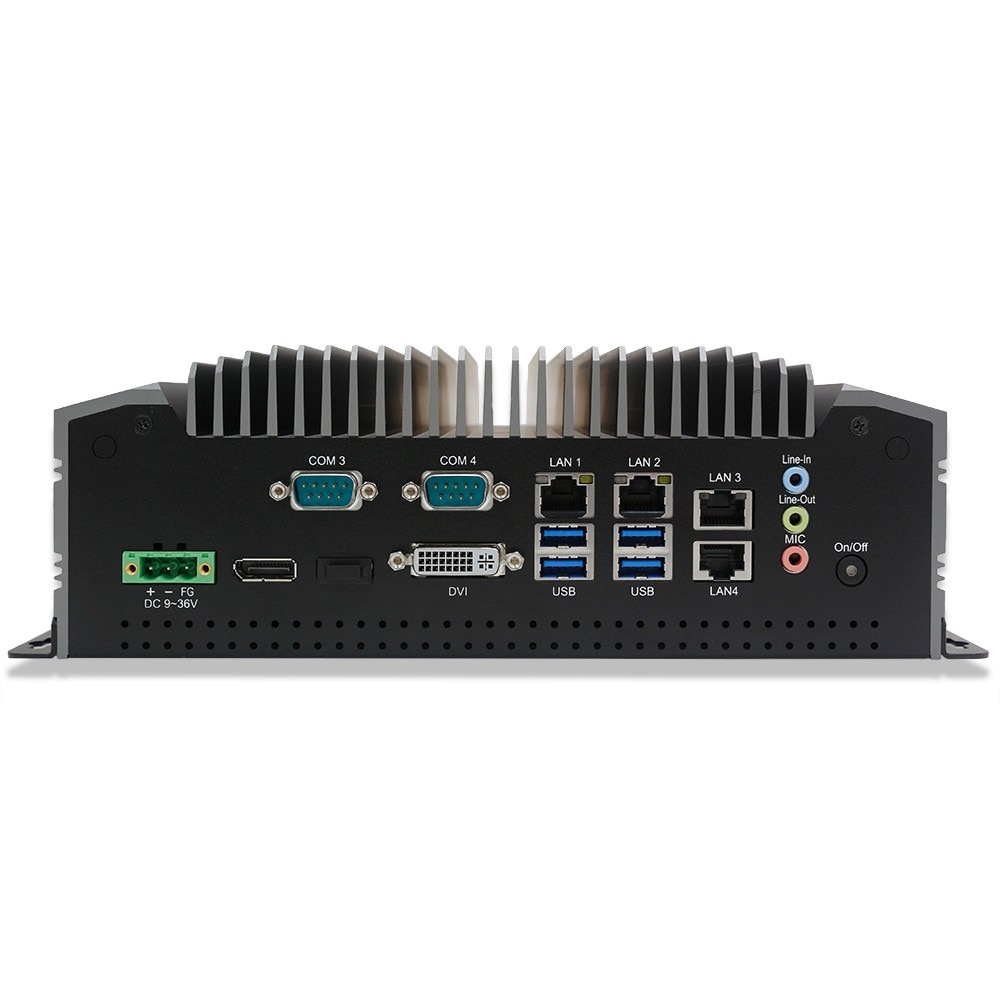
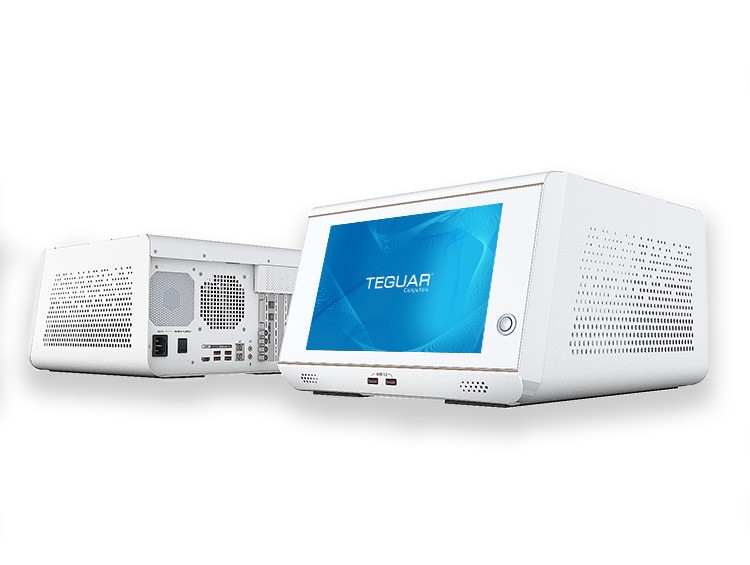
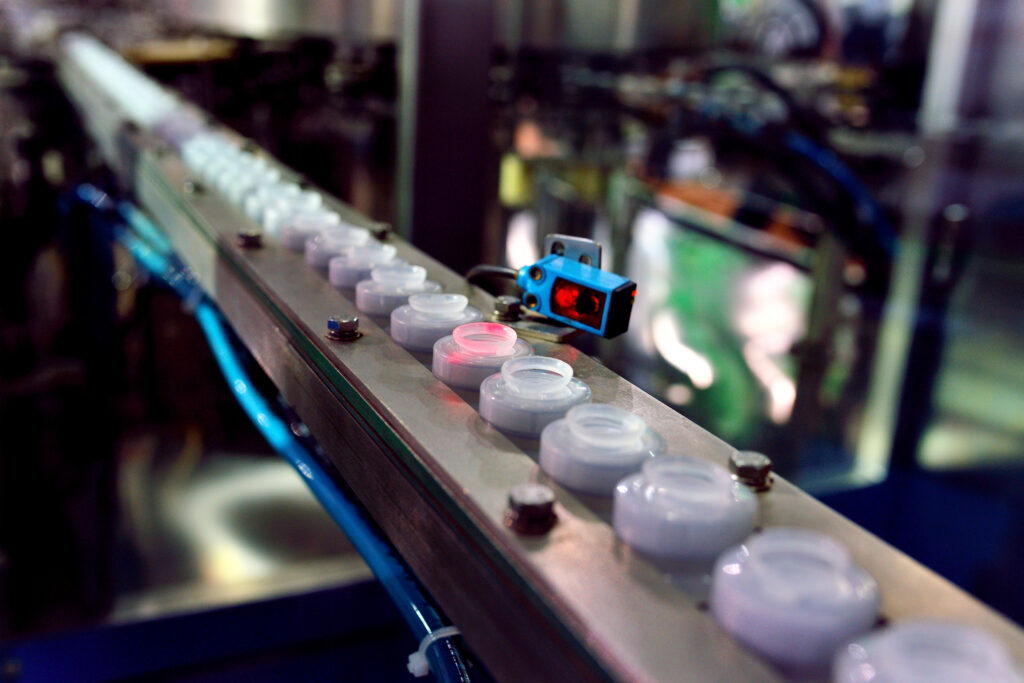
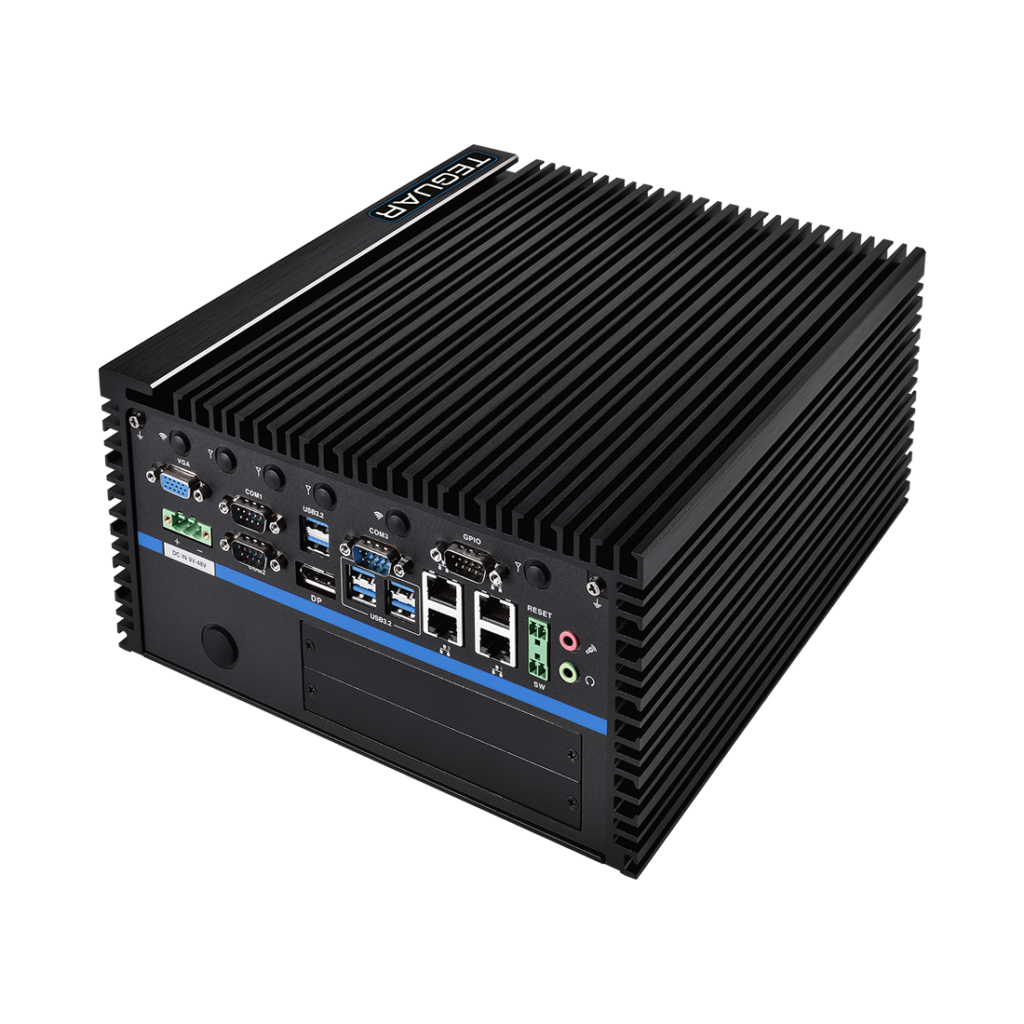
Finally, in manufacturing, edge computers are usually fanless box PCs with high processing power and expandability. Machine vision is an application that benefits from edge computing, because images are taken, transferred, and analyzed, and a decision is made in a matter of milliseconds. All that processing can be done on the edge computer, then data, such as number of defects, can be stored in the cloud. Box PCs with multiple expansion ports are beneficial for machine vision because they can accommodate a high-powered graphics card or an extra storage drive. You’ll of course need I/O to support this, too; LAN ports help to power and connect cameras efficiently with PoE, and USB is common protocol for cameras and other peripherals.
Learn more about benefits of edge computing and computer hardware requirements for edge computing in our next articles, and visit our Edge Computers page.
Edge Computers from Teguar
Recommended products
-
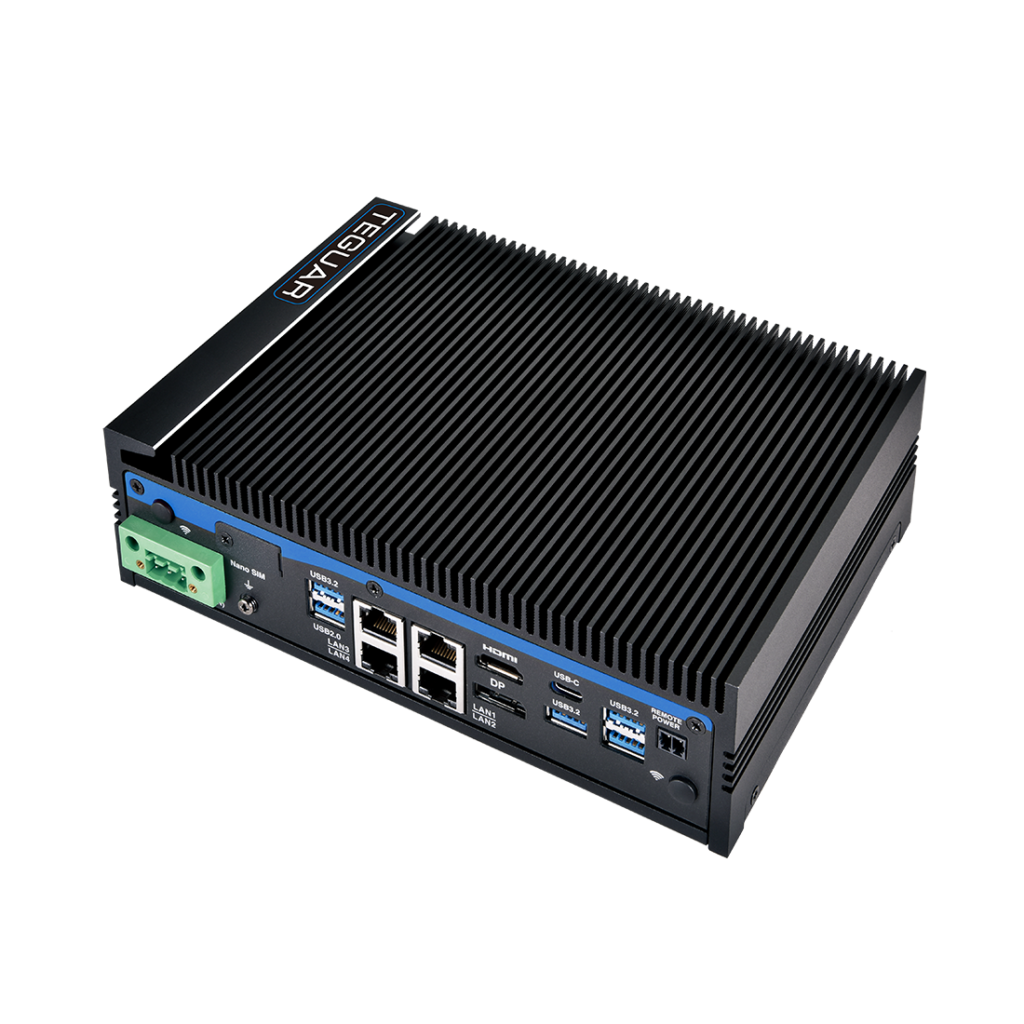
Optio TB-7293
$1,810.48 -
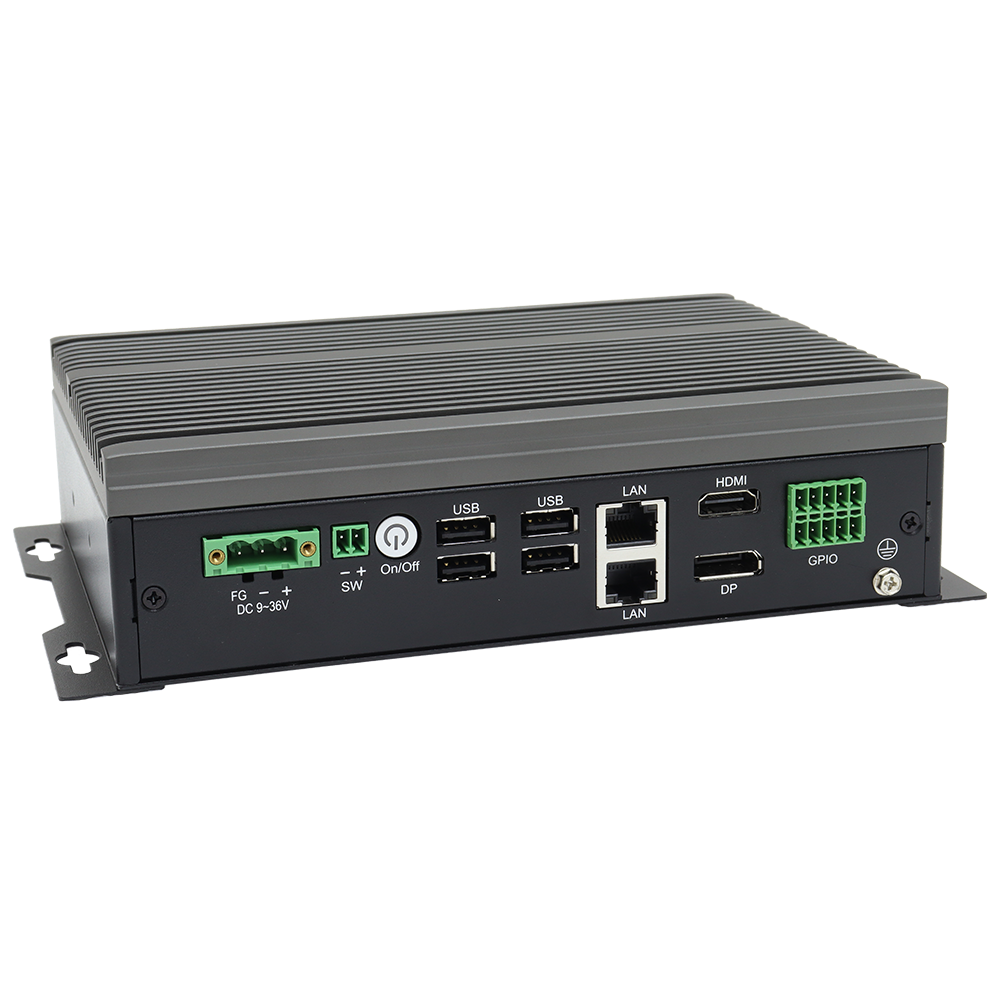
TB-6145
$1,375.88 -
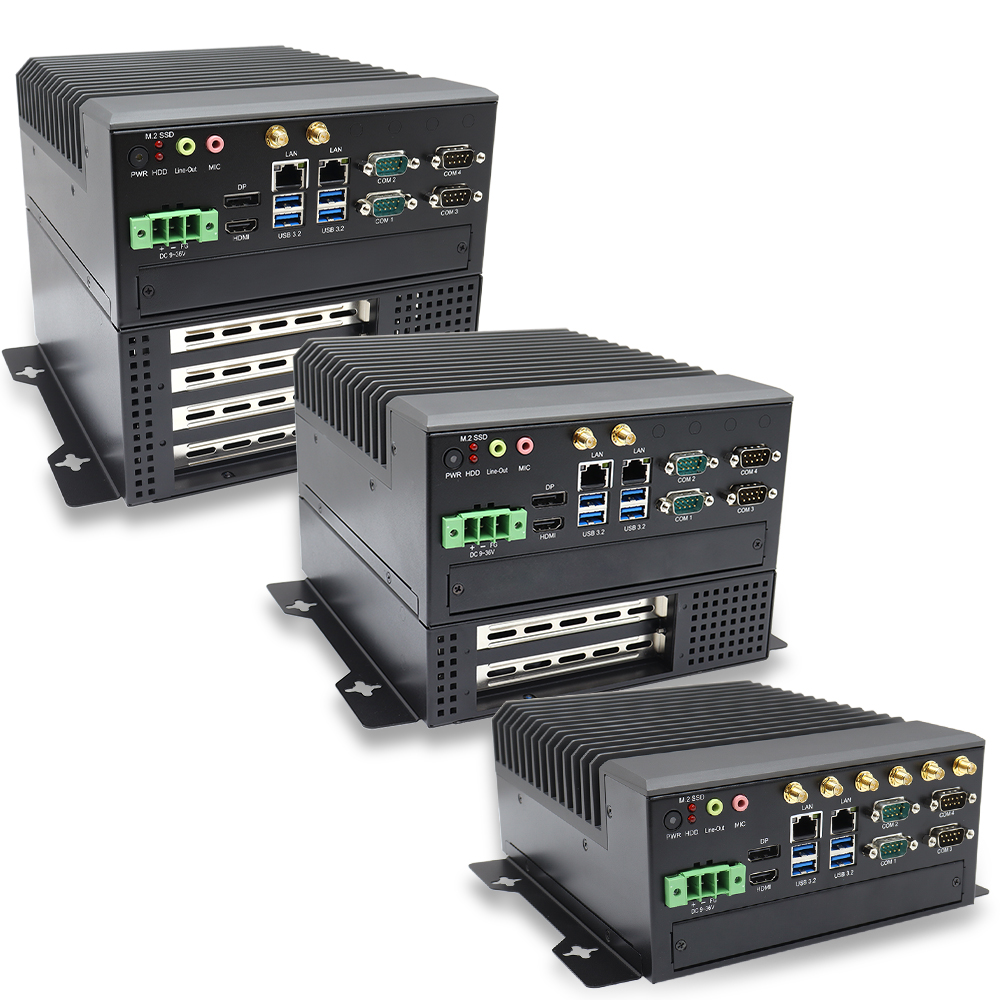
TB-7145-MVS
$1,955.70 -
Regis TB-7393
$2,238.72
Contact us to discuss your edge project, or request a demo of one of our edge computers.