




Hardware Solutions for AI Acceleration
From efficient everyday computing to thousands-TOPS industrial workloads, artificial intelligence brings computing operations to the next level. In this video, Nick Miller discusses hardware options for AI acceleration.
Shop AI Computers from Teguar and learn more about Hailo.
And, check out the video below or on YouTube.
NICK: Hey, I’m Nick Miller. I’m a Product Manager here at Teguar. And today we’re gonna talk about hardware solutions for AI acceleration.
[TITLE CARD ON SCREEN: What is AI Acceleration?]
NICK: So AI acceleration is just the use of some sort of specialized hardware that’s tuned and optimized for advanced AI computing. There’s a lot of different applications that we see on a day-to-day basis.
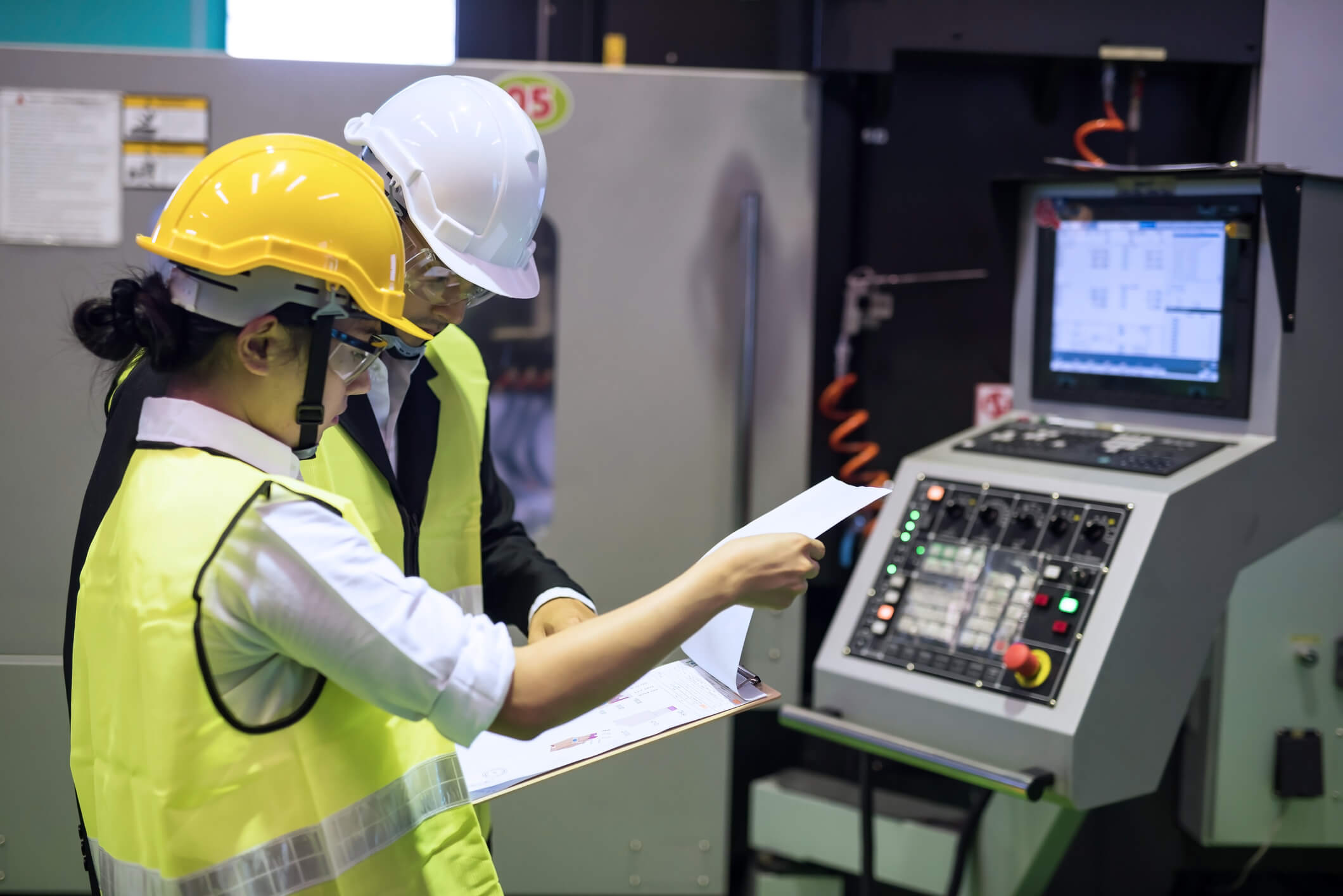
Some of the more common ones are machine vision systems for finding defects and abnormalities on production lines, safety and security on premises to make sure your workers are wearing PPE, everybody’s in the right place, and preventative maintenance to make sure your machines aren’t breaking down. You know when they are going to break down. There are lots of different examples. The sky’s the limit here. And it’s important to remember that there are going to be even more applications in the future.
[TITLE CARD ON SCREEN: What is TOPS?]
NICK: TOPS is trillions of operations per second. It’s simply a measure of the bandwidth and speed of an AI accelerator.
[TITLE CARD ON SCREEN: What is an NPU?]
NICK: An NPU, that stands for Neural Processing Unit. It is just the type of chip that AI accelerators run on. It’s designed to somewhat mimic the neural interface of the human brain, which means it’s a very low voltage chip. It’s gonna run very consistently. And it’s designed more for AI applications than anything else.
[TITLE CARD ON SCREEN: AI Acceleration Method #1: Built-in NPU]
NICK: Most CPUs do not have an NPU built into them. And you could technically use those for AI accelerations, but it would be done through software. It’s not gonna be very efficient. And it’s also just not recommended for most circumstances.
But that being said, there are newer CPUs that do offer an NPU built on board beside the CPU. And that will allow you to do some lightweight tasks for AI acceleration. They’re better for smaller, more lightweight applications. To give you an idea of a TOPS range here, it’s generally between 10 to 12 TOPS.
[TITLE CARD ON SCREEN: AI Acceleration Method #2: M.2 AI Accelerators]
NICK: These are extremely flexible and very popular in the industry right now. And that’s because they’re small. In that M.2 form factor, you can put them in a lot of different edge devices to get that AI boost on PCs that wouldn’t be able to do it without them.
They don’t produce too much heat. They’re also able to be swapped around between units as you need. So overall, it’s a very flexible option. You can also multiply the power of these things. If you have multiple slots on board, you can put multiple AI accelerators. They’re all gonna work in unison to boost the power.
Teguar is very proud to be partnered with Hailo, who’s an industry leader in these kinds of AI accelerators. And the Hailo 8 is their best-selling product. This accelerator reaches up to around 26 TOPS. They also have the Hailo 10. It gets up to about 40. And remember, you can always multiply that for more power if you need it.
[TITLE CARD ON SCREEN: AI Acceleration Method #3: GPU (Graphics Card)]
NICK: If you really, really need that high level of power for AI acceleration, the only option that’s gonna work for you is a GPU or a graphics card. GPUs are by far the most powerful way to get AI acceleration.
They’re good for things like training AI. You’re not gonna wanna necessarily do that on a smaller accelerator. You will want a GPU, as well as things like making a central AI hub for your manufacturing facilities or any place that has a lot of edge devices. You’re connecting them up to that central unit, you’re definitely gonna wanna have the horsepower to control all of those.
[TITLE CARD ON SCREEN: What’s the TOPS range on something like that?]
NICK: So it’s very hard to say. GPUs come in a number of forms and power levels. There are more entry-level GPUs, like this NVIDIA RTX A2000 that I have right here. This guy is generally gonna get you a few hundred TOPS. Now, there are options out there that’ll go into the thousands.
So we have several product specialists here who would love to help you with your opportunity. Give us a call or visit us online at teguar.com.
AI Computers
-
Regis TB-7393
$2,285.36 -
TB-7145-MVS
$2,177.24 -

TB-6145
$1,025.02