






What IP Rating Do I Need for My Environment?
The IP rating you need depends on where the computer works. Food and beverage plants that wash down with hot, high-pressure water need IP69K. Hospitals and clinics need an IP65 front that can handle constant wipe-downs. Docks and vessels need IP66 or IP67, outdoor kiosks need IP66, and most factory floors do just fine with IP65.
If you’re shopping for a rugged computer, you’ve probably run into a string of letters and numbers: IP65, IP67, IP69K. They look like model numbers, but each one answers a simple question: how much abuse can this thing take? Start with the section below that matches your space.In this guide
- Food and beverage plants: IP69K for anything washed down
- How waterproof does a hospital or cleanroom computer need to be?
- Docks, ships, and military vehicles: IP66 at a minimum
- Is IP65 or IP66 right for an outdoor kiosk or wet job site?
- What IP rating does a factory floor need?
- What does an IP rating mean?
- IP65 vs IP66 vs IP67 vs IP68 vs IP69K: what’s the difference?
- Which type of waterproof computer do I need?
- When should I upgrade from IP65 to IP67?
- Frequently asked questions
- Reference: full IP code tables
Food and beverage plants: IP69K for anything washed down
If anything in your plant is washed down with hot, high-pressure water, it needs IP69K. Everywhere else in the building, IP65 is the minimum.
Consider what happens at the end of a shift. Crews hose down the line with hot water and strong cleaning chemicals, and everything gets sprayed, including the touchscreen that runs your packaging line. IP69K is tested against 80 °C (176 °F) water sprayed from close range at up to 100 bar (1,450 psi), so it’s the rating designed for that routine. Pair it with stainless steel, because washdown chemicals can corrode ordinary housings.
Outside the washdown zone, IP65 is sufficient. It keeps out dust, powders, and food particles, and it withstands a hose-down.
Connectors deserve attention too. A sealed screen with an exposed port is still a weak point, so look for locking M12 connectors or a cable gland. M12 also lets you connect a barcode scanner, scale, sensor, or waterproof keyboard without breaking the seal.
Consumer-grade computers are a poor fit for processing areas. They aren’t built for daily washdown, so the savings on the purchase price can disappear once you count replacements and downtime.
If you’re shopping, start with our Trident Series: IP69K stainless steel computers from 15 to 23.8 inches, plus an embedded box PC.
How waterproof does a hospital or cleanroom computer need to be?
For most patient care areas, an IP65 front with a flat, crevice-free bezel is typically sufficient.
Consider a bedside workstation. It is wiped down between patients, several times a shift, with hospital-grade disinfectant. Liquid can’t be allowed to seep in behind the screen, and the surface shouldn’t have seams where germs can collect. That’s why a smooth, flat, sealed front matters as much as the rating itself.
Pharmaceutical plants and cleanrooms have stricter requirements. Particle counts are tightly controlled, and equipment cannot shed particles into the room. A fanless stainless steel computer is a good fit, because there is no fan to circulate dust and no paint to chip. If the room is sprayed down with hot water, step up to IP69K.
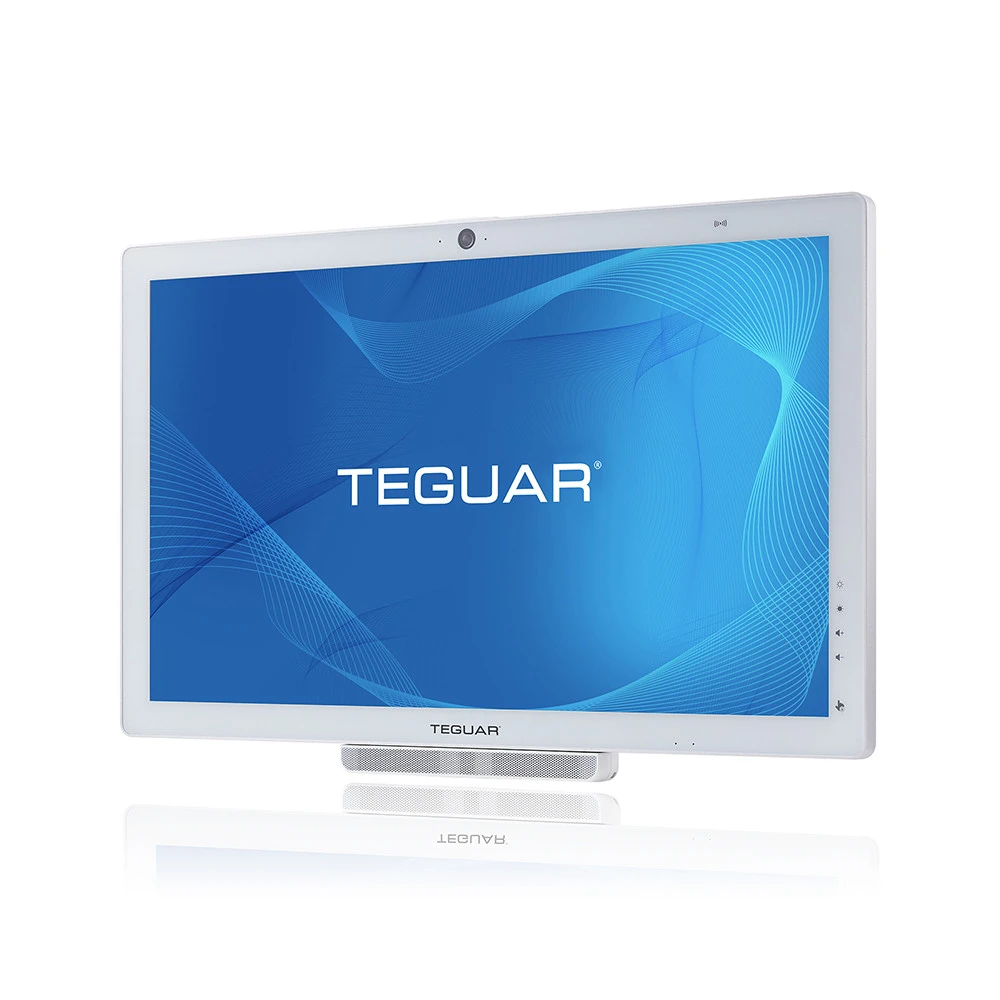
For patient care areas, take a look at our medical-grade computers. For pharmaceutical washdown, our Trident IP69K computers are the better fit.
Docks, ships, and military vehicles: IP66 at a minimum
If your computer operates on or near the water, plan on IP66 at a minimum, and choose IP67 anywhere a flood or a drop into the water is possible.
On a commercial fishing vessel or a loading dock, you’re dealing with spray, waves, and salt in the air. A fixed terminal takes direct hits, and a handheld can slip off the edge. Military vehicles add dust, dirt, and wide temperature swings. IP66 or IP67 is the safer choice in this environment.
One point buyers often miss: IP tests use fresh water, not salt water. The rating can’t tell you how the housing will handle corrosion, so consider the material as well. Stainless steel is the usual answer. 304 stainless steel (SUS304 / EN 1.4301) handles spray and washdown well, while 316 is the marine grade for constant seawater exposure, so ask which grade the housing uses.
Our IP67 computers are built in stainless steel or heavy-duty aluminum and pair with IP68-rated cables. Our stainless steel computers are rated IP66, IP69K, or both.
Is IP65 or IP66 right for an outdoor kiosk or wet job site?
Go with IP66, or IP65 if the computer sits inside a sealed enclosure.
An outdoor check-in kiosk or a yard terminal on a construction site can face driving rain, blowing dust, and a pressure-washer cleanup in the same week. Mining and heavy construction add significant dust and water exposure. With IP66, heavy rain or a hosing is far less likely to result in a service call.
If the computer sits inside a kiosk or cabinet, a unit with an IP65 or higher front bezel can work, and it usually costs less than a stainless steel unit. The key is the cabinet seal: a loose gasket can quietly undo the rating.
The IP code also doesn’t cover temperature. Check the operating range, and if the screen sits in direct sun, look for a sunlight-readable display.
Our waterproof monitors and waterproof computers are good places to start.
What IP rating does a factory floor need?
On most factory floors, IP65 is sufficient.
Factory floors tend to be dusty and dirty rather than wet. Metal dust, coolant mist, and the occasional hose-down are the real concerns, and without full dust protection a computer is more likely to fail, especially one that runs around the clock. IP65 is dust-tight and handles splashes and hose-down cleaning.
If you’re mounting a panel PC into a cabinet or machine, an IP65 front is usually enough, because the rest of the computer sits inside. A fanless design adds another layer of protection, since there are no vents pulling dusty air through the case. And if your line also gets pressure-washed, move up to IP66 or IP69K.
For the HMI next to the press, take a look at our industrial computers and panel PCs.
What does an IP rating mean?
An IP (Ingress Protection) rating is a two-digit code, defined by the international standard IEC 60529, that shows how well an enclosure keeps out solids and liquids. The first digit (0 to 6) measures protection against solid objects and dust, and the second digit (0 to 9) measures protection against water. An IP67 computer, for example, is dust-tight (6) and survives temporary immersion in water (7). The “K” in IP69K comes from a separate standard, ISO 20653.
IP65 vs IP66 vs IP67 vs IP68 vs IP69K: what’s the difference?
All five ratings are dust-tight, so the real difference is the water: jets, powerful jets, a quick dunk, a long soak, or hot high-pressure spray. Here’s how they compare.
| Rating | Solids | Water protection | In plain language | Best for |
|---|---|---|---|---|
| IP65 | Dust-tight | Low-pressure jets (6.3 mm / 0.25 in nozzle) from any direction | Handles rain, splashes, and hose-down cleaning | Factory floors, warehouses, front bezels of panel-mounted HMIs |
| IP66 | Dust-tight | Powerful jets (12.5 mm / 0.5 in nozzle, 100 L/min / 26.4 US gal/min) | Handles heavy hosing and driving rain | Outdoor kiosks, ship decks, areas hosed down daily |
| IP67 | Dust-tight | Temporary immersion up to 1 m (3.3 ft) for 30 minutes | Survives a drop in water or a brief flood | Marine equipment, rugged tablets, flood-prone sites |
| IP68 | Dust-tight | Continuous immersion beyond 1 m (3.3 ft), under conditions the maker specifies | Stays underwater; depth and time are set by the manufacturer, so check the spec sheet | Submerged sensors, underwater equipment |
| IP69K | Dust-tight | 80 °C (176 °F) water at 80–100 bar (1,160–1,450 psi) from 10–15 cm (4–6 in), at four angles | Survives close-range, hot, high-pressure washdown; defined in ISO 20653 | Food, beverage, and pharmaceutical washdown |
Does IP67 include IP65 and IP66?
Not automatically, and this is a common point of confusion. Water jets and immersion are different tests, so an IP67 device hasn’t necessarily passed the jet tests. Products that pass both carry a dual rating, like IP66/IP67 or IP66/IP69K. If your equipment gets hosed down and could also end up underwater, look for both. Our Trident TSC-7010 computers, for example, are rated IP66 and IP69K.
What’s the difference between IP69 and IP69K?
It comes down to two different standards. IP69K comes from ISO 20653, a road-vehicle standard that grew out of a German standard (DIN 40050-9) written for steam-cleaned trucks and equipment. IP69, without the K, is defined in IEC 60529 and tests in a similar way, but it’s a separate certification. Food and pharmaceutical plants adopted IP69K because their cleaning routines are equally demanding. If a supplier quotes IP69K, ask which standard its test report references.
Which type of waterproof computer do I need?
Once you know the rating, the next question is which type of computer to buy. Most business computers aren’t built for water, and a waterproof one costs more to make. That cost is recovered quickly when you choose the right type, because the right computer lasts far longer than a mismatched one. Here are your five options:
- Stainless steel computers are the most protected option. Ours are rated IP66, IP69K, or both, and sealed with water-tight gaskets, so they handle washdowns, chemicals, and salt. For I/O, you’ll choose between locking M12 connectors and a cable gland, depending on the direction, temperature, and force of the spray.
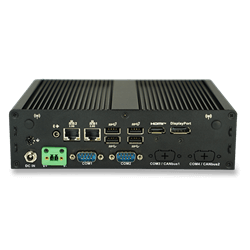
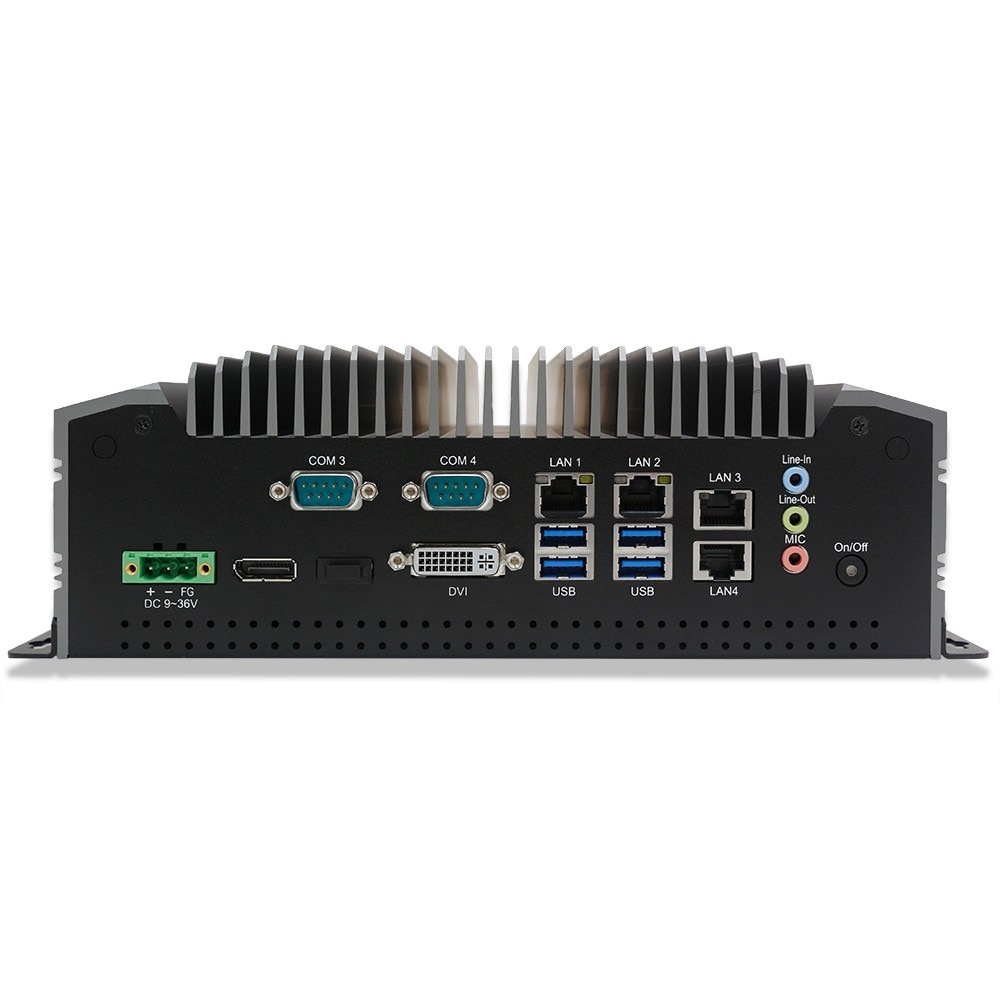
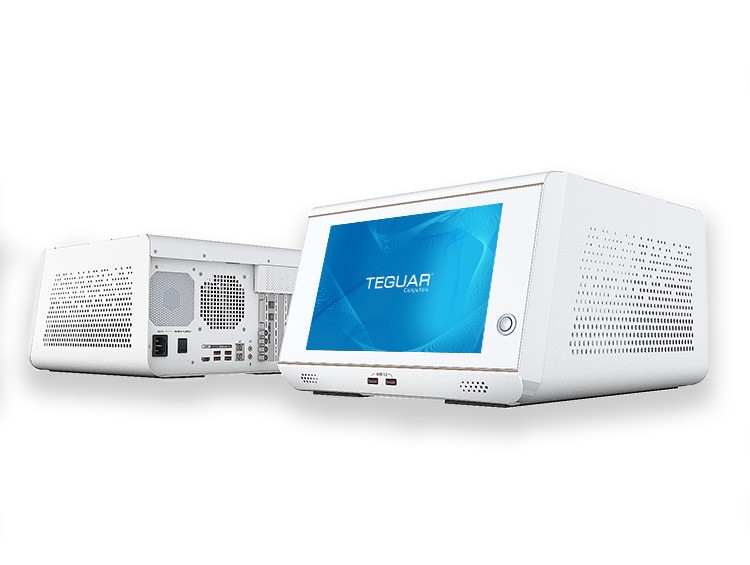
- Waterproof box PCs suit places where steam, spray, and seawater reach the equipment from every direction. They often cost less than an all-in-one when you also need a wide temperature range or vibration tolerance, and a stainless steel enclosure stands up to food plant sanitation.
- Waterproof monitors are touchscreen displays with a waterproof housing and metal M12 connectors. They suit applications where the screen can sit away from the computer, or where several screens need to show the same information.
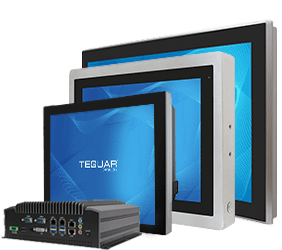
- Panel PCs with a waterproof front are usually rated on the front only, so the back isn’t waterproof. They belong in a sealed kiosk or cabinet cutout. They cost less than stainless steel, but they depend on that seal staying tight. The flat front is also easy to keep clean.
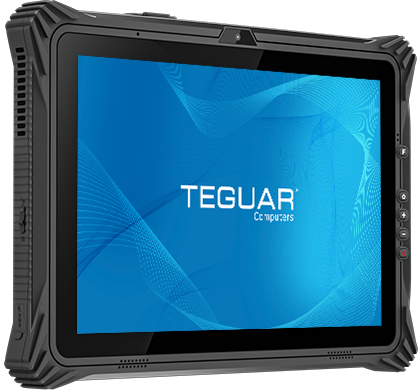
- Waterproof rugged tablets are built for mobile work. IP65 suits most mobile work, and IP67 models are the better choice near water.
When should I upgrade from IP65 to IP67?
Upgrade when the computer could end up underwater, even briefly. Both ratings are dust-tight. IP67 adds protection against a 30-minute dunk at 1 meter (3.3 ft), but it isn’t automatically rated for jets. So if your equipment gets hosed down and could also be submerged, look for a dual rating such as IP65/IP67 or IP66/IP67.
If you’re unsure, consider four questions:
- Could it end up underwater? A flood, standing water, or a drop from a dock or into a tank: if so, choose IP67, or a dual IP65/IP67 rating if it’s also hosed down.
- Does it move around? A tablet carried around a wet site is far more likely to end up in water than a panel PC mounted to a machine, so mobile devices benefit most from IP67.
- Is the threat jets or immersion? For high-pressure hosing or wave spray, IP67 alone isn’t the answer. Choose a dual rating, or IP69K for hot washdown.
- Is the price gap small? If you’re unsure and the extra cost is modest, IP67 is low-cost insurance.
There are trade-offs to consider. Sealing a tablet for immersion can limit some design options, so compare the spec sheets. Sealed rubber port plugs also protect only while they’re closed, so the tablet isn’t waterproof once a cable is plugged in. For most tablet jobs, IP65 is sufficient. You can see our waterproof tablets in both ratings.
Frequently asked questions
What does IP stand for?
IP stands for Ingress Protection, sometimes called International Protection. It’s the code in IEC 60529 that rates how well an enclosure blocks solids and liquids.
Is IP69K the highest IP rating?
It’s the toughest water-spray rating, tested with 80 °C (176 °F) water at up to 100 bar (1,450 psi) from close range. But it doesn’t replace the immersion ratings. An IP69K device isn’t automatically rated for submersion like IP67 or IP68.
Does “waterproof” mean the same as an IP rating?
No. “Waterproof” has no standard definition and can mean anything from splash-resistant to fully submersible. An IP rating ties to a specific, repeatable test, so always ask for the rating.
Does an IP rating protect against salt water or chemicals?
No, IP tests use fresh water only. For salt water or harsh sanitizers, look at the enclosure material too. 304 stainless steel (SUS304 / EN 1.4301) resists corrosion far better than painted metal or plastic, and 316 stainless steel is the marine grade for constant seawater exposure.
Does the IP rating apply to the whole computer?
Not always. Many panel PCs are rated on the front bezel only and are meant to be sealed into a cabinet or panel cutout. Check whether the rating covers the full enclosure and the I/O connectors. Our stainless steel computers seal the I/O as well, using locking M12 connectors or cable glands.
Can I submerge an IP67 computer?
Yes, for up to 1 meter (3.3 ft) and 30 minutes. Keep the ports in mind: on rugged tablets, the sealed rubber plugs only protect while they’re closed.
How do I know a computer really has the rating it claims?
Ask the supplier, us included, for the test report, and check whether it references IEC 60529 or ISO 20653. IEC 60529 defines the tests but doesn’t certify products, so manufacturers test in-house or through independent labs.
Reference: full IP code tables
For anyone who wants the full detail, here are both code tables. The first digit rates protection against solids, from large objects down to fine dust.
| First digit | Protected against | In practice |
|---|---|---|
| 0 | Nothing | No protection |
| 1 | Objects over 50 mm (2 in) | Back of a hand |
| 2 | Objects over 12.5 mm (0.5 in) | Fingers |
| 3 | Objects over 2.5 mm (0.1 in) | Tools, thick wires |
| 4 | Objects over 1 mm (0.04 in) | Most wires, small screws |
| 5 | Dust-protected | Some dust may enter, but not enough to affect operation |
| 6 | Dust-tight | No dust enters; tested under vacuum for up to 8 hours |
The second digit rates protection against liquids, from dripping water to hot, high-pressure spray.
| Second digit | Protected against | Test summary |
|---|---|---|
| 0 | Nothing | No protection |
| 1 | Vertically dripping water | Drips for 10 minutes |
| 2 | Dripping water, tilted up to 15° | Drips at four tilt positions |
| 3 | Spraying water up to 60° from vertical | Spray for at least 5 minutes |
| 4 | Splashing water from any direction | Splash for at least 5 minutes |
| 5 | Water jets | 6.3 mm (0.25 in) nozzle, 12.5 L/min (3.3 US gal/min), from 3 m (10 ft), at least 3 minutes |
| 6 | Powerful water jets | 12.5 mm (0.5 in) nozzle, 100 L/min (26.4 US gal/min), from 3 m (10 ft), at least 3 minutes |
| 7 | Temporary immersion | Submerged up to 1 m (3.3 ft) for 30 minutes |
| 8 | Continuous immersion | Beyond 1 m (3.3 ft), under conditions the manufacturer specifies (more severe than 7) |
| 9 | High-pressure, high-temperature spray | 80 °C (176 °F) water at 80–100 bar (1,160–1,450 psi), close range, multiple angles |
The IPX9K spray test uses 80 °C (176 °F) water at 80–100 bar (1,160–1,450 psi) and 14–16 L/min (3.7–4.2 US gal/min). The nozzle sits 10–15 cm (4–6 in) from the device and sprays for 30 seconds at each of four angles (0°, 30°, 60°, 90°) while the device turns on a turntable.
About Teguar
Teguar, headquartered in Charlotte, North Carolina, designs and manufactures rugged industrial and medical-grade computers, including panel PCs, stainless steel waterproof computers, box PCs, and rugged tablets. The company operates under an ISO-certified quality management system and offers OEM/ODM custom design, custom BIOS, and custom imaging programs.
Still not sure which rating your application needs? Our product specialists are happy to help you choose. Call +1 704-960-1761, email sales@teguar.com, or contact us.
Sources
ISO 20653:2023, Road vehicles — Degrees of protection (IP code), International Organization for Standardization
IEC 60529:1989+AMD1:1999+AMD2:2013 CSV, Degrees of protection provided by enclosures (IP Code), International Electrotechnical Commission