





Edge AI PCs for Industrial Automation: Benefits and Best Models
In an assembly line, a camera monitors items rolling down from production. A computer program analyzes the video feed, looking for signs of non-compliance it’s been trained to identify. If it sees one, it flags it, and notifies a robotic arm, which reacts and intervenes to remove the item from the line. A separate program monitors the arm’s motion, ensuring operators or other errant objects aren’t in its path. A third tracks the age and usage records of the moving assembly line itself, pinging the operator when it’s time for scheduled repairs.
All of these interactions require precision, fast response time, and above all, the high compute power of AI. As AI continues to shape industries around the world, its importance in industrial computing cannot be overstated. You need a device that can handle the heavy workload of AI, but with the fast response time required to keep operations running efficiently. Enter the Edge AI PC.
What Is an Edge AI PC?
An Edge AI PC is defined in its name; a computer that runs AI workloads locally on the edge without relying on cloud processing. This offers some major benefits in the form of increased speed, offline capabilities, and total privacy. Without waiting for a connection to the cloud to access stored data or to consult a language model, the edge AI computer handles it all in one spot, on one platform.
Edge AI PC Requirements at a Glance
For most industrial AI applications, look for:
- Dedicated GPU or NPU for AI acceleration
- Modern processor (4 cores or more)
- At least 32 GB RAM
- Multiple Ethernet and I/O ports
- Wide operating temperature range
- Connectivity options for hybrid cloud/edge arrangements
Edge AI PC vs. Traditional Models
Traditional PCs rely heavily on the cloud for storage as well as for data acquisition and transfer. This reliance is only increased with AI in the picture. Standard PCs don’t have the compute for running large models and rely on connecting to one via the cloud. Edge AI PCs address these concerns with significant increase in AI acceleration and processing power. Running AI on the edge reduces latency and improves security.
| Edge Computer | Traditional PC | |
| Offline capability | Local interactions | Relies on internet or satellite connection |
| Latency | Instant feedback | Wait to sync to cloud |
| AI processing location | On the device, in your facility | In the cloud |
| Reliability in internet outage | Completely autonomous | Cut off from functionality |
| Security | Fully contained on prem | Vulnerable to outside access |
What Should You Look for in an Edge AI PC?
When looking for an Edge AI PC, the most important considerations are AI acceleration options, processing power, memory and storage capacity, and connectivity.
Common Edge AI PC Use Cases
- Machine vision: cameras identify defects, missing components, or quality issues in real time
- Predictive maintenance: models analyze equipment data to detect wear patterns and alert operators before failure
- Robotics: edge AI enables faster decision-making for safer interactions between machines and the world around them
- Quality control: manufacturers better maintain consistency by automatically verifying standards during production
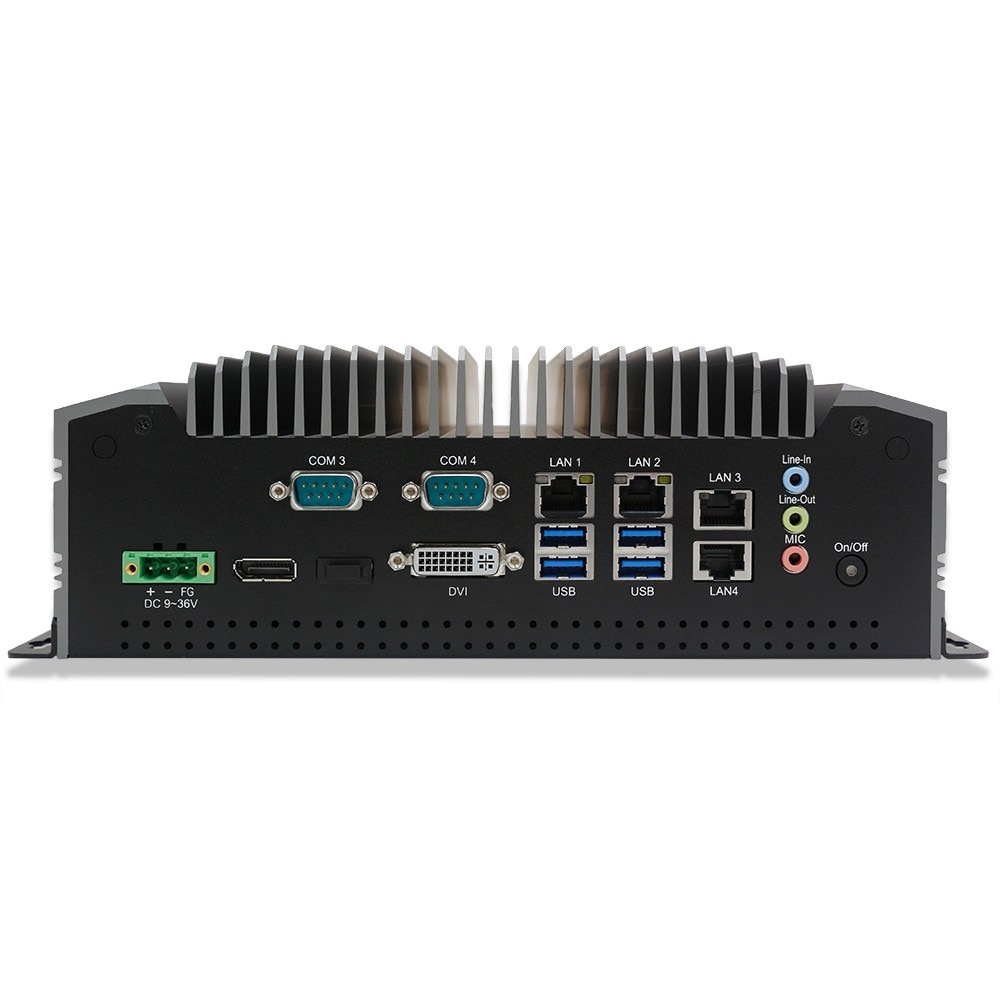
For Large Models and Powerful GPU: Regis TB-7393
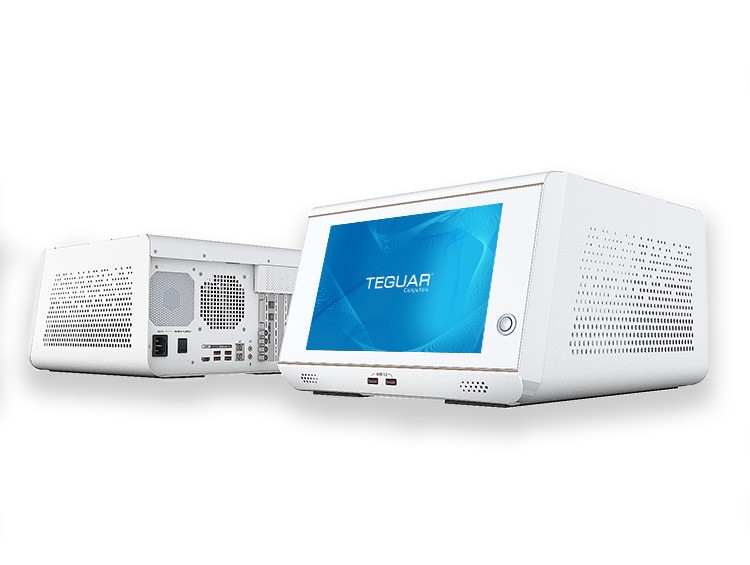
If your workflow involves a large language model, you need high horsepower to run it locally. Enter Regis, the TB-7393 from Teguar. With the sheer amount of RAM, versatile I/O, and support for GPU or other expansion, the sky is the limit with AI and industrial applications.
Regis supports Nvidia graphics cards up to the 4000 Pro SFF, though you could instead consider a dedicated NPU like one from Hailo. Both will get you that critical AI acceleration to keep things running efficiently.
One real-life demonstration of Regis’s use case is in Teguar’s showcase with Concept Reply at Automate 2026. The PC powered machine vision in conjunction with a language model, allowing users to control a Fanuc cobot arm with natural language. Check out the demonstration in our video from the show.
Learn more about Regis TB-7393 here. Regis is part of our Regiment Series.
-
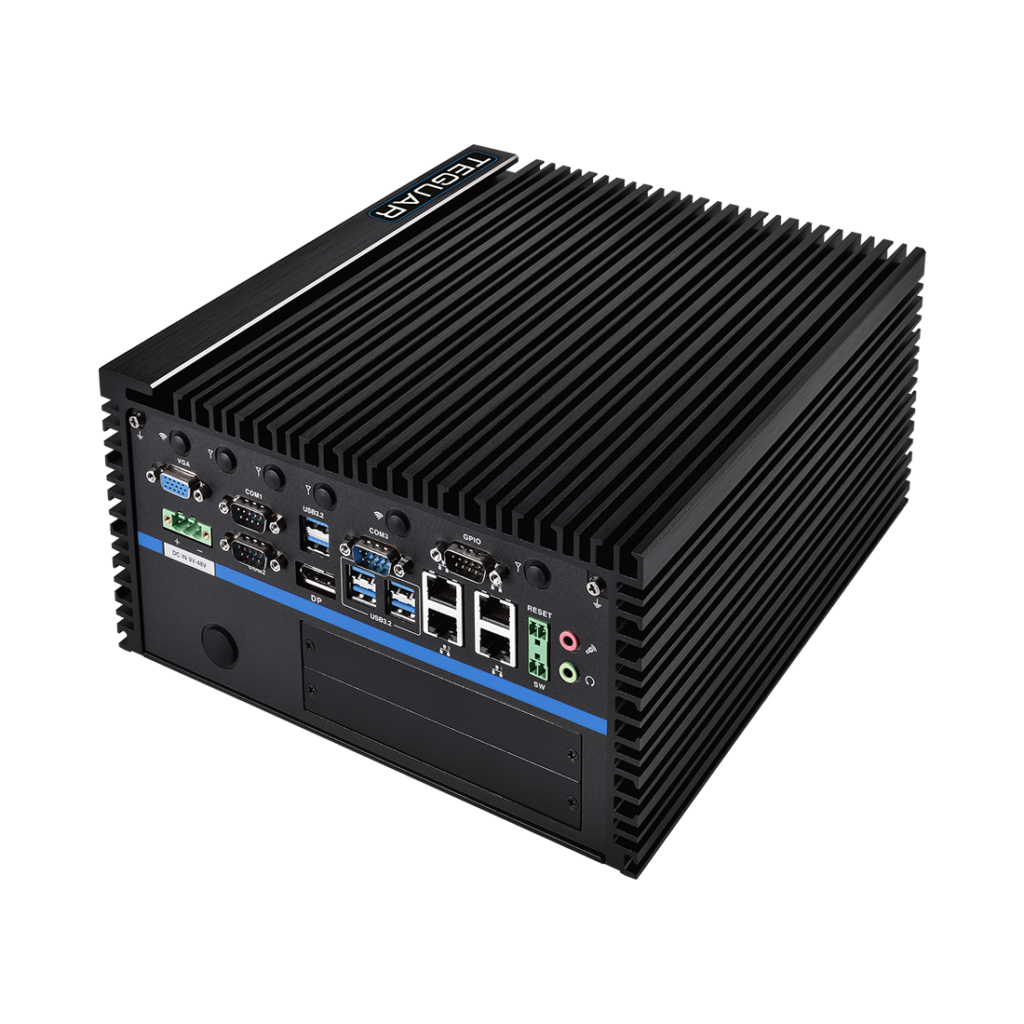
Regis TB-7393
$2,238.72
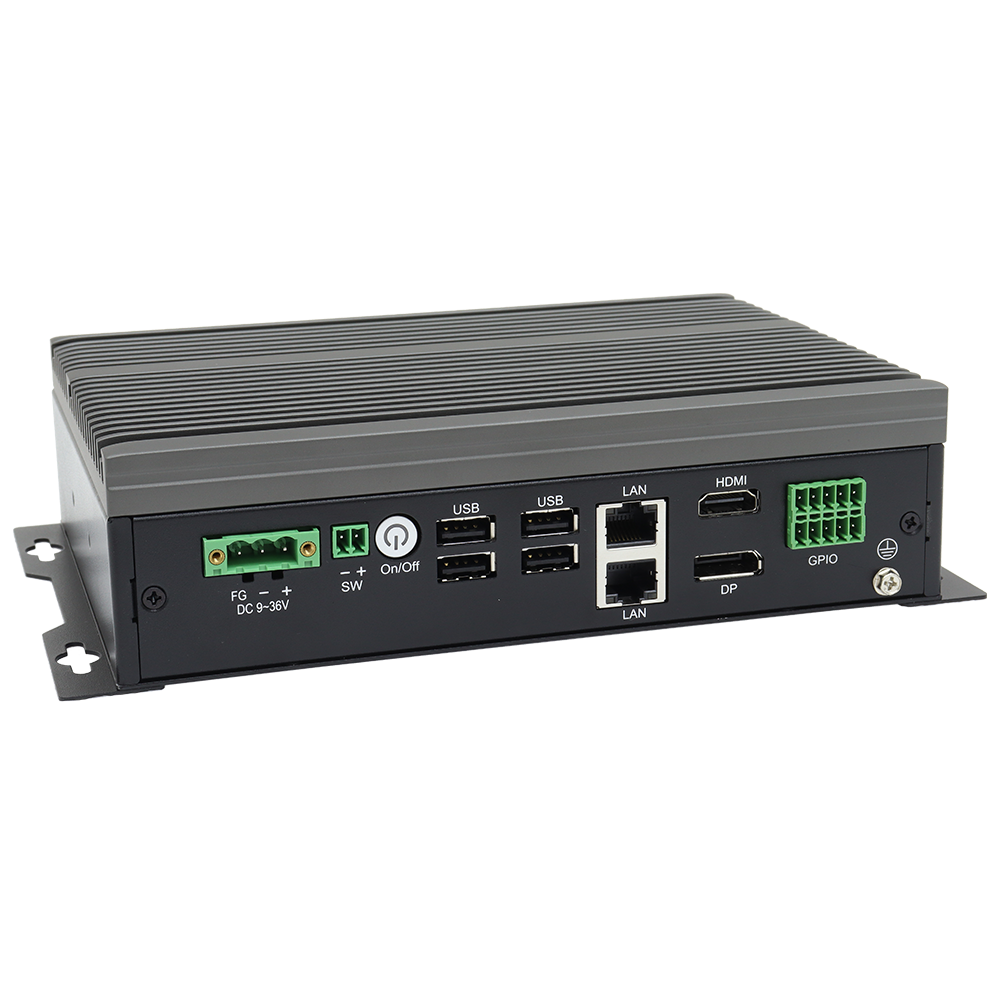
For Ignition Deployment and Tons of I/O: TB-6145
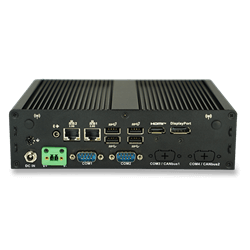
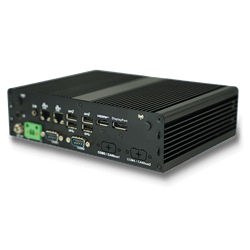
If you don’t have a large model to run and just want fast, secure operations with a boost from lighter AI computation, consider the TB-6145 from Teguar. Designed as the local endpoint for your edge devices, it’s packed with I/O for any peripherals, cameras, displays, and more. Collect, analyze, and transmit data all on prem with this fully fanless powerhouse that fits in a small form factor.
TB-6145 is also pre-validated for Ignition, so any industrial automation workflows become a breeze. With TB-6145, the emphasis is efficiency and reliability, designed with the durability – and flexibility – to fit your facility.
Learn more about the features of an industrial edge computer with this video from Teguar.
Check out TB-6145 here.
Frequently Asked Questions
Do I need an Edge AI PC?
If you’re introducing AI into your operational workflow, you should consider upgrading to an edge AI PC. A traditional PC may be cheaper than one designed for edge AI, but you may end up paying more in the long run in cloud storage, in delays, or worse, in repairs – after your system has allowed a critical error due to a lapse in reaction timing. Anyone in industrial automation should consider an edge AI PC for their facility.
What are the main benefits of an Edge AI PC?
The primary benefits of an edge AI PC are the reduced latency and increased security of an edge computer, bolstered by the powerful computing of AI vision and language models. An edge AI PC is your all-in-one house for data acquisition, analysis, storage, and control, all with total on-prem security and split-second reaction timing.
Our Recommendation
With growing concerns about data security, edge computing has become even more important in industries today. Add AI into the equation, and you’ll find that for maximum performance, speed, and safety, Edge AI PCs are becoming essential.
View all of Teguar’s Edge AI PCs here.
Or, for a more specialized conversation, get in touch with us below.