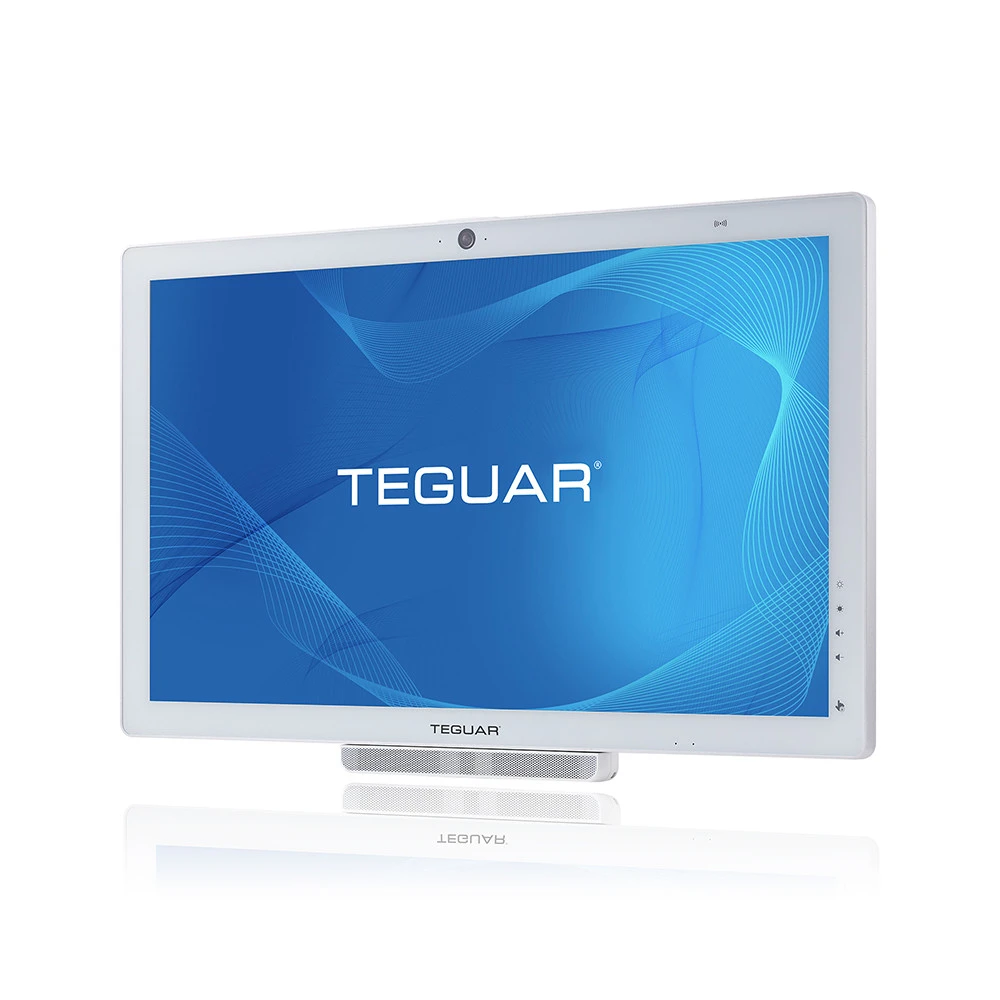
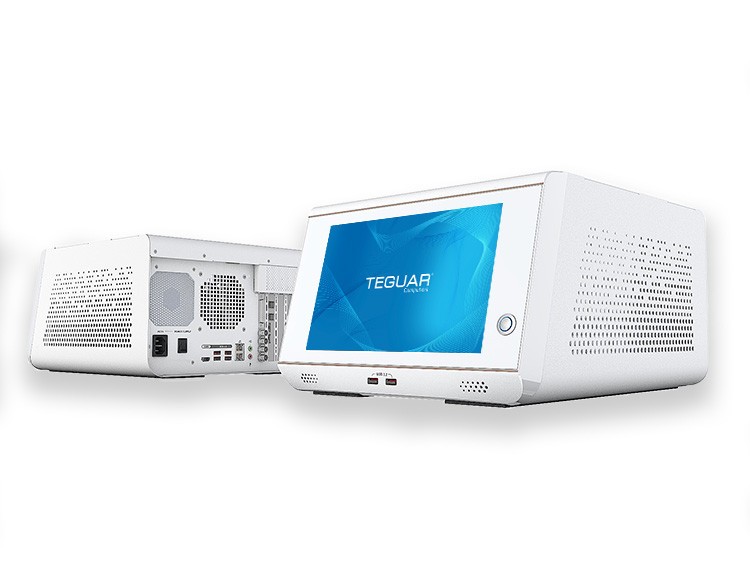
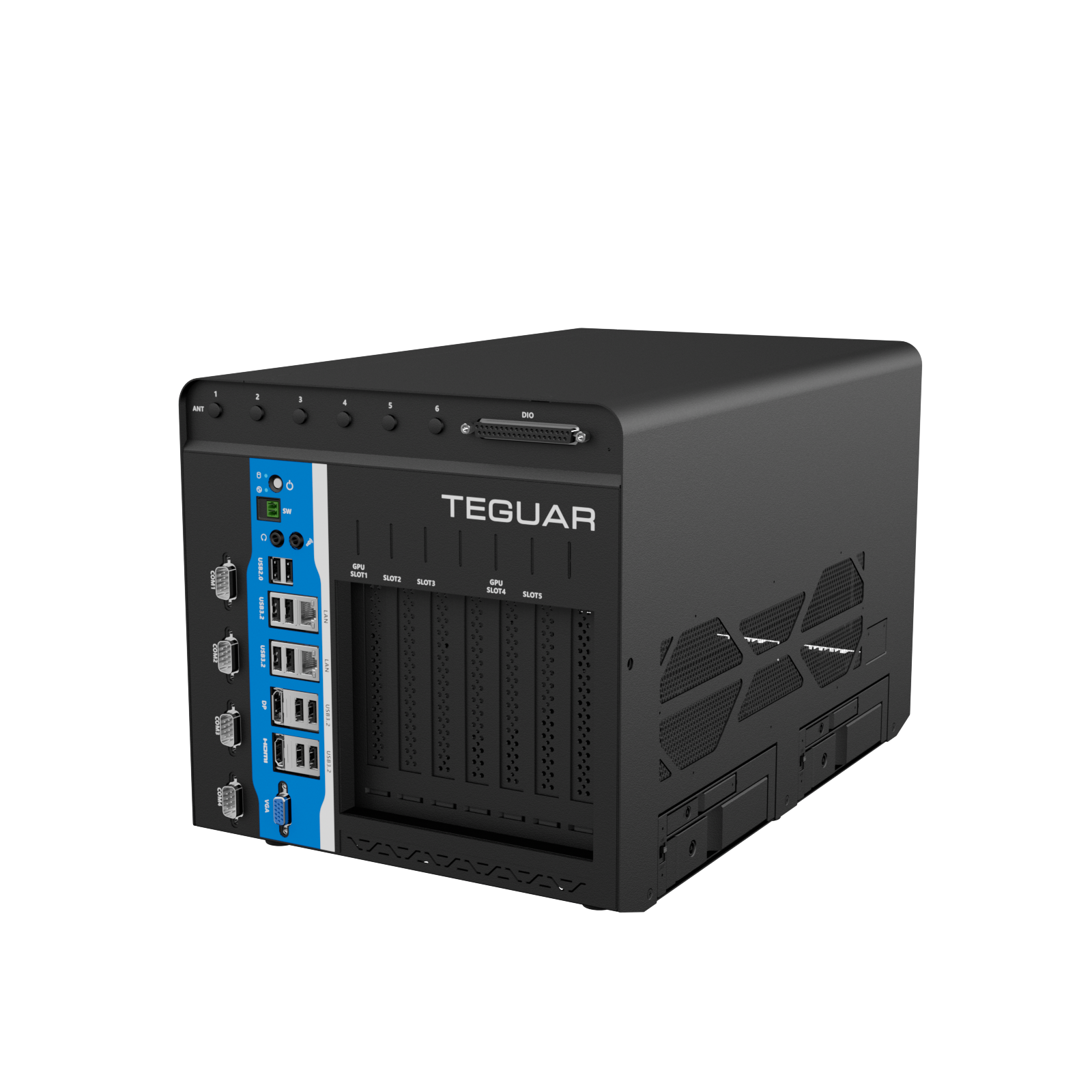
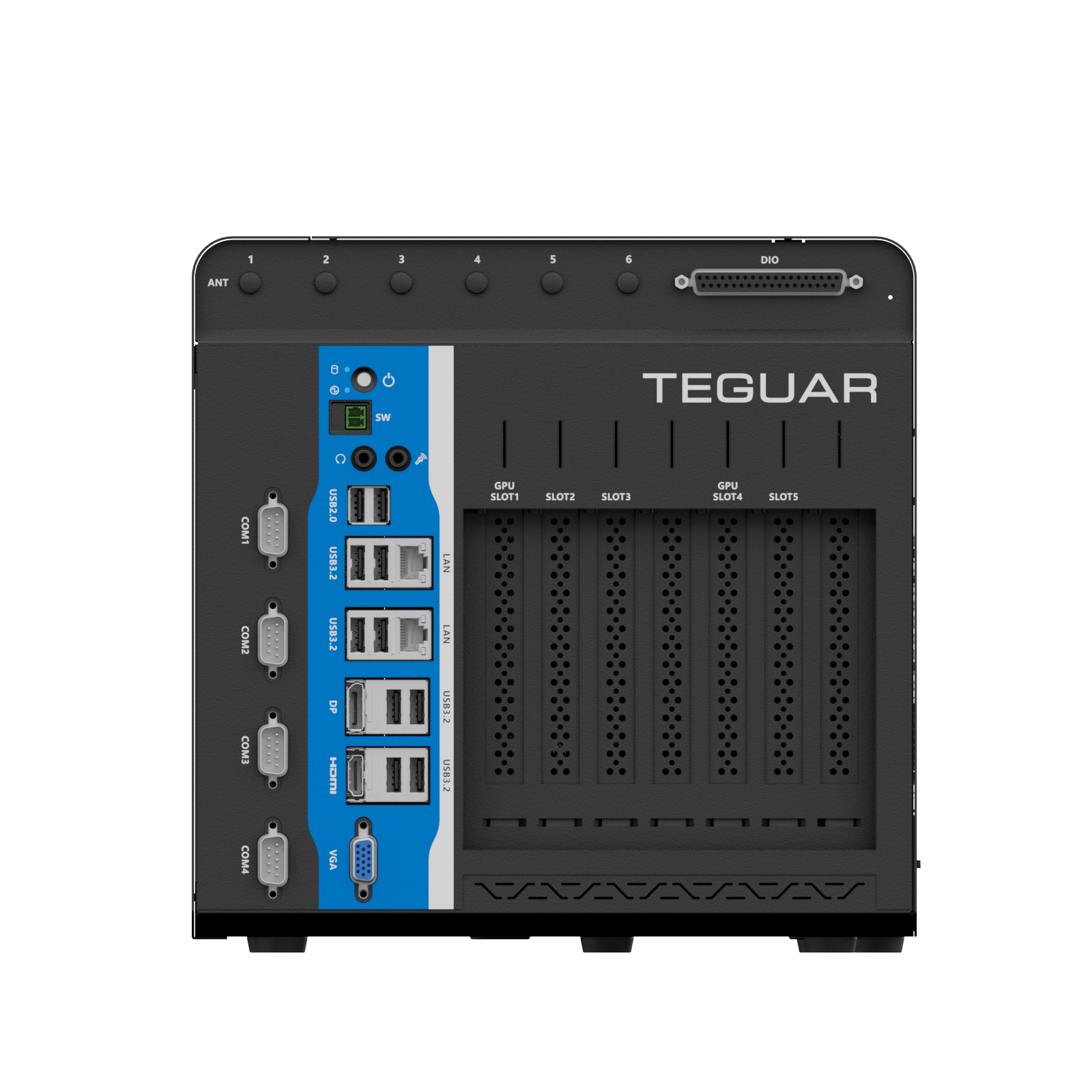
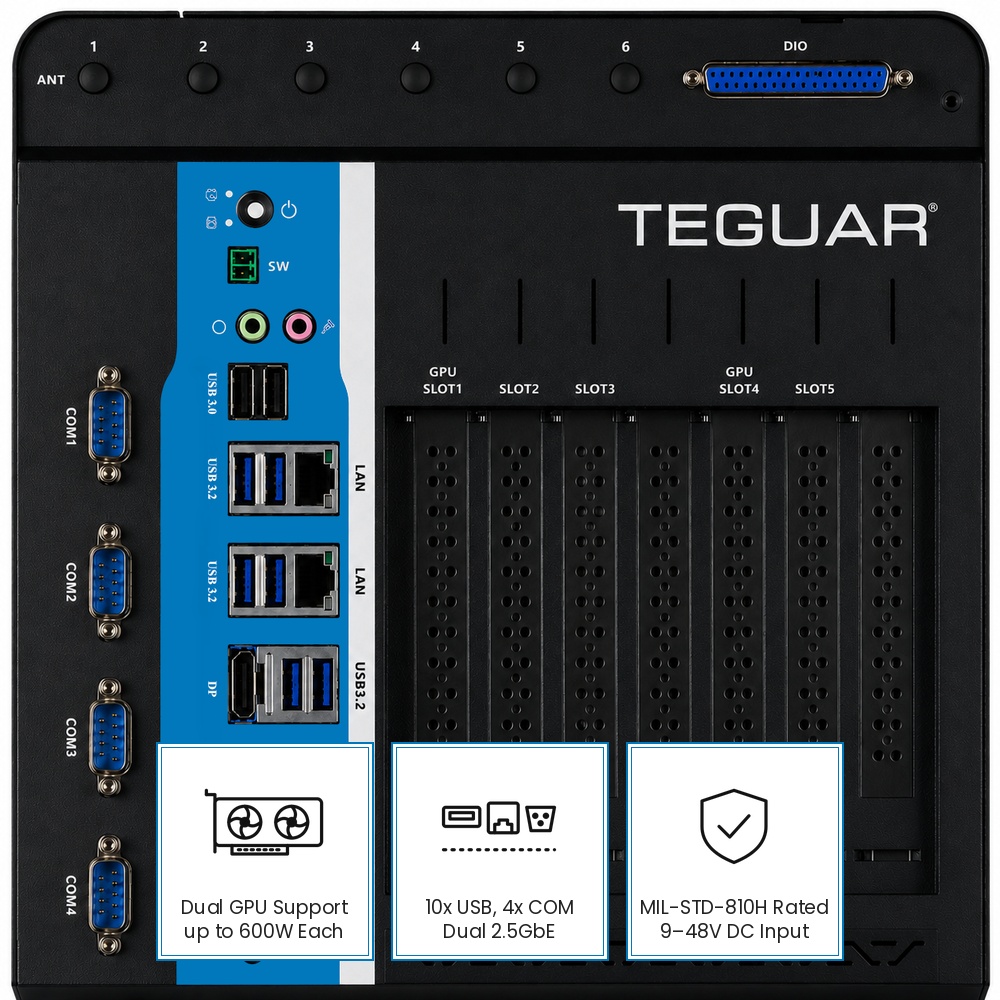
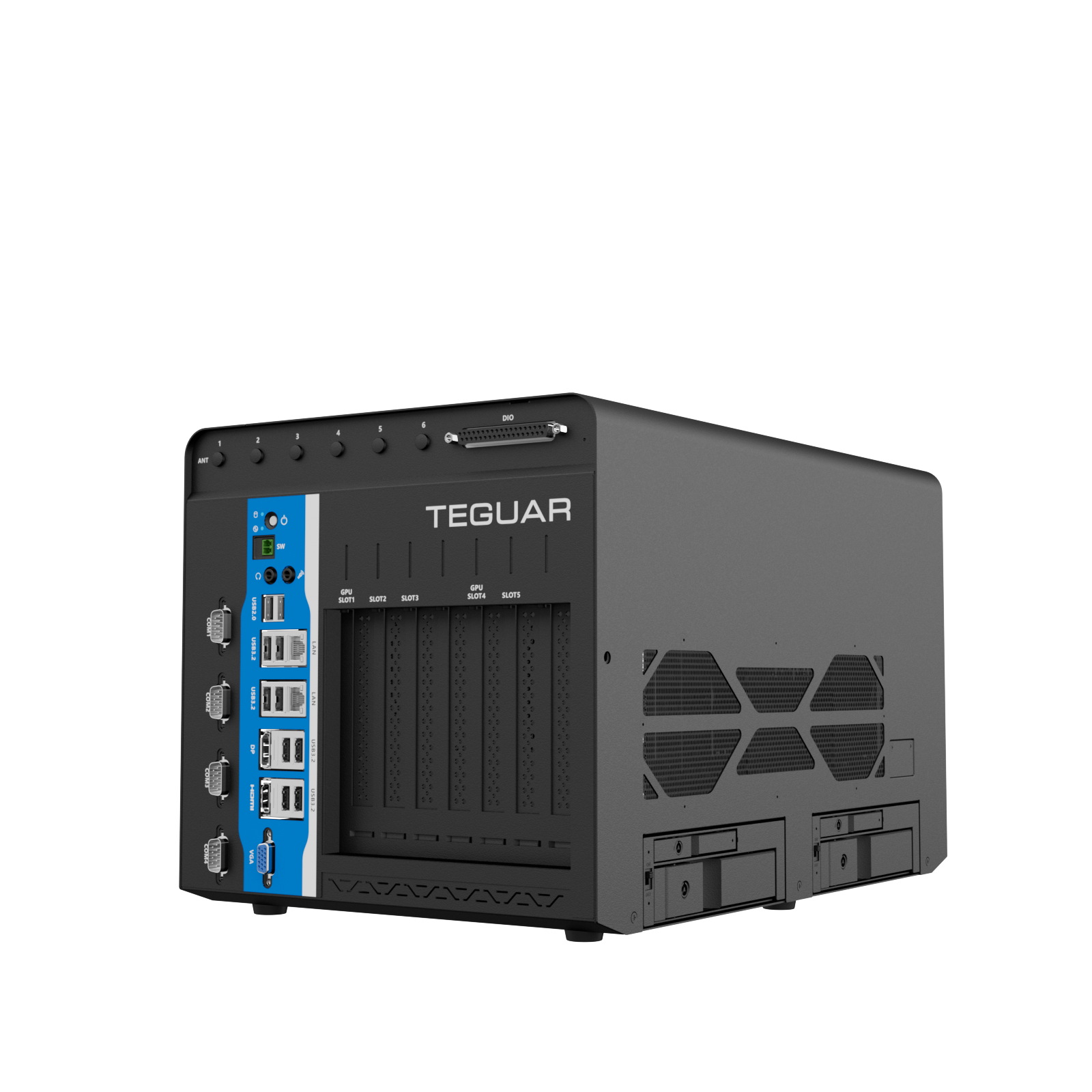
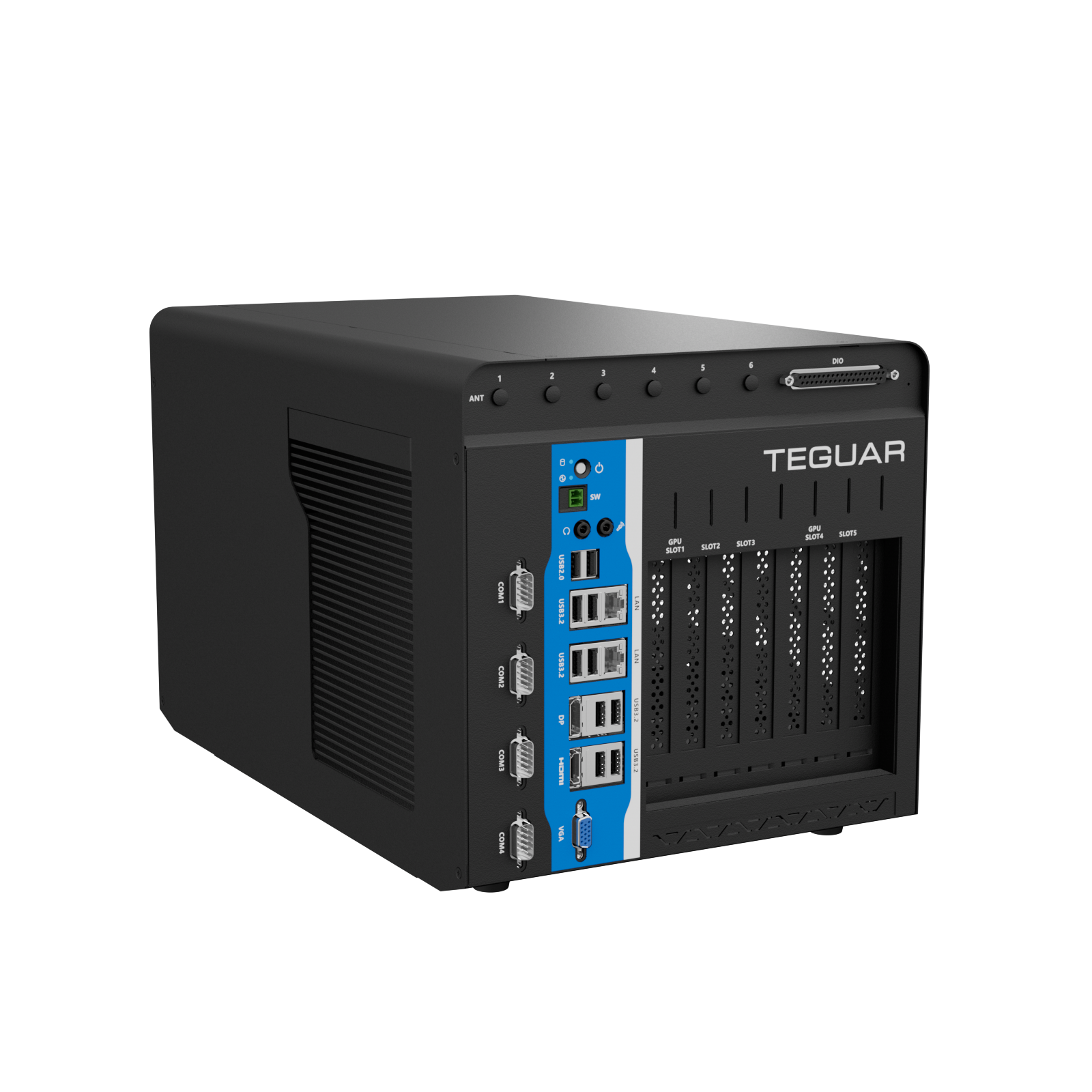
The Imperium TGB-7393 is a rugged industrial AI computer for OEMs, system integrators and engineering teams running the heaviest AI workloads at the edge. This GPU box PC supports two full-size GPUs at up to 600W each, including the NVIDIA® GeForce RTX™ 5090 and NVIDIA® RTX PRO™ 6000, so it can handle model training and large-scale inference without the cloud. It’s built for smart factory management, machine vision, environmental mapping, and monitoring.
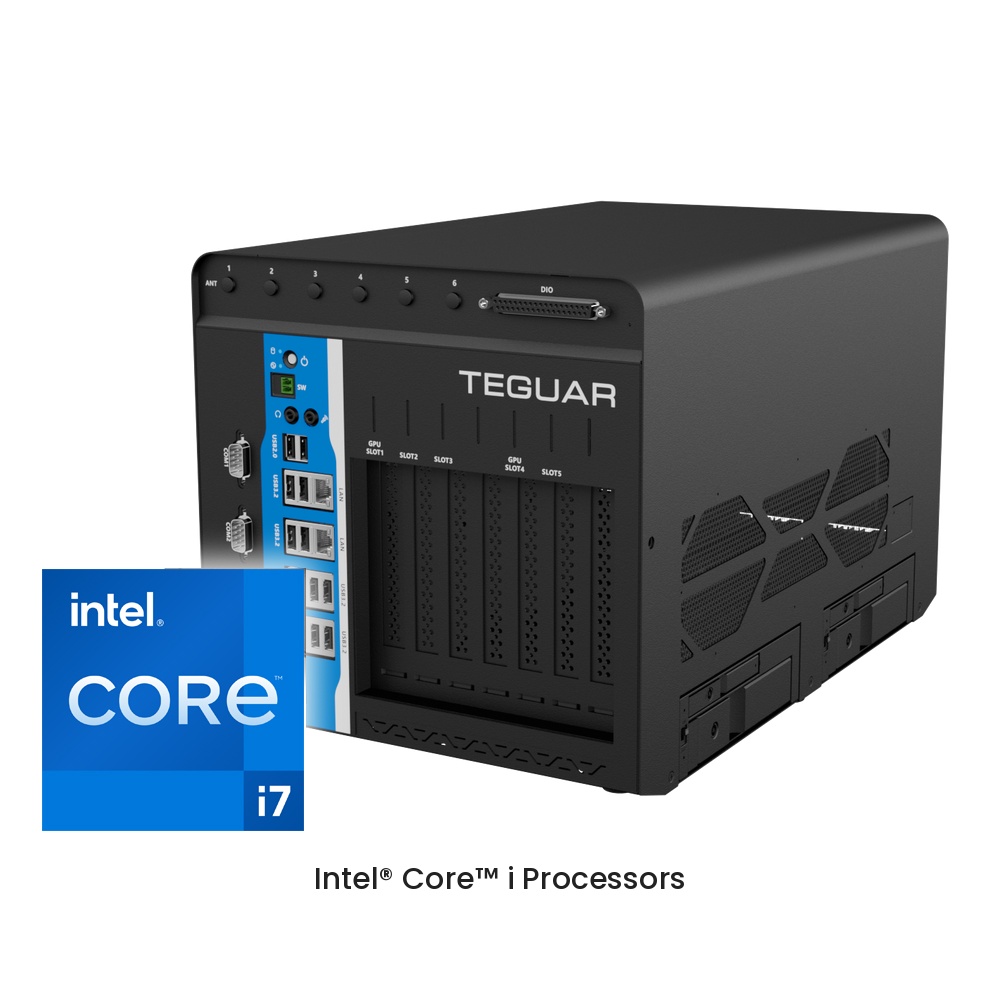
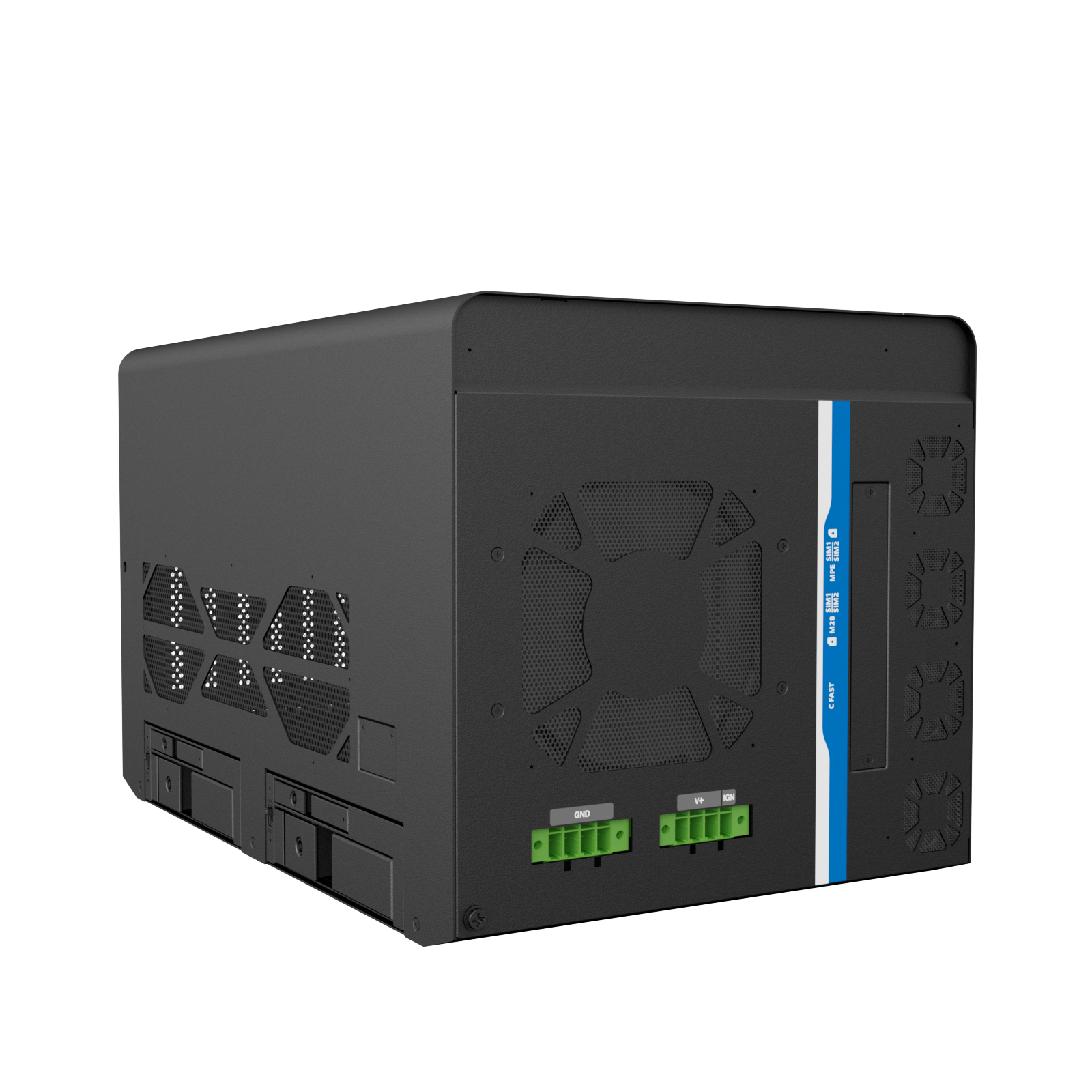
The Imperium TGB-7393 runs on 12th/13th Gen Intel® Core™ i5/i7/i9 processors on the Intel® R680E platform, with up to 64GB of DDR5 memory and TPM 2.0 security. Active cooling with four 40mm fans and a 120mm system fan keeps performance stable under sustained load. It accepts a 9–48V DC input, is offered with a 300W or 1000W power supply, and supports up to 1,500W with customer-supplied power.
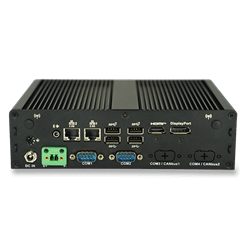
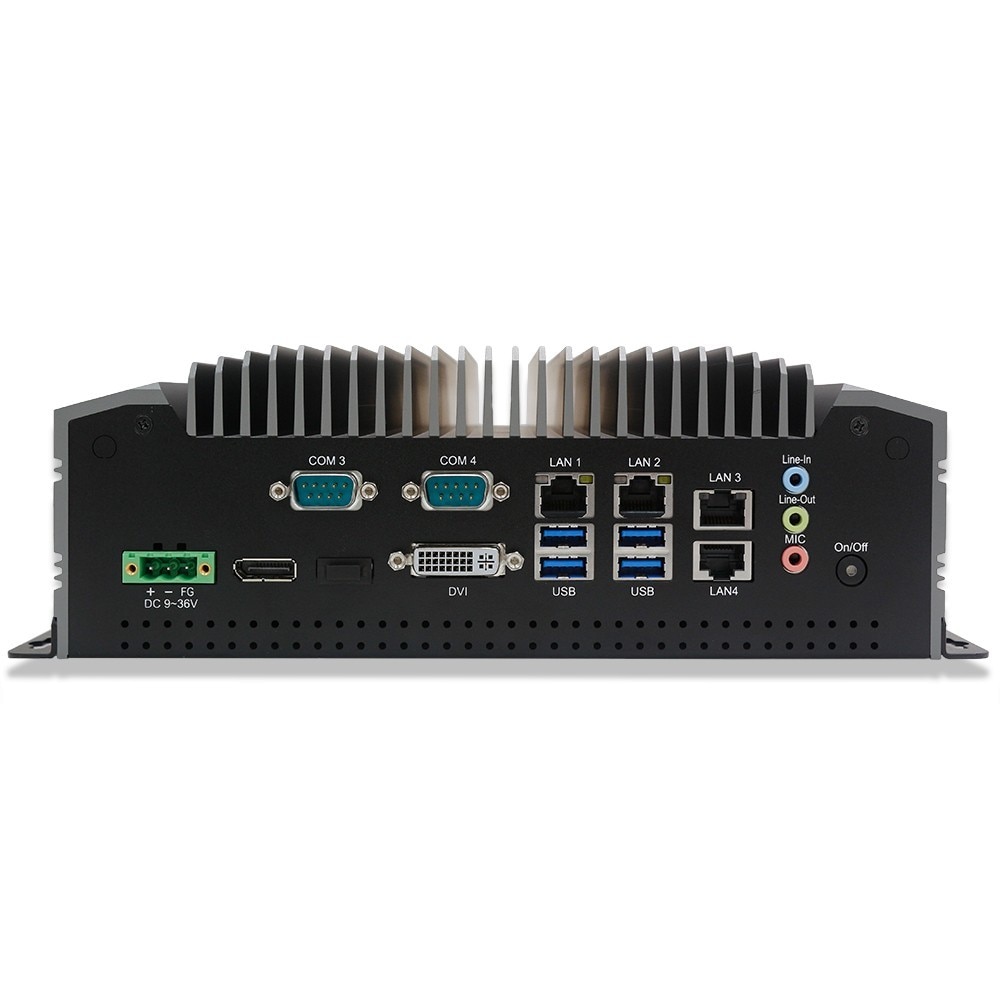
Five PCIe® Gen4 slots take GPUs, network and PoE cards, capture cards or additional I/O, and these cards can be sourced for project deployments. Up to eight storage devices, including hot-swap 2.5″ and 3.5″ bays, support RAID 0/1/5/10. On-board I/O includes 10x USB, 4x COM, dual 2.5GbE, HDMI®, DisplayPort™, VGA and 32-bit GPIO.
Why Choose the Imperium TGB-7393?
Data-center AI performance at the edge. Dual GPUs at up to 600W each give the Imperium TGB-7393 the power to train models and run large-scale inference locally. Processing AI on-site reduces data transfer and recurring cloud compute costs.
Expansion without compromise. Five PCIe® Gen4 slots and up to eight storage devices let the Imperium TGB-7393 grow with your project, from multi-camera machine vision to high-speed data capture. Most deployments won’t need extra I/O at all.
Rugged enough for the road. The Imperium TGB-7393 is tested to MIL-STD-810H standards for shock and vibration, and it has a wide 9–48V DC input and an optional 12V/24V ignition card. That makes it a strong fit for fleet and in-vehicle applications, as well as fixed industrial sites.
Compliant and ready to deploy. The Imperium TGB-7393 is CE (EMC, RoHS) and FCC Part 15 Class B compliant, ships with a wall mount bracket and supports Microsoft® Windows® 10/11, with Linux® available on request.
Frequently Asked Questions
Where can the Imperium TGB-7393 be used?
The Imperium TGB-7393 is built for heavy edge AI workloads wherever data must be processed on-site. Common applications include machine vision and inspection, on-site AI model training, fleet and in-vehicle computing, smart factory data hubs, and environmental mapping and monitoring. Dual GPUs, RAID storage, MIL-STD-810H testing and four SIM slots let it run in factories, vehicles and remote sites alike.
What is the difference between the Imperium TGB-7393 and the Regis TB-7393?
The Imperium TGB-7393 supports dual full-size GPUs at up to 600W each for model training and AI across an entire facility. The Regis TB-7393 takes compact GPUs like the NVIDIA® RTX PRO™ 2000 and RTX PRO™ 4000 SFF and adds up to 12 PoE ports, which suits inference and multi-camera work. Both are rugged industrial AI computers built for the edge.
Can the Imperium TGB-7393 train AI models without the cloud?
Yes. With two full-size GPUs at up to 600W each, such as the NVIDIA® GeForce RTX™ 5090 or NVIDIA® RTX PRO™ 6000, the Imperium TGB-7393 can train and run AI models entirely on-premises. Data stays on-site, with no cloud latency and no ongoing cloud computing costs.
What power supply does the Imperium TGB-7393 need for dual GPUs, and can it run in vehicles?
The Imperium TGB-7393 accepts a 9–48V DC input and is offered with a 300W or 1000W power supply. Dual high-wattage GPUs, such as two 600W cards, require customer-supplied power of up to 1,500W. For vehicle use, an optional 12V/24V ignition card switches the system on and off with the engine, with selectable timing, and MIL-STD-810H testing covers truck-level vibration.
Which operating systems and operating temperatures does the Imperium TGB-7393 support?
The Imperium TGB-7393 supports 10/11 64-bit, with Linux® available on request. Its operating temperature range depends on the configuration, mainly the processor wattage, the GPUs installed and the airflow at the installation site. Contact our sales team to confirm the rated operating temperature for your specific CPU and GPU setup.
*Tested to MIL-STD-810H Method 514.8.