




How to Choose the Right Trident IP69K Computer for Your Washdown Environment
When a computer is installed in a washdown area, “rugged” is not always enough. Food processing plants, pharmaceutical facilities, cleanrooms, beverage lines, and other sanitary environments need computer hardware that can stand up to high-pressure cleaning, moisture, dust, and frequent sanitation without becoming the weak point in the operation.
That is where an IP69K computer comes in.
Teguar’s Trident series was built for these demanding spaces. The series includes stainless steel, waterproof computers designed for environments where standard industrial PCs may not survive repeated cleaning or exposure to water. But choosing the right Trident model depends on more than screen size. You also need to think about I/O connections, mounting, software requirements, peripheral devices, and how operators will use the computer day to day.
This guide will help you understand what to consider when choosing the right Trident IP69K computer for your washdown environment.
What is an IP69K Computer?
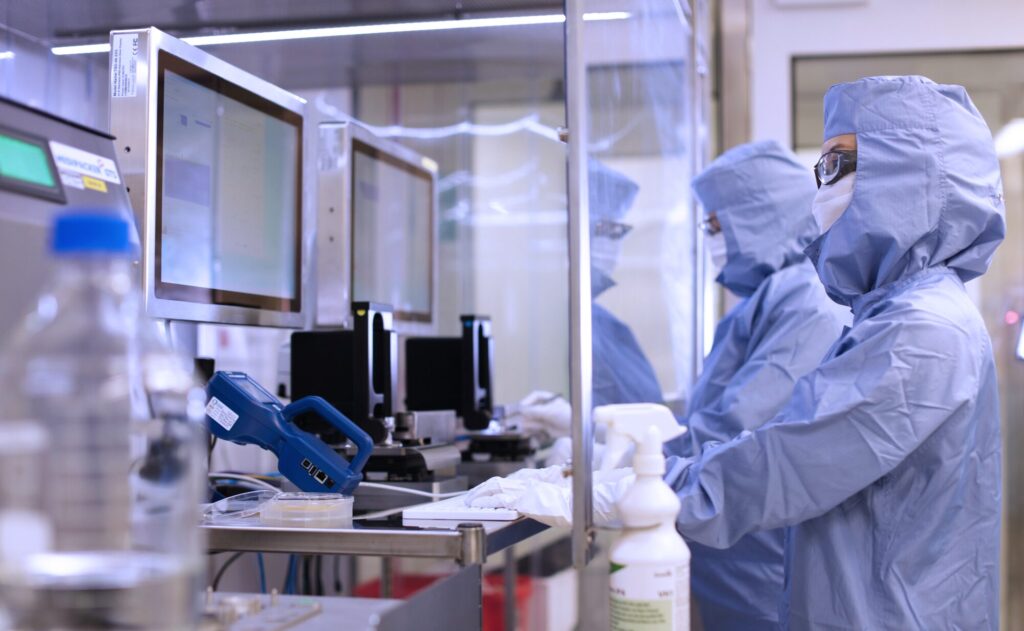
An IP69K computer has a sealed enclosure designed to resist dust and high-pressure, high-temperature water spray. The first digit, 6, means the enclosure is dust-tight. The second rating, 9K, means the enclosure is protected against close-range, high-pressure, high-temperature water jets.
For facilities that perform regular washdowns, this level of protection matters. A computer in a food processing plant or pharmaceutical cleanroom may be exposed to water, cleaning agents, airborne particles, temperature changes, and constant operator use. If the wrong computer is installed, failure can lead to downtime, maintenance issues, and replacement costs.
A properly selected waterproof computer helps protect the internal electronics while giving operators the screen, processing power, and connectivity they need on the production floor.
Why Choose a Stainless Steel Waterproof Computer?
In washdown environments, the exterior of the computer is just as important as the components inside it. Stainless steel is widely used in sanitary and industrial settings because it is durable, corrosion-resistant, and easier to clean than painted or plastic surfaces.
The Trident series uses stainless steel enclosures to help protect against moisture, rust, and daily cleaning demands. This makes the series a strong fit for applications such as:
- Food and beverage processing
- Bottling and packaging lines
- Pharmaceutical manufacturing
- Cleanroom environments
- Chemical processing
- Quality control stations
- Washdown HMI workstations
For these types of applications, a stainless steel computer can be installed closer to the work being done. Instead of placing a standard PC in a cabinet or away from the production area, teams can use a purpose-built waterproof PC directly in the environment.
Start With the Form Factor: All-in-One or Embedded?
The first decision is whether the application needs an all-in-one touchscreen computer or an embedded waterproof box PC.
Choose an All-in-One Trident Computer When Operators Need a Screen
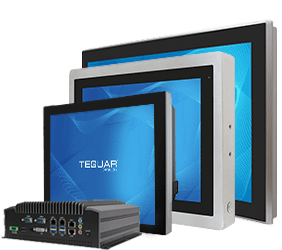
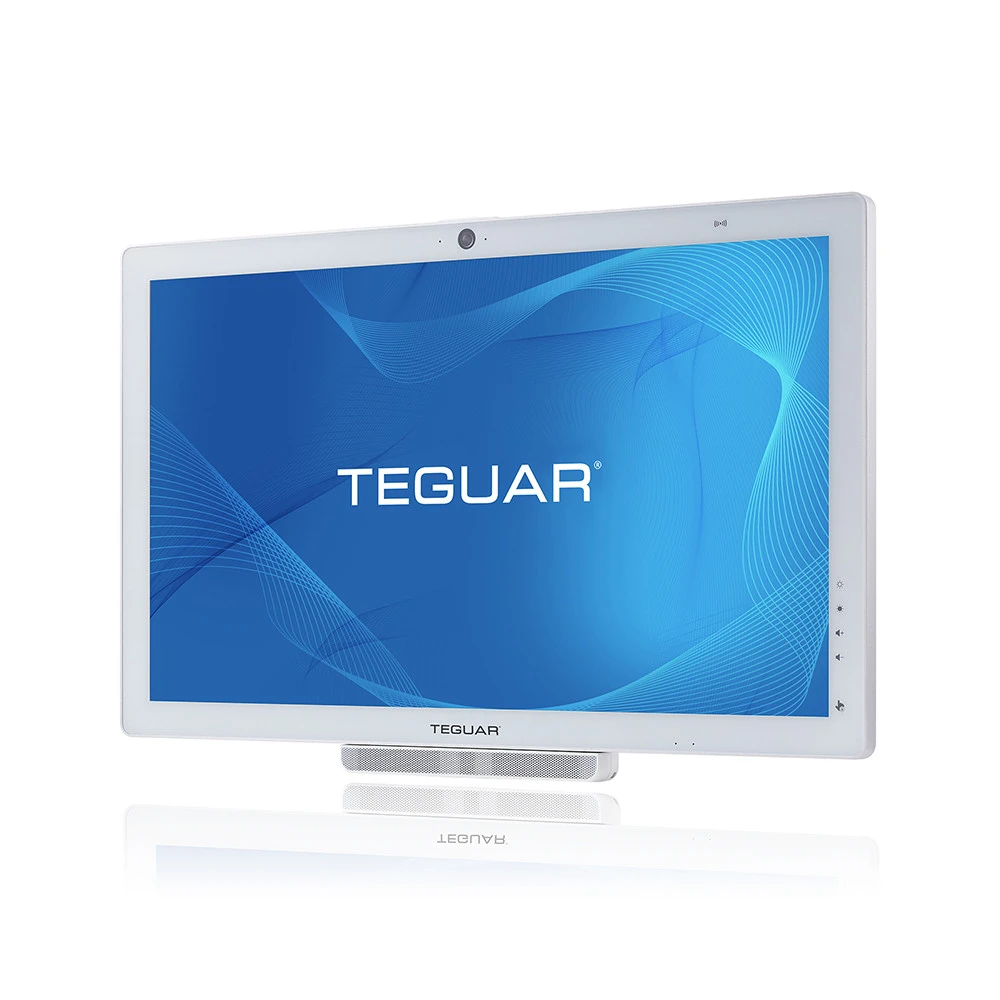
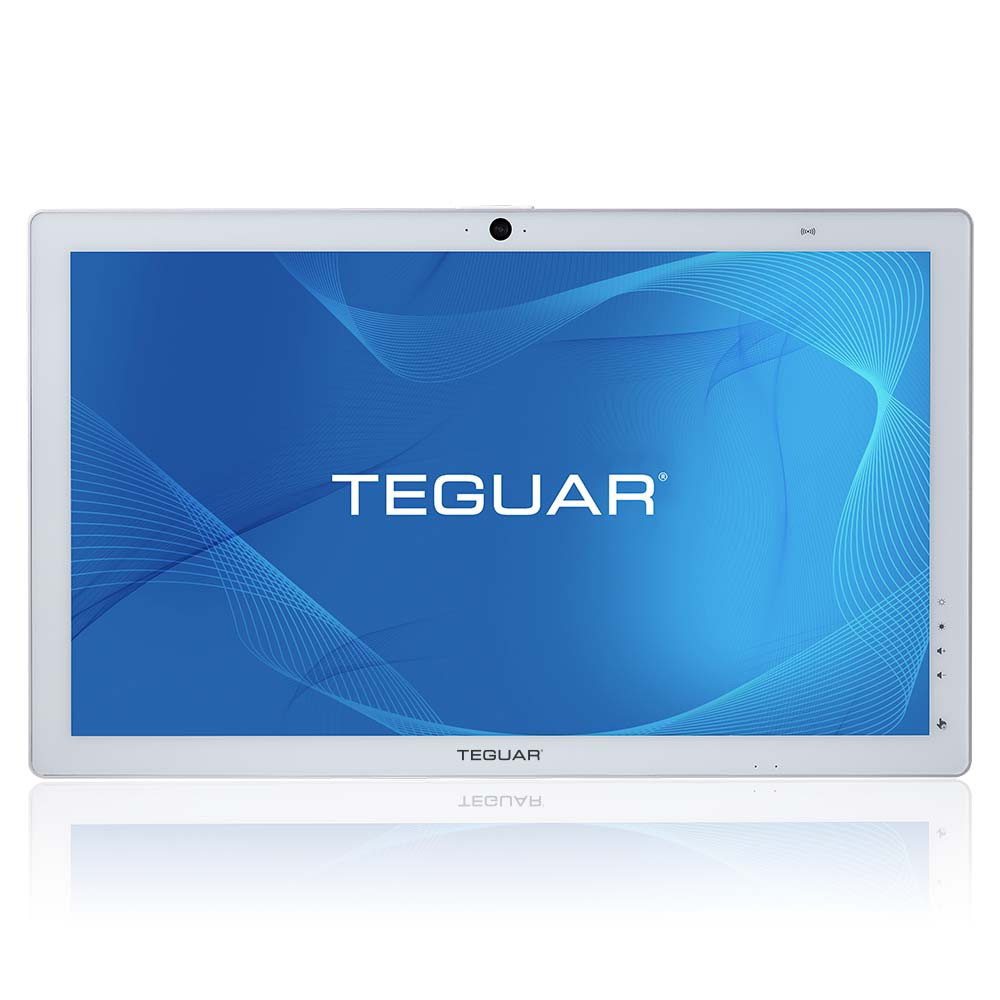
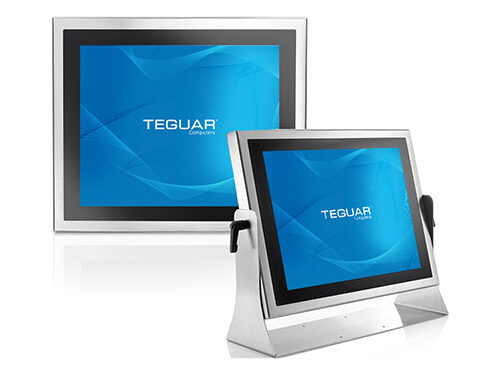
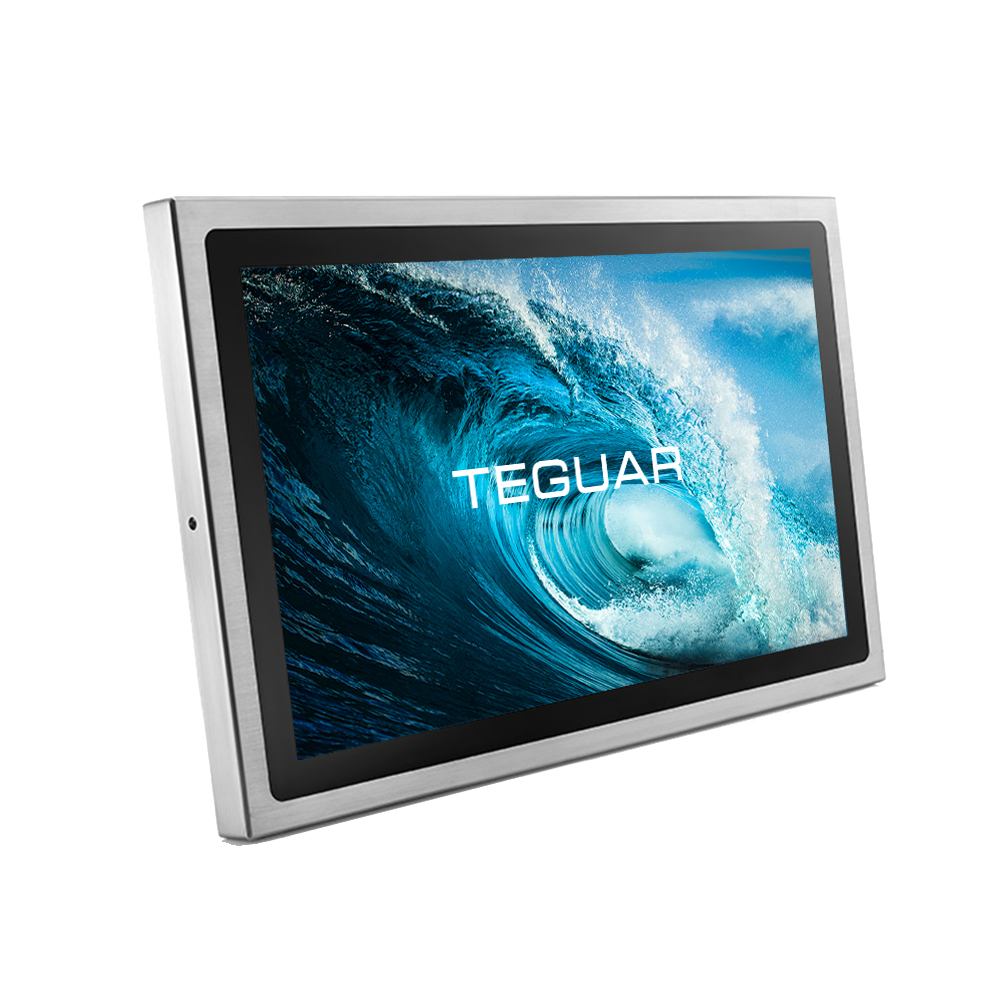
The TS-7010 and TSC-7010 models are stainless steel all-in-one touchscreen computers. These are a good fit when operators need to view production data, enter information, interact with HMI software, scan items, monitor equipment, or access work instructions.
All-in-one waterproof touchscreen computers are often used as operator terminals on production lines because the display and computer are housed together in a sealed stainless steel enclosure.
Choose the TWB-7010 When the Computer Can Run Behind the Scenes
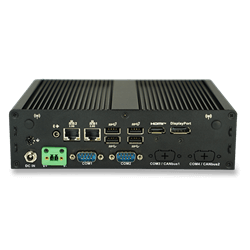
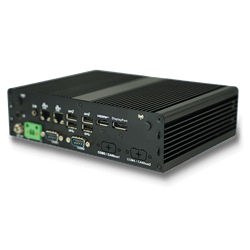
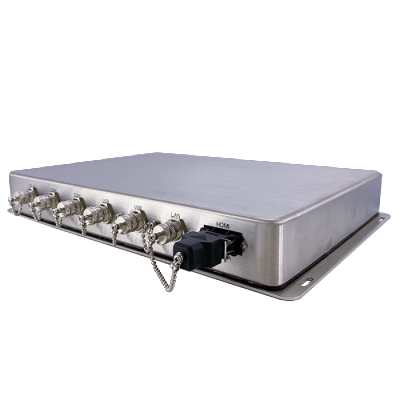
The TWB-7010 is the embedded computer in the Trident series. It is designed for applications that need waterproof computing power without an integrated display. This can be useful when the computer will connect to a separate monitor, run automation software, collect data, or support edge applications in a wet or sanitary space.
If your team needs a waterproof computer but not necessarily a built-in touchscreen, the embedded Trident option may be the better fit.
Choose the Right I/O Protection: M12 Connectors or Cable Gland
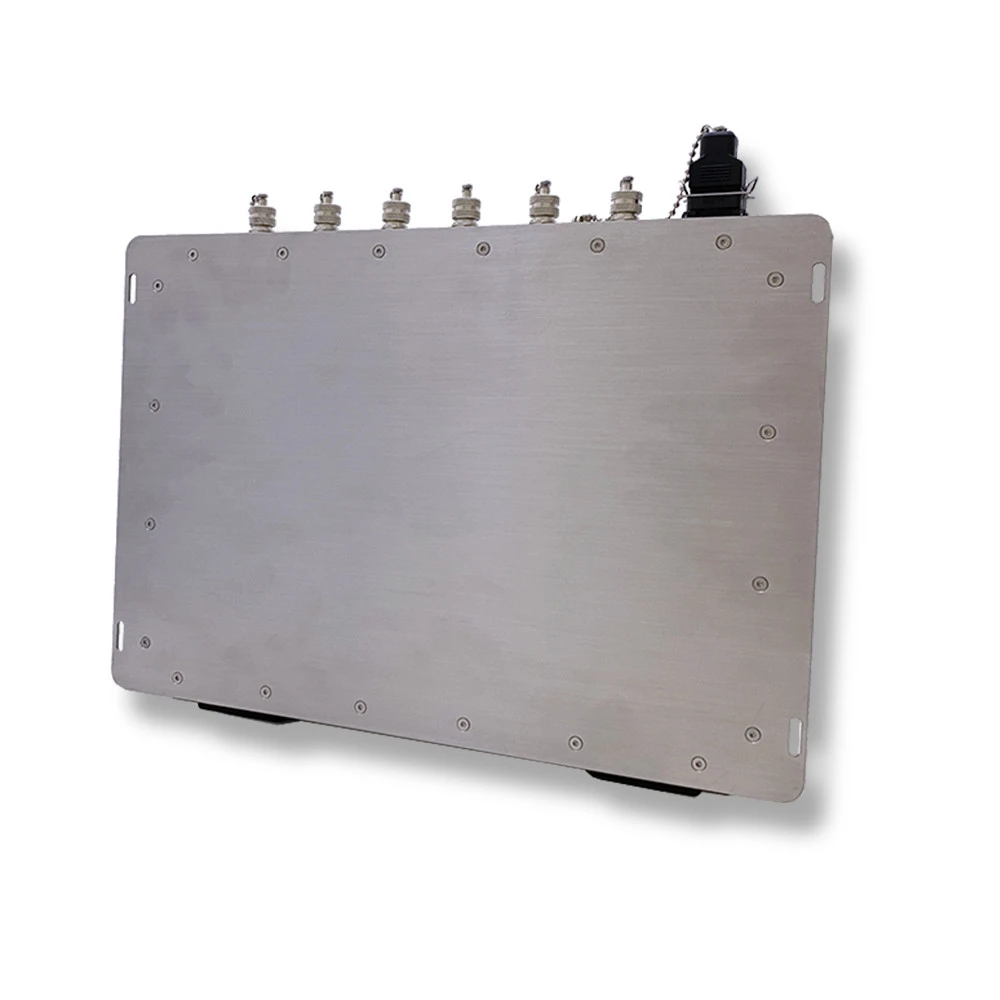
Trident computers offer waterproof I/O configurations designed to protect connections during washdown. While the enclosure is IP69K-rated, the I/Os are rated IP66, which helps protect them from dust and powerful water jets.
Trident’s IP69K-rated enclosure is ready for intense cleaning, while its IP66-rated I/O protection helps keep connections waterproof and secure.
M12 Connectors: Best for Secure, Purpose-Built Connections
M12 connectors are threaded, IP66-rated waterproof connectors commonly used in industrial environments. They create a tight connection that helps prevent cables from coming loose due to vibration, movement, or accidental pulling.
M12 connectors are a strong choice when the installation is planned around waterproof cabling from the beginning. They are especially helpful in environments where uptime and connection stability are critical.
Cable Gland: Best for Flexible Standard Cable Connections
A cable gland helps protect standard cables by sealing the I/O area to an IP66 rating. This can be useful when a facility already has cables, peripherals, or a setup that would be difficult or expensive to convert to M12.
A cable gland option may be the better fit when the application needs more flexibility, may change over time, or uses existing USB, LAN, serial, or other cable types.
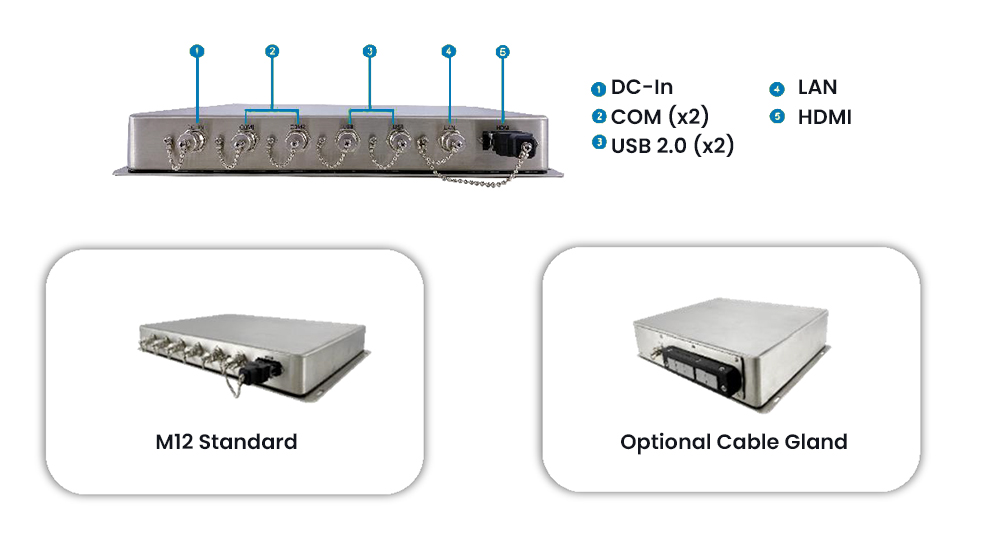
Quick Answer: M12 vs Cable Gland
Choose M12 connectors when the installation needs secure, IP66-rated waterproof I/O connections. Choose a cable gland when you need more flexibility with standard cables or existing peripherals.
Match the Screen Size to the Workflow
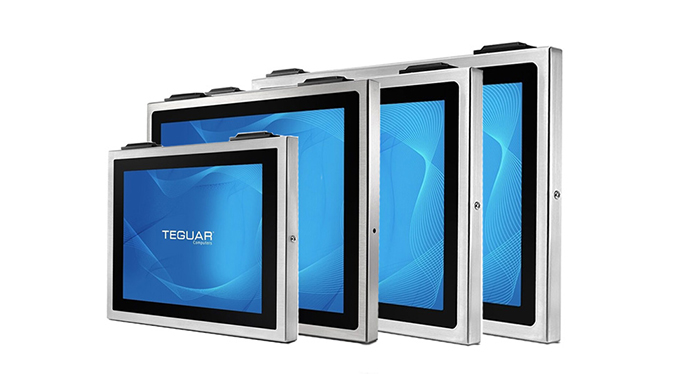
For all-in-one Trident computers, screen size should be based on how the operator will use the system.
A smaller display may work well for simple data entry, machine status, or basic HMI controls. Larger displays are helpful when operators need to view dashboards, detailed production data, multiple software windows, or visual work instructions.
When choosing a waterproof touchscreen computer, consider:
- How far the operator will stand from the screen
- Whether gloves will be used
- How much information needs to be visible at once
- Whether the system will run HMI, SCADA, ERP, or quality control software
- How the computer will be mounted
- Whether the station will be used by one operator or multiple shifts
A screen that is too small can slow down workflows. A screen that is larger than needed can take up valuable space on the production floor. The goal is to match the display to the task.
Consider Mounting and Placement
A washdown computer needs to be placed where it is useful, safe, and serviceable. Trident all-in-one computers can support different mounting approaches depending on the environment, including wall mounting, arm mounting, table mounting, or floor stand setups.
Before choosing a model, think through the physical installation:
- Will the computer be mounted near a conveyor, mixer, filler, scale, or packaging line?
- Does the operator need to reach the touchscreen while wearing gloves?
- Will cables need to be routed away from splash zones or moving equipment?
- Does the computer need to be cleaned from multiple angles?
- Is there enough space for service access?
The right mounting setup can improve both operator ergonomics and long-term reliability.
Make Sure the Computer Supports Your Software
A waterproof enclosure is only part of the decision. The computer still needs to run the software that keeps the operation moving.
Trident computers are built with modern Intel processing options and Windows compatibility, making them suitable for many industrial applications. Depending on your project, the computer may need to support HMI software, ERP access, production monitoring, quality systems, barcode scanning, RFID workflows, or data collection.
Before selecting the final configuration, confirm the software requirements, including:
- Operating system
- Processor performance
- Memory
- Storage
- Network requirements
- Peripheral devices
- Security requirements
- Long-term support needs
For system integrators and OEMs, this step is especially important. The best hardware choice is the one that supports the full solution, not just the environmental rating.
Think About Peripherals Early
Washdown environments often require more than a touchscreen. Operators may need barcode scanners, keyboards, RFID readers, scales, printers, cameras, or network connections.
This is where the I/O decision becomes important. A computer may have a waterproof enclosure and protected I/O, but every connected device also needs to be considered. If cables, adapters, or peripherals are not suited for the environment, they can compromise the reliability of the system.
Before choosing a Trident model, make a list of every device that will connect to the computer. This helps determine whether M12 connectors or a cable gland setup will better support the installation.
Choosing the Right Trident Computer
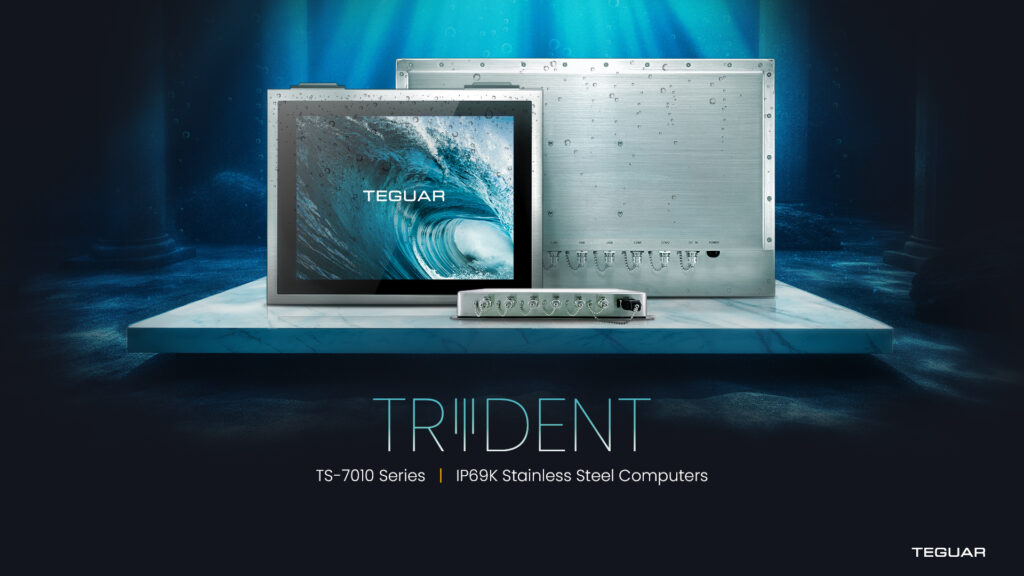
The right Trident IP69K computer depends on the application.
Choose a TS-7010 or TSC-7010 all-in-one computer when operators need a waterproof touchscreen workstation in the washdown area. These models are well suited for HMI stations, food processing lines, cleanroom workstations, pharmaceutical production, and quality control areas.
Choose the TWB-7010 embedded waterproof computer when the application needs sealed computing power without a built-in display. This can be a strong choice for applications where the computer supports automation, monitoring, or data collection behind the scenes.
Choose M12 connectors when the installation needs secure, threaded IP66-rated waterproof I/O connections. Choose a cable gland when the project needs flexibility with existing or standard cables.
-
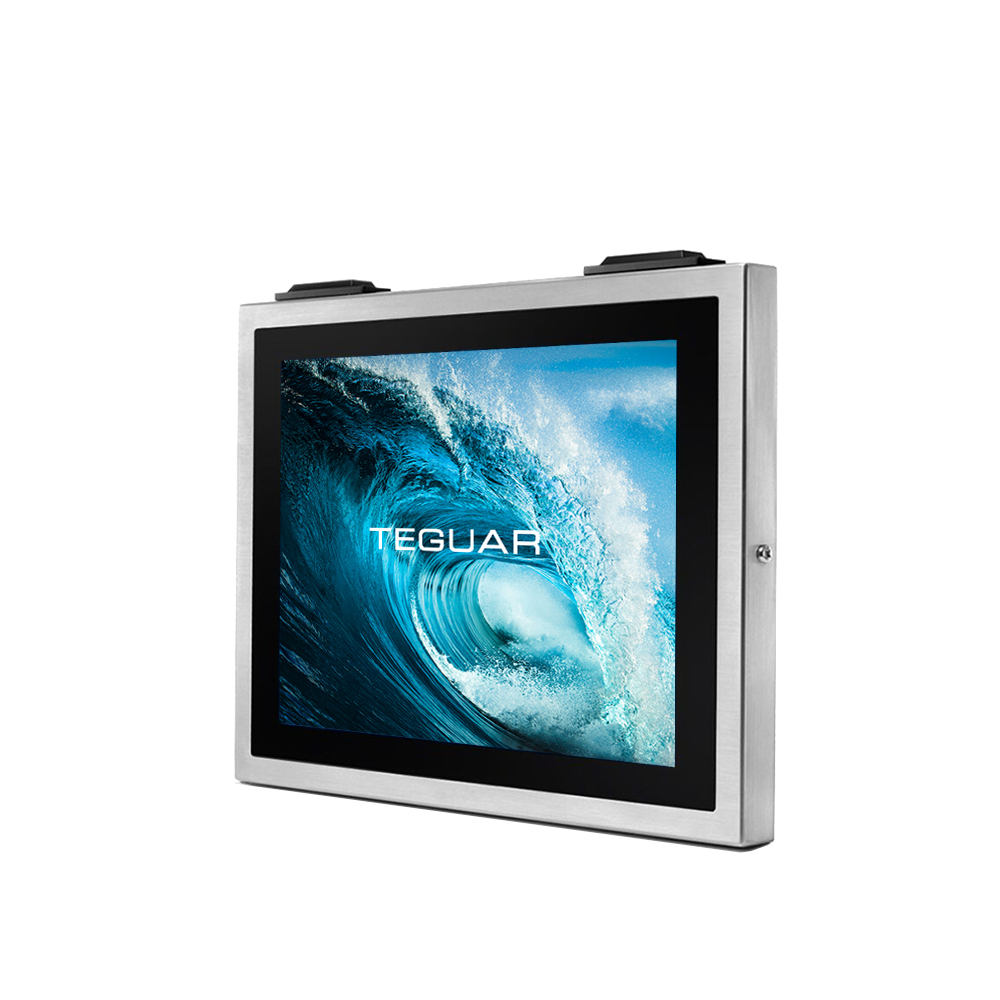
TSC-7010-15
$4,553.76 -
TWB-7010
$3,489.52 -
TS-7010-22
$5,222.62
Finding the Right Fit
Choosing an IP69K computer is not only about surviving water. It is about choosing a computer that fits the environment, supports the software, connects to the right devices, and helps operators do their jobs without adding unnecessary risk.
Teguar’s Trident series gives food, beverage, pharmaceutical, cleanroom, and industrial teams multiple ways to bring reliable computing into washdown spaces. Whether your application needs an all-in-one stainless steel touchscreen or an embedded waterproof computer, the right configuration can improve durability, simplify installation, and support long-term operation.
If you are not sure which Trident model is right for your project, Teguar’s product specialists can help review your environment, connection needs, software requirements, and mounting options.
FAQs
What is the Best Computer for a Washdown Environment?
The best computer for a washdown environment is usually an IP69K stainless steel computer. It should have an IP69K-rated enclosure, IP66-rated waterproof I/O protection, fanless cooling, and a design that can withstand frequent cleaning.
What Does IP69K Mean for Industrial Computers?
IP69K means the computer enclosure is dust-tight and protected against high-pressure, high-temperature water spray. This rating is commonly used for equipment in food processing, pharmaceutical, and other sanitary environments.
Should I Choose M12 Connectors or a Cable Gland?
Choose M12 connectors for secure, threaded IP66-rated waterproof I/O connections. Choose a cable gland if you need flexibility with standard cables or existing peripherals.
What Industries Use IP69K Computers?
IP69K computers are commonly used in food and beverage processing, pharmaceutical manufacturing, cleanrooms, chemical processing, packaging, bottling, and other wet or harsh industrial environments.
Is a Stainless Steel Computer Better for Food Processing?
A stainless steel computer is often the best choice for food processing because it is durable, corrosion-resistant, and easier to clean than many standard computer enclosures.
Previous Article
5 Features Every Industrial Panel PC Should Have for Reliable Operation