



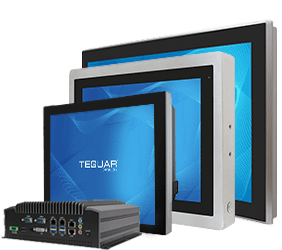

5 Features Every Industrial Panel PC Should Have for Reliable Operation
Industrial panel PCs have an important job. They sit on production lines, inside control cabinets, on equipment, in kiosks, and in other places where a regular office computer would quickly start to struggle. They are expected to run all day, communicate with other devices, and give operators a clear, dependable interface into the work happening around them.
So, what makes one panel PC more reliable than another?
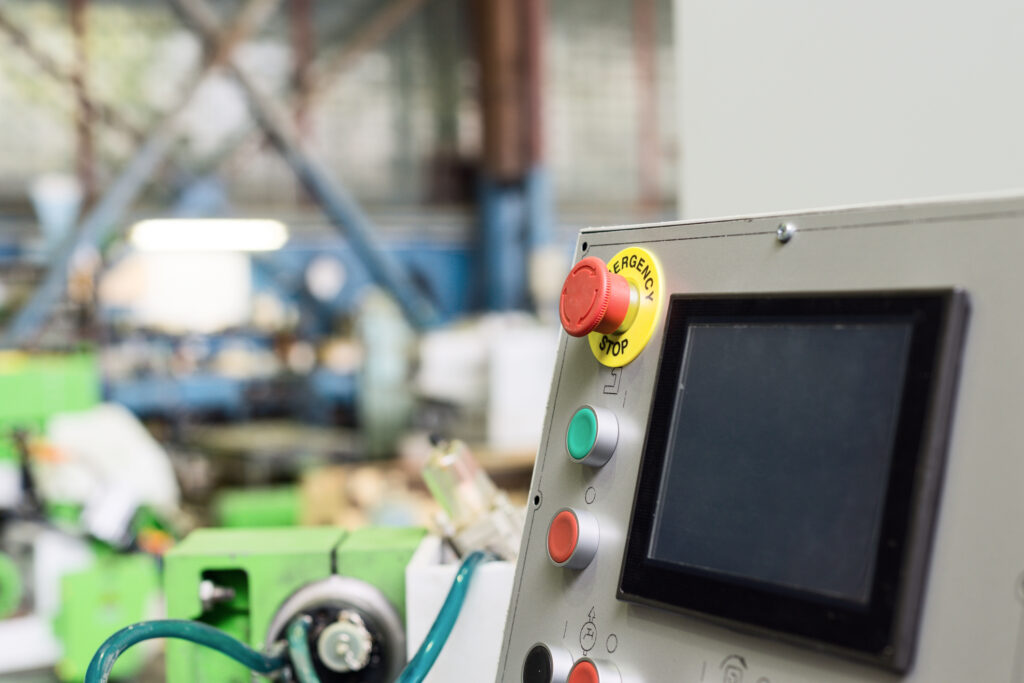
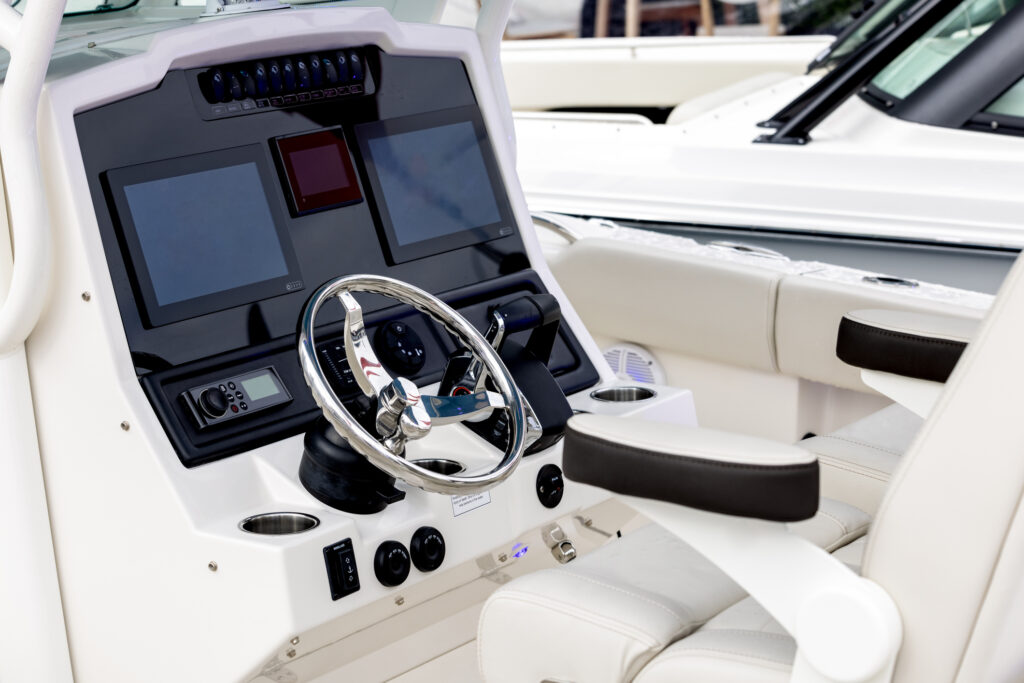
It is not just the screen size, the processor generation, or whether the unit looks nice on a spec sheet. A reliable industrial panel PC is designed as a complete system. It needs to manage heat, handle the right workload, hold up to daily use, connect cleanly to other equipment, and remain available long enough to support the full life of your project.
If you are choosing hardware for an HMI, machine control station, SCADA node, production line, or industrial kiosk, here are five features worth looking for.
1. Fanless Thermal Design
Heat is one of the first things to think about when choosing an industrial computer. Factory floors, equipment rooms, vehicles, and outdoor-adjacent spaces can all bring temperature challenges. Add dust, vibration, and limited airflow, and the cooling design becomes even more important.
Older industrial computers often relied on fans to move heat out of the system. The problem is that fans are moving parts, and moving parts can fail. They also pull air through the computer, which can bring dust and other particles along with it. In a dusty manufacturing environment, that buildup can eventually affect performance or cause failure.
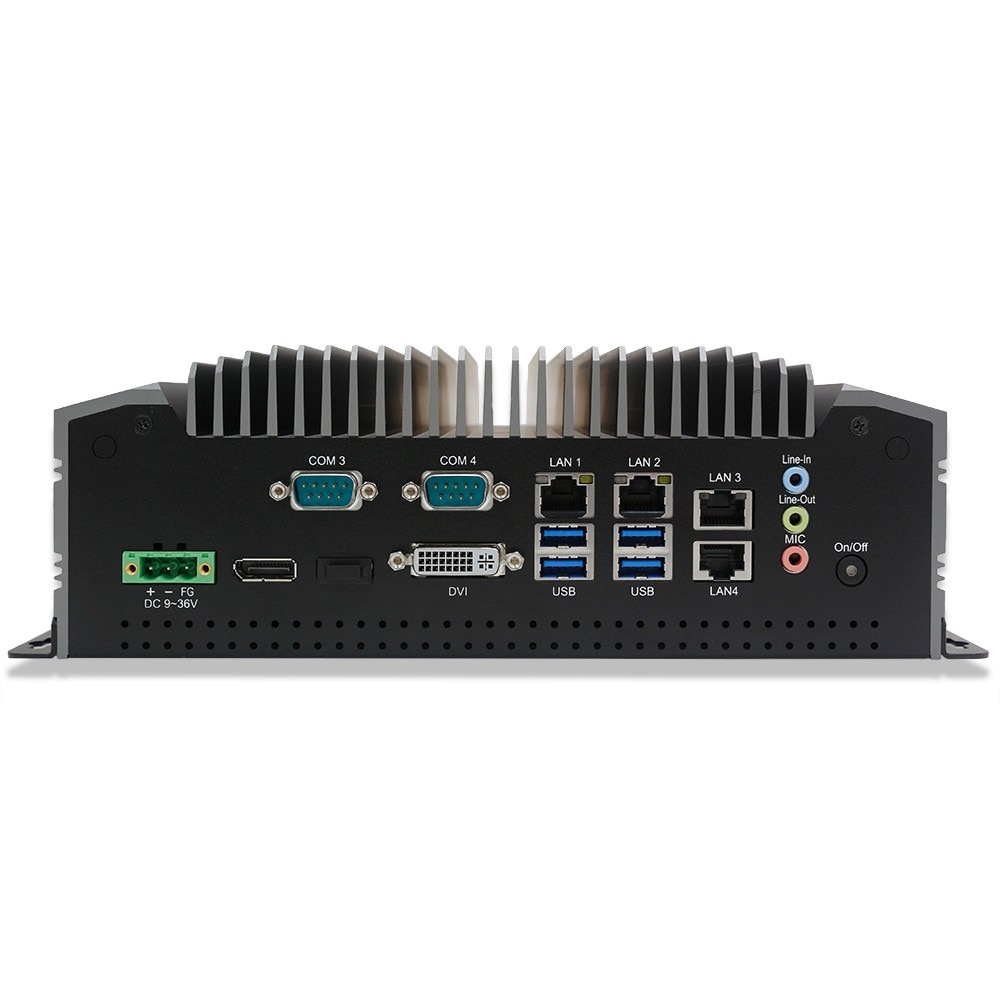
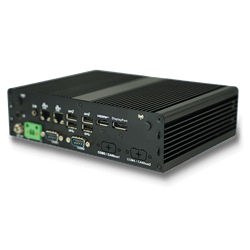
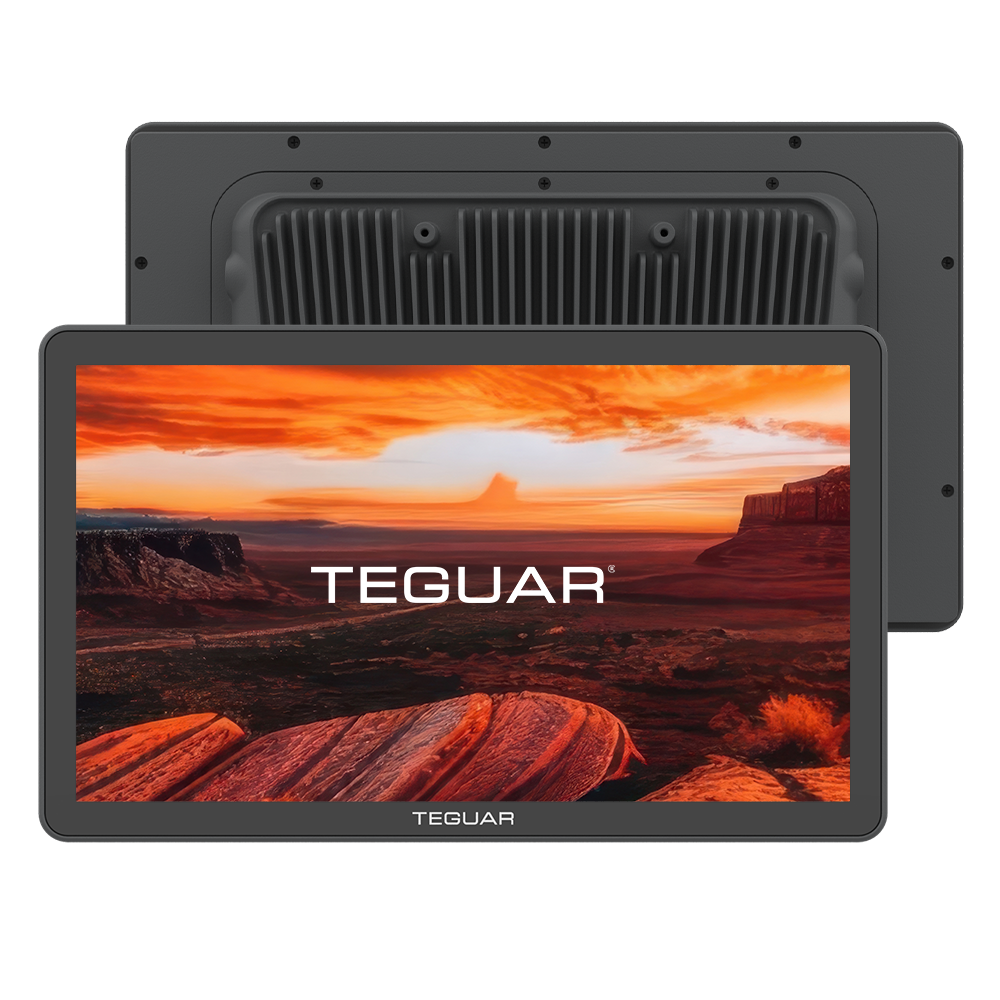
A fanless panel PC avoids that issue by using passive cooling. Heat is moved away from the processor and internal components through the heat sink, internal thermal design, and metal enclosure. This keeps the system cooler without relying on a fan or vented airflow.
For many applications, fanless design is not just a nice feature. It is one of the reasons an industrial computer can survive where a consumer computer cannot. It helps reduce maintenance, protects internal components, and supports reliable operation in dirty or space-constrained environments.
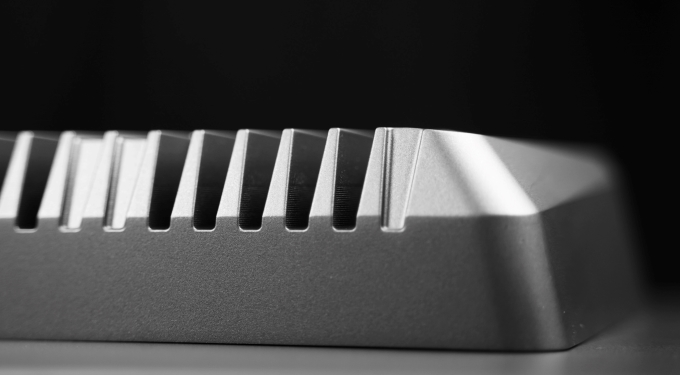
The Pinnacle Series keeps this fanless approach while still offering a slim, modern form factor. That balance matters when you need reliable cooling but do not have extra room to spare.
2. Processing Power That Fits the Job
When people compare computers, it is easy to jump straight to processor speed. More power sounds better, but the best processor is the one that fits your actual application.
If your panel PC is running a simple HMI, scanning serial numbers, displaying production data, or supporting a browser-based system, you may not need the highest-performance CPU available. A more efficient processor can often do the job while drawing less power, producing less heat, and keeping the overall cost down.
On the other hand, some applications need more computing power. Machine vision, edge AI, data-heavy SCADA systems, robotics, and advanced automation software may require a stronger processor to keep everything running smoothly.
This is why it helps to start with the question: What will this computer actually be doing every day?
Teguar’s Pinnacle Series gives users room to answer that question. The TP-4800 Series uses an efficient Intel Celeron processor for applications that need dependable everyday performance. The TP-7200 Series steps up to Intel Core Ultra processing for more demanding workloads, including applications that may benefit from modern AI and edge computing capabilities.
Choosing the right processing level helps you avoid paying for performance you do not need, while still making sure your system can keep up with the work it is expected to do.
3. A Display Built for Industrial Use
The display is the part of the panel PC your operators see and touch all day. If it is hard to read, slow to respond, or easy to damage, the rest of the computer can only do so much.
A strong industrial display should be clear, durable, and responsive. Brightness matters when the computer is used near windows, under strong overhead lights, or in areas where glare is common. Touch technology matters too. PCAP touch can give users the familiar feel of a smartphone or tablet, while resistive touch can be useful in applications where operators wear gloves or need pressure-based input.
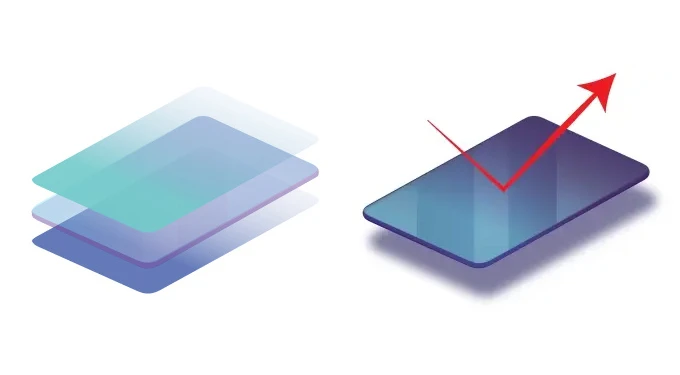
Bonding is another important display feature. In a traditional display, there may be an air gap between the LCD and the protective touch layer. That air gap can contribute to glare, reflection, condensation, and dust intrusion. Optical or direct bonding removes that gap by laminating the layers together.
The result is a display that is easier to read and better protected from the environment around it.
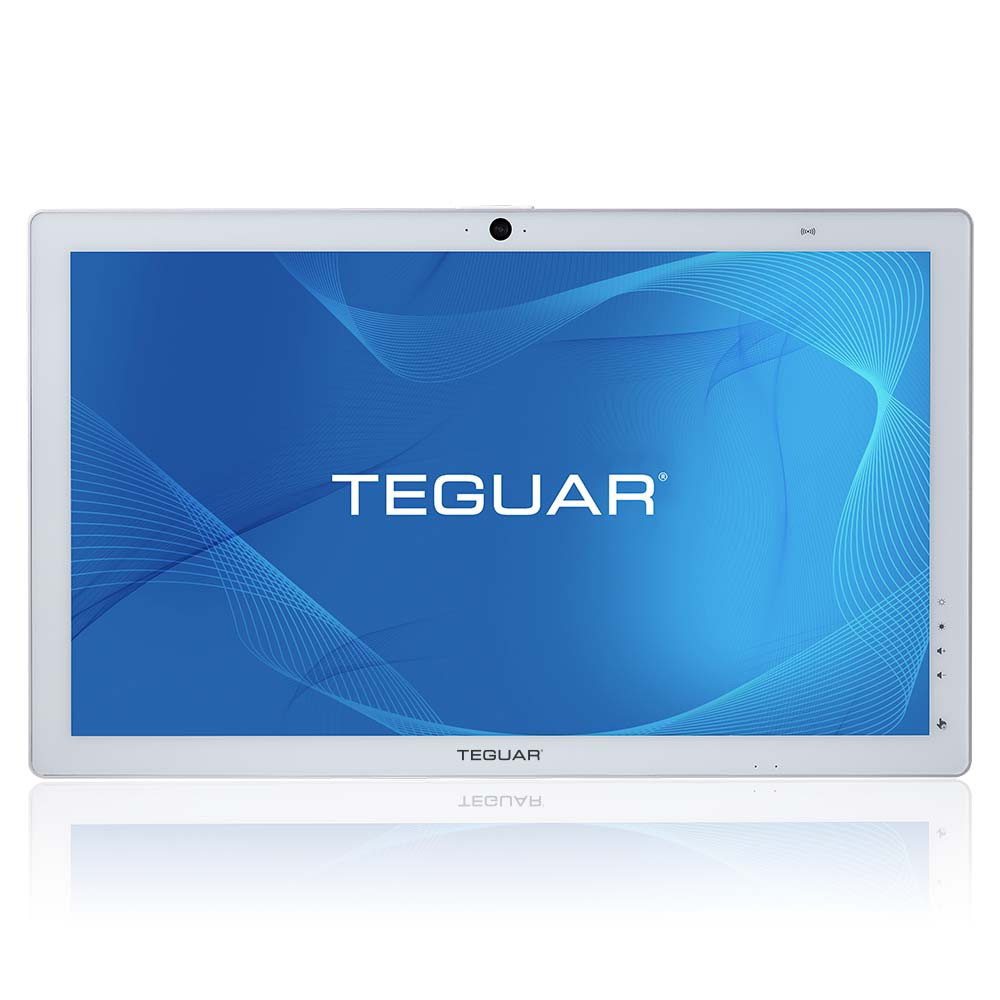
Pinnacle panel PCs include high-brightness displays with direct bonded touch. That gives operators a crisp, clear screen and a more seamless touch experience, while also helping protect the display from dust, moisture, and daily wear.
4. Connectivity for New and Existing Equipment
Industrial panel PCs rarely work by themselves. They often need to connect with PLCs, barcode scanners, sensors, cameras, scales, printers, networks, and other machines. Sometimes those devices are brand new. Sometimes they have been part of the facility for years.
That is why connectivity should be part of the decision from the beginning.
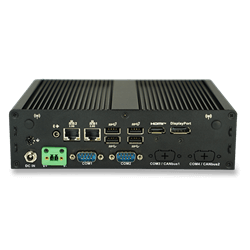
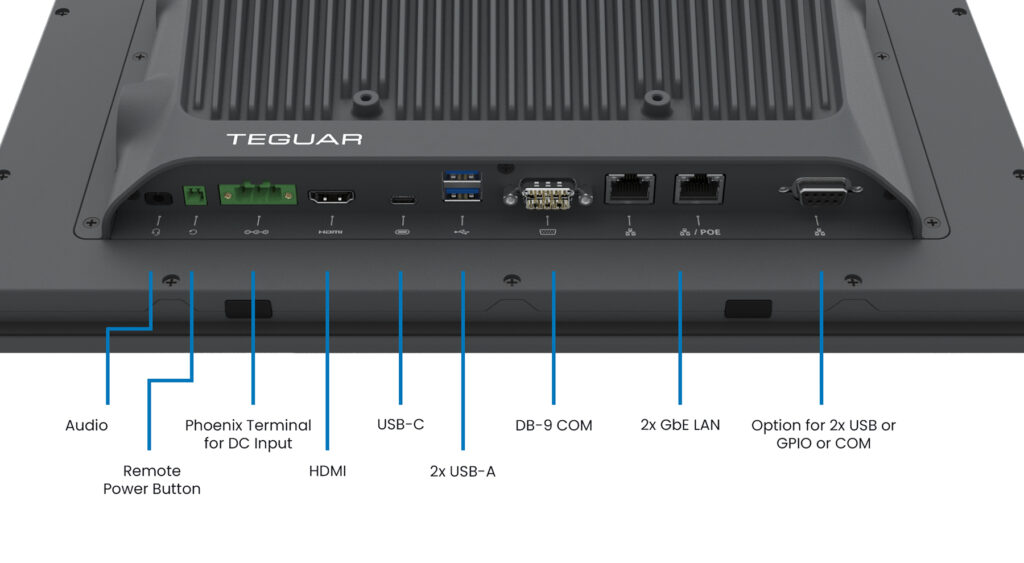
A good industrial panel PC should support the ports and expansion options your system needs today, with some flexibility for what may come next. USB, USB-C, Ethernet, serial COM ports, HDMI, GPIO, Wi-Fi, Bluetooth, and Power over Ethernet can all matter depending on the application.
For example, a newer automation system may benefit from USB-C, fast LAN, or modern wireless options. A legacy system may still rely on serial communication. A kiosk or wall-mounted HMI may benefit from PoE because power and data can run through a single cable.
The Pinnacle Series was designed with that mix in mind. Depending on the model and configuration, Pinnacle offers options such as USB-C, HDMI, Ethernet, COM ports, GPIO/DIO, Wi-Fi, Bluetooth, DC power, and optional PoE. That gives system integrators and equipment builders more ways to fit the panel PC into the actual environment, instead of forcing the environment to work around the computer.
5. Long Lifecycle Support
Industrial computers are usually not short-term purchases. Once a panel PC is validated into a machine, production line, or customer-facing system, companies often want to keep using the same model for years.
That is where lifecycle support becomes a major reliability feature.
Consumer computers change quickly. A model that is available today may be gone in a year or two, which can create problems for companies that need consistent hardware across multiple deployments. Industrial computers are different. They are often built around embedded roadmaps, longer product availability, and service support that helps customers standardize their systems over time.
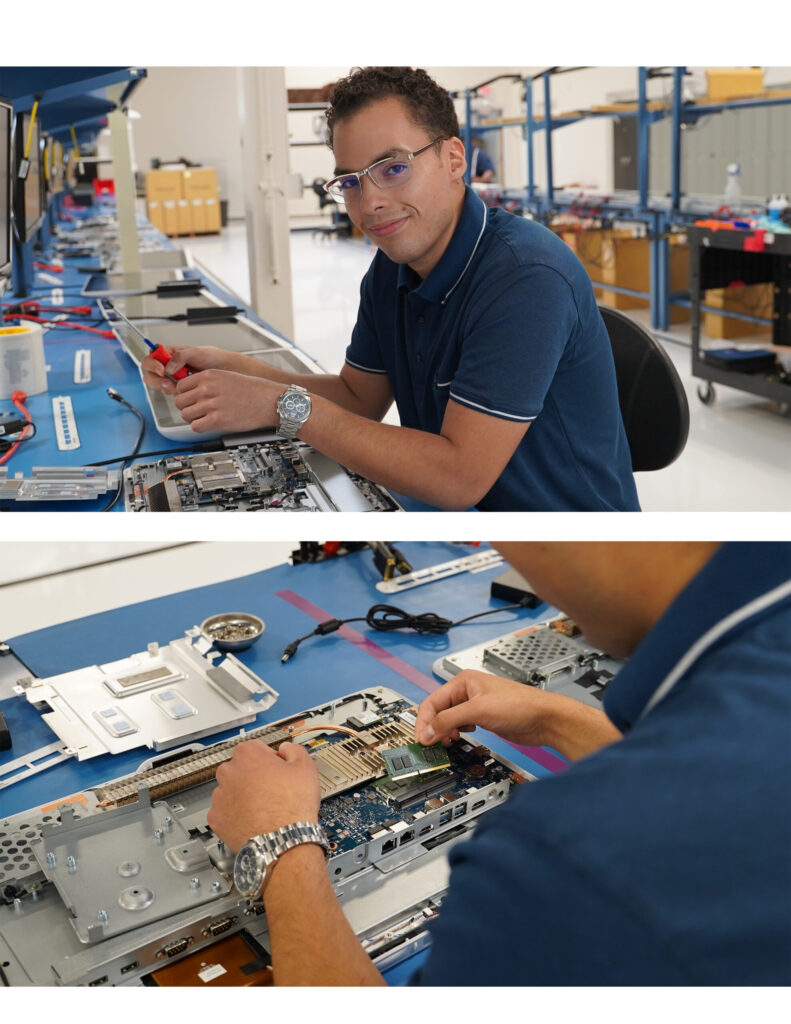
Long lifecycle support helps reduce redesign work, software revalidation, and unexpected hardware changes. It also gives OEMs and system integrators more confidence when planning future builds.
This matters even after installation. If a computer needs service, replacement, or a matching unit for a new production line, you want to know that the product and support team will still be there.
Teguar designs its industrial computers with long-term projects in mind. The Pinnacle Series supports modern Windows operating systems, rugged industrial construction, and warranty options up to 5 years, giving customers a dependable platform for new and ongoing deployments.
Choosing the Right Panel PC for Reliable Operation
Reliable operation comes from the full design of the computer. A good industrial panel PC should stay cool, run the right software smoothly, provide a clear and durable display, connect to the equipment around it, and remain supported long after installation.
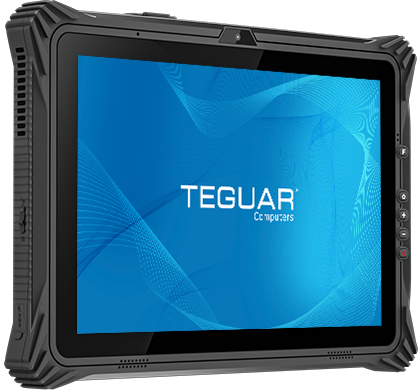
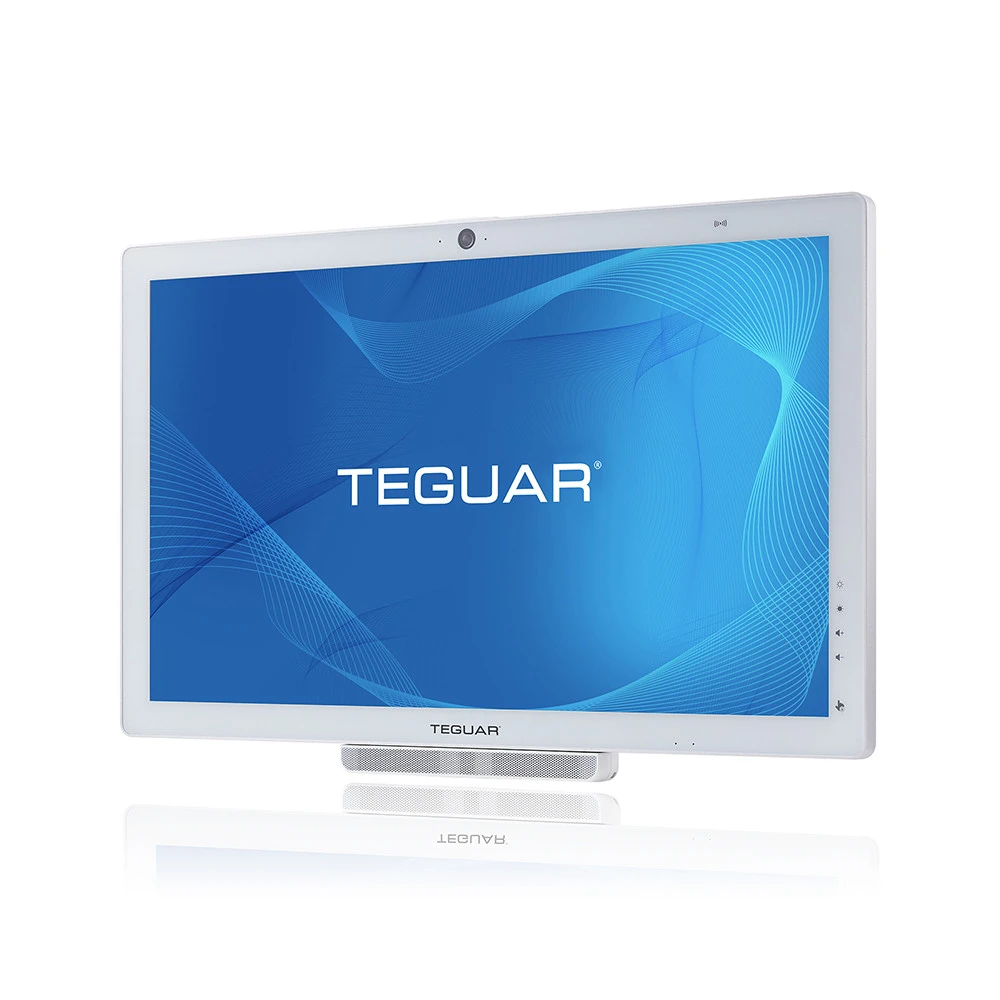
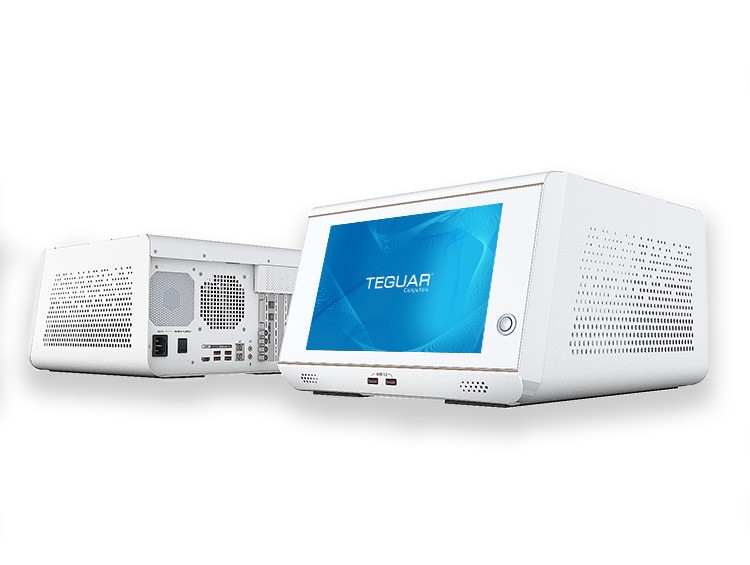
The Teguar Pinnacle Series brings these needs together in a slim, fanless panel PC built for industrial environments. With efficient Celeron and high-performance Core Ultra options, direct bonded high-brightness displays, flexible I/O, rugged aluminum construction, and long lifecycle support, Pinnacle is made for applications where dependable operation matters.
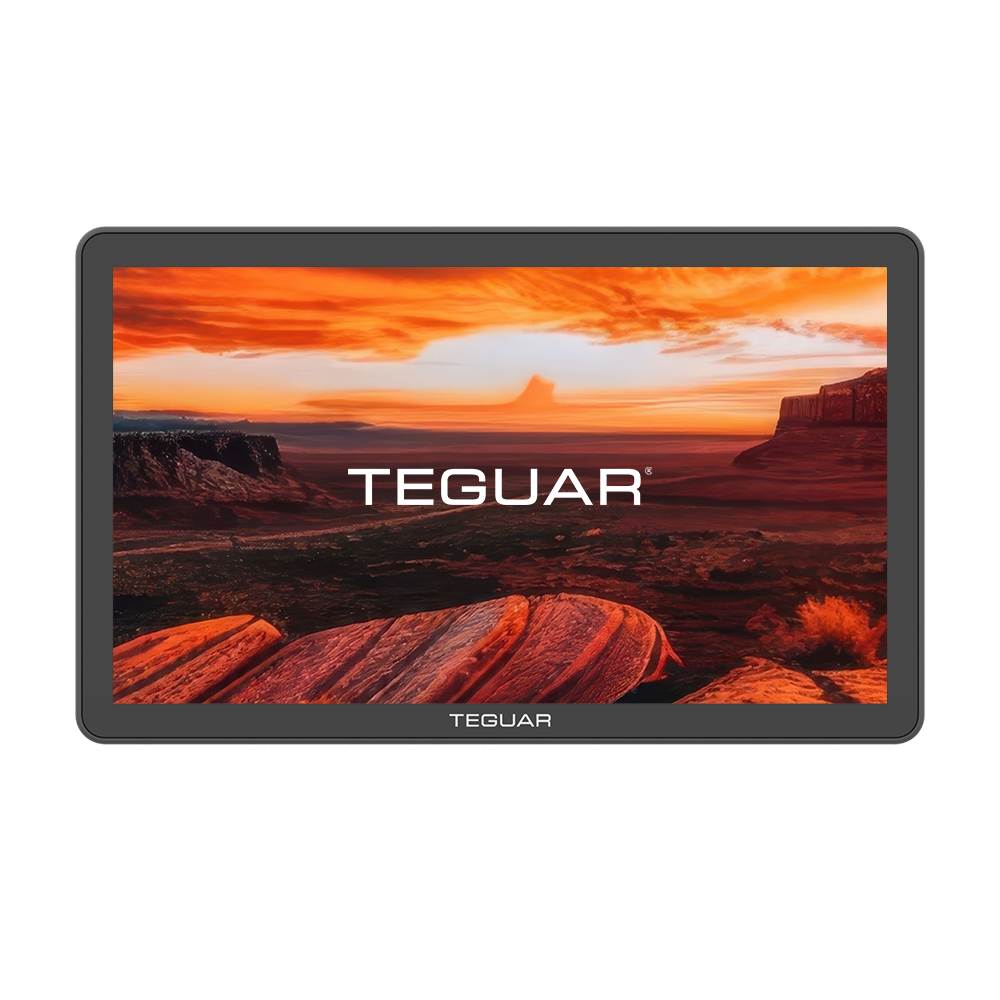
Pinnacle TP-7200-16
- Latest Fanless Meteor Lake Processor
- 15.6″ High Brightness Display with Direct Bonded Touch
- USB-C, Digital IO, HDMI Ports, Dual M.2 NVMe
- Stunning Sleek Form Factor
- Solid Cast-Aluminum Housing
- Windows 11 Pro and IOT
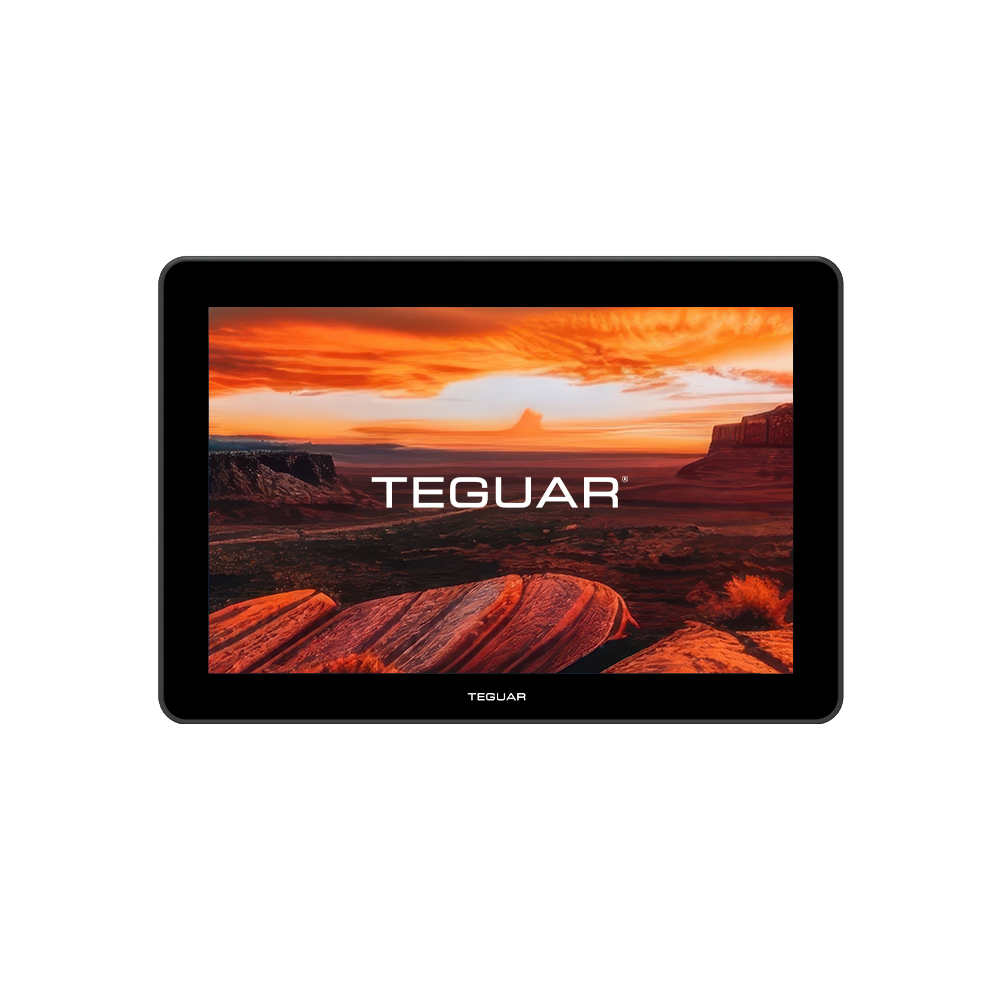
Pinnacle TP-4800-12
- Latest Fanless Intel® Elkhart Lake Processor
- 12.1″ High Brightness Display with Direct Bonded Touch
- PoE, USB-C, Digital IO, HDMI Ports
- Stunning Sleek Form Factor
- Solid Cast-Aluminum Housing
- Windows 11 Pro and IOT
Pinnacle TP-4800-16
- Latest Fanless Intel® Elkhart Lake Processor
- 15.6″ High Brightness Display with Direct Bonded Touch
- PoE, USB-C, Digital IO, HDMI Ports
- Stunning Sleek Form Factor
- Solid Cast-Aluminum Housing
- Windows 11 Pro and IOT
Pinnacle TP-7200-12
- Latest Fanless Meteor Lake Processor
- 12.1″ High Brightness Display with Direct Bonded Touch
- USB-C, Digital IO, HDMI Ports, Dual M.2 NVMe
- Stunning Sleek Form Factor
- Solid Cast-Aluminum Housing
- Windows 11 Pro and IOT
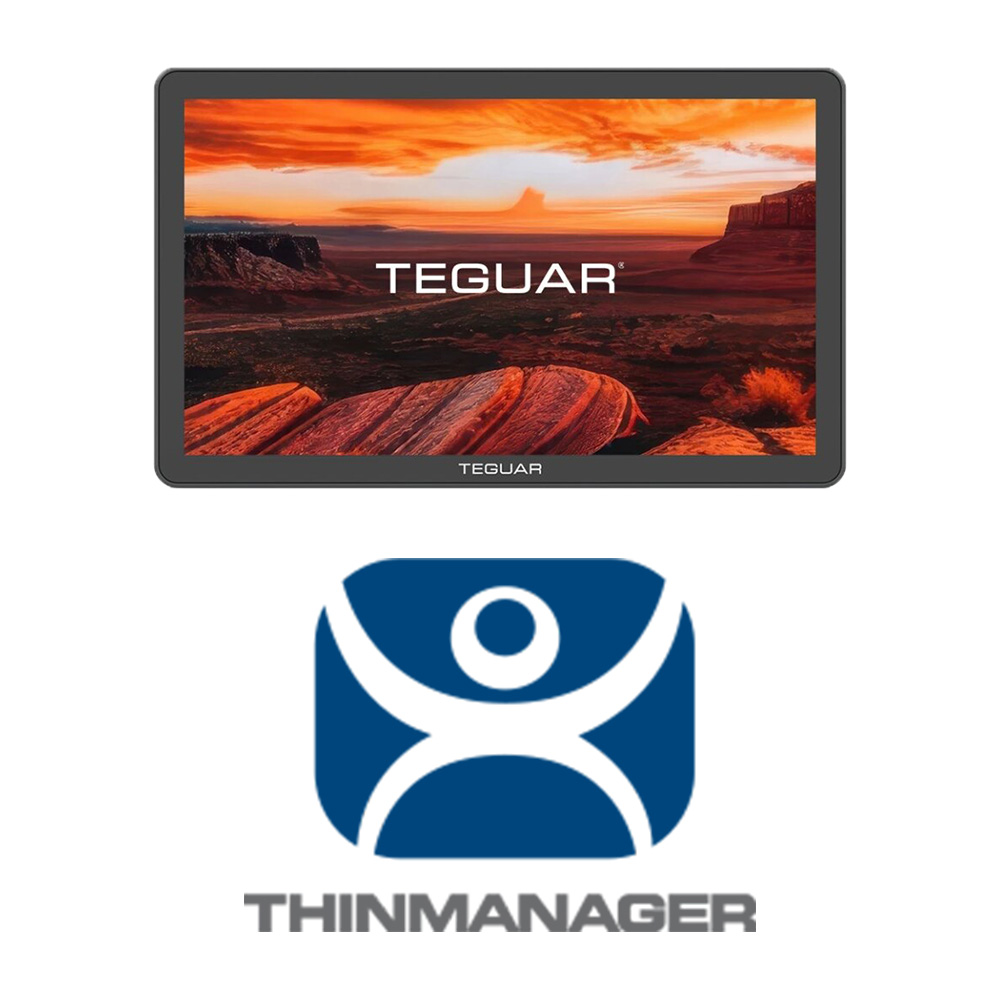
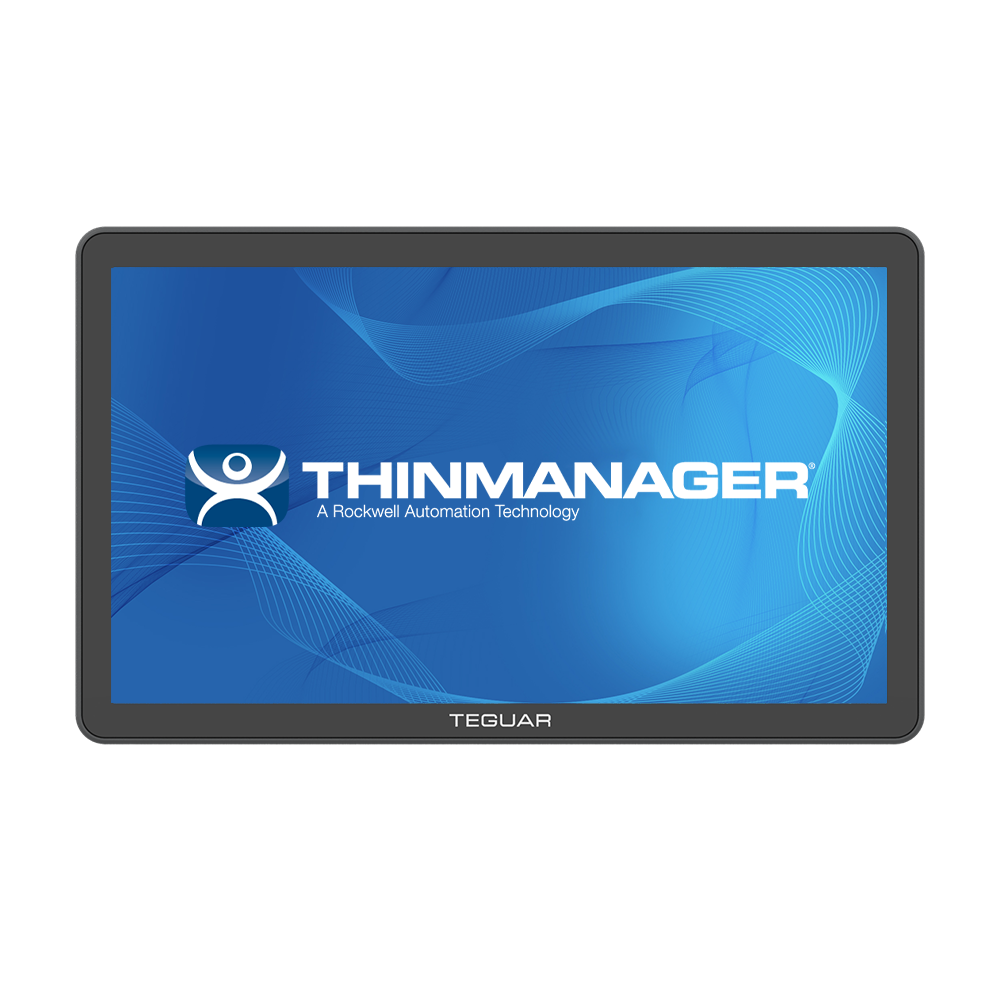
Pinnacle TP-4800-16-TM
- Optimized for ThinManager® thin client deployments
- Fanless Intel® Celeron® processor for reliable, energy-efficient performance
- 12.1″ high-brightness display with direct-bonded touchscreen for industrial HMI applications
- Power over Ethernet (PoE) for simplified installation and reduced cabling
- USB-C, HDMI, and Digital I/O for flexible industrial connectivity
- Slim, all-in-one design with rugged cast-aluminum housing
- Available with Windows 11 Pro or Windows 11 IoT Enterprise
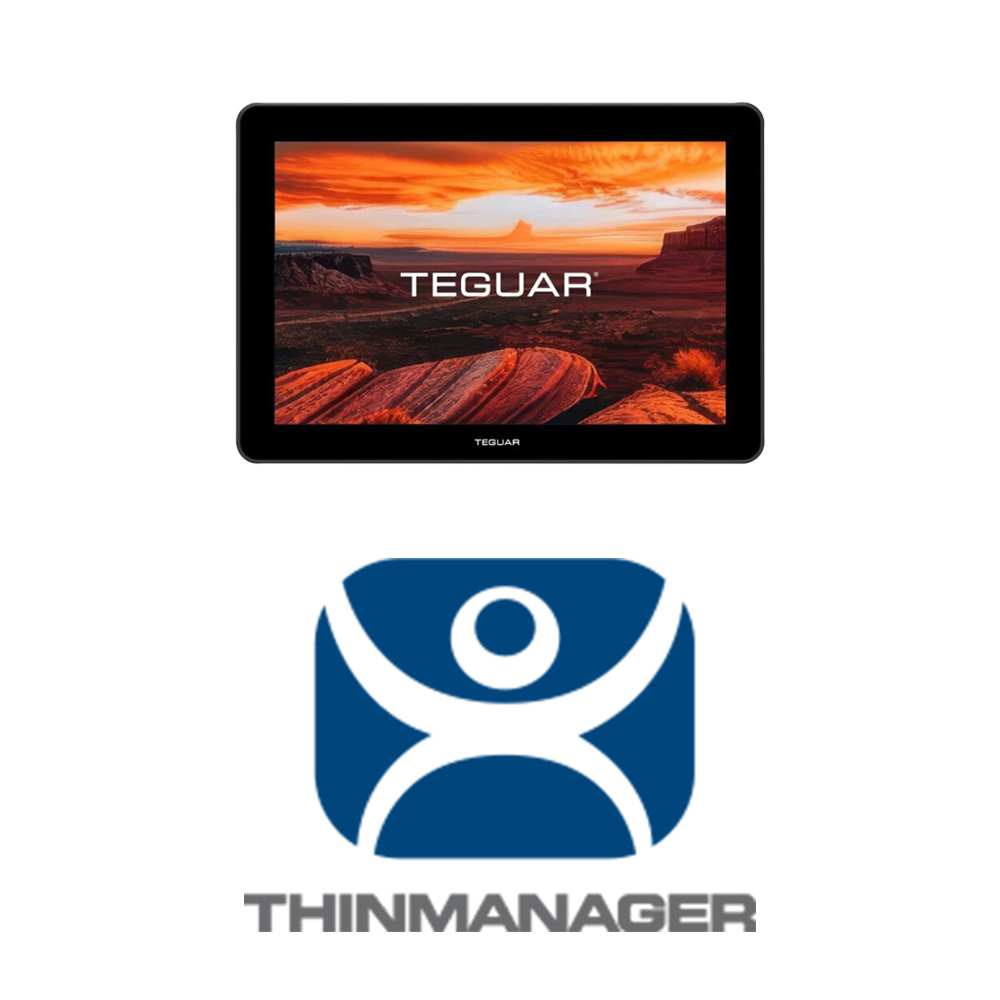
Pinnacle TP-4800-12-TM
- Optimized for ThinManager® thin client deployments
- Fanless Intel® Celeron® processor for reliable, energy-efficient performance
- 12.1″ high-brightness display with direct-bonded touchscreen for industrial HMI applications
- Power over Ethernet (PoE) for simplified installation and reduced cabling
- USB-C, HDMI, and Digital I/O for flexible industrial connectivity
- Slim, all-in-one design with rugged cast-aluminum housing
- Available with Windows 11 Pro or Windows 11 IoT Enterprise
Need help choosing the right industrial panel PC for your application? Contact Teguar to talk with a product specialist about your environment, software requirements, mounting needs, and long-term project goals.
Previous Article
How do I Choose the Right Industrial Panel PC for My Application?