






Can You Train AI Models at the Edge? When and Why It Makes Sense
Yes, you can train AI models at the edge. With the right hardware, teams can train and retrain models on-site, right where their data is created, instead of sending it to the cloud. It isn’t the right fit for every project, though: edge training needs serious GPU power, a large enough power supply, good cooling and room for data, so it pays to know when it makes sense before you invest.
Training vs. Inference: What’s the Difference?
AI work happens in two stages, and they need very different amounts of computing power.
Training teaches a model by running it over thousands or millions of examples, again and again, until it learns the patterns. A defect-detection model, for example, learns from labeled images of good and bad parts. Training is compute-heavy: it can take hours or days and needs GPUs with plenty of memory.
Inference is the model at work: it looks at a new image or data point and makes a decision in milliseconds. Inference needs far less power, which is why most edge AI computers today are built only for inference.
In most edge projects, “training” doesn’t mean building a huge model from scratch. It means fine-tuning or retraining an existing model on your own local data, so it keeps up with new products, materials or conditions. That’s the work that increasingly makes sense on-site.
When Does Training AI Models at the Edge Make Sense?
Edge training is worth considering when one or more of these is true:
- Your data is large and created on-site. Cameras, LiDAR and sensors can generate terabytes a day, and moving it all to the cloud is slow and costly.
- Your data can’t leave the building. Defense, government, research and some manufacturing data is restricted by contracts, regulations or security policy.
- Your connectivity is limited. Vehicles, mines, farms and remote sites often have slow, expensive or intermittent connections.
- Your models need frequent retraining. If conditions change weekly, waiting on cloud uploads and training queues slows everything down.
- Your cloud GPU bills keep growing. Regular training jobs can turn into a large recurring cost.
The cloud is still a better fit if you train only occasionally, work with small datasets, need to scale to many GPUs for a short time, or are training very large models from scratch.
Cloud vs. On-Premises AI Training
| Cloud training | On-premises edge training | |
| Data privacy | Data leaves your site and is stored by a third party | Data stays on hardware you control |
| Connectivity | Needs fast, reliable internet to upload data | Works offline and in air-gapped networks |
| Turnaround | Waits on uploads and shared GPU availability | Retrain as soon as new data is captured |
| Cost model | Ongoing: pay per GPU hour, storage and data transfer | Upfront hardware investment, then low running costs |
| Scalability | Scale up to many GPUs on demand | Limited to the GPUs installed on-site |
| Maintenance | Managed by the provider | Your team manages the hardware |
| Best for | Occasional training, very large models | Frequent retraining, sensitive or high-volume local data |
Real-World Examples of Edge AI Training
Retraining a vision model right at the line
A machine vision integrator deploys a defect-detection system that works well until the manufacturer switches to a new material supplier. The parts look slightly different, and false rejects start piling up. In a cloud workflow, the team would collect new images, upload gigabytes of data, wait for training and redeploy, a cycle that can take days. With a training-capable computer at the line, they label a fresh batch of images, retrain the model on-site and have it back in production the same day.
Predictive maintenance in a smart factory
A plant engineering team wants to predict motor and bearing failures before they stop the line. Every machine produces a constant stream of vibration, temperature and current data, much of it from older equipment connected through serial and digital I/O. Training on-site lets the team build models on the plant’s own machine history and retrain them as equipment ages, without shipping years of sensor data off-site.
Mapping and inspection from vehicles
A survey firm runs LiDAR and camera rigs on trucks to map roads, power lines or mine sites. A single day can generate terabytes of data, and connectivity in the field is often poor. Processing and refining models in the vehicle or at a field base means crews can check results before leaving a site, instead of discovering gaps days later.
AI at a secure site
A defense or government research team needs AI models trained on sensitive imagery that can never touch a public cloud. Their network is air-gapped by design. On-premises training is the only practical option, and the hardware has to keep everything local, with built-in security such as TPM 2.0.
Bringing cloud GPU spend in-house
A company retrains its models every week, and the monthly cloud bill for GPU hours, storage and data transfer keeps climbing. Moving that recurring training to an on-site GPU computer turns an open-ended monthly cost into a one-time hardware investment that can run as often as the team needs.
What Hardware Do You Need to Train AI at the Edge?
Before choosing a system, check these requirements:
- GPU memory (VRAM): Training needs far more GPU memory than inference. Larger models and image batches need more VRAM, so check your model’s requirements first.
- GPU count and PCIe® bandwidth: Two full-size GPUs can cut training time or run training and inference side by side. Make sure the slots have enough PCIe lanes.
- Power budget: High-end training GPUs can draw hundreds of watts each. Confirm the total power the system needs, and whether your site or vehicle can supply it.
- Cooling: Training runs GPUs at full load for hours. The system needs active cooling designed for sustained heat.
- Storage: Training datasets are large. Look for enough drive bays, fast NVMe storage and RAID to protect captured data.
- Expansion: Spare slots for capture cards, network or PoE cards for cameras, and extra I/O for machines.
- Ruggedness and power input: For vehicles and industrial sites, look for shock and vibration testing, a wide DC input and an ignition option.
- Security: TPM 2.0 and full local control for sensitive data.
Why We Built the Imperium TGB-7393
Our customers kept running into the same wall: their AI models needed retraining on new data, and the only place to do it was the cloud. That meant uploading huge image and sensor datasets, waiting, and paying for GPU time every month. For some, sending data off-site wasn’t allowed at all.
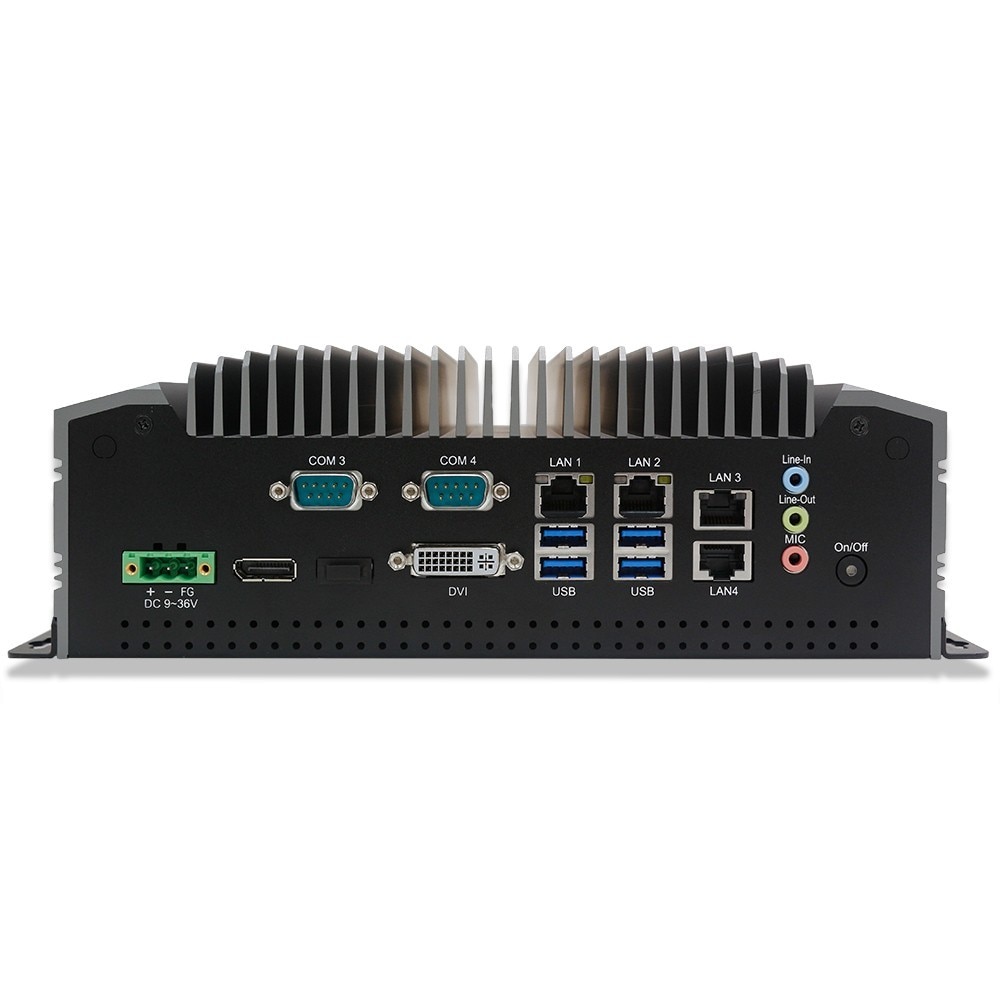
The Imperium TGB-7393 is our answer to that checklist. It’s a rugged edge AI computer that supports two full-size GPUs, such as the NVIDIA® GeForce RTX™ 5090 or NVIDIA® RTX PRO™ 6000, at up to 600W each. Running two 600W cards requires customer-supplied power of up to 1,500W; standard 300W and 1000W power supply options are also available for lower-power configurations. It runs on 14th Gen Intel® Core™ processors (Raptor Lake), with a choice of Core™ i5-14400, i7-14700 or i9-14900. It also has five PCIe® Gen4 slots, up to eight storage devices with RAID, active cooling built for sustained GPU load, and a 9–48V DC input with an optional vehicle ignition card. It’s tested to MIL-STD-810H for shock and vibration¹.
Workstations offer the GPU power but aren’t built for vibration or vehicle power, while most rugged box PCs are designed for inference, not training. The Imperium TGB-7393 is designed to bring both together, so teams can collect data, train models and run them in the same place, whether that’s a factory floor, a survey vehicle or a secure facility.
Already Have a Trained Model? Consider the Regis TB-7393
If your models are already trained and you mainly need to run them, you may not need training-class hardware at all. The Regis TB-7393 is our highly customizable edge AI computer for inference, multi-camera machine vision and industrial automation, configured with the CPU, GPU and I/O modules your application needs. Many teams use both: they train on an Imperium TGB-7393 at a central site, then deploy the models to Regis TB-7393 units across their lines, vehicles and remote locations.
¹ Tested to MIL-STD-810H Method 514.8 (vibration) and Method 516.8 (shock).
-
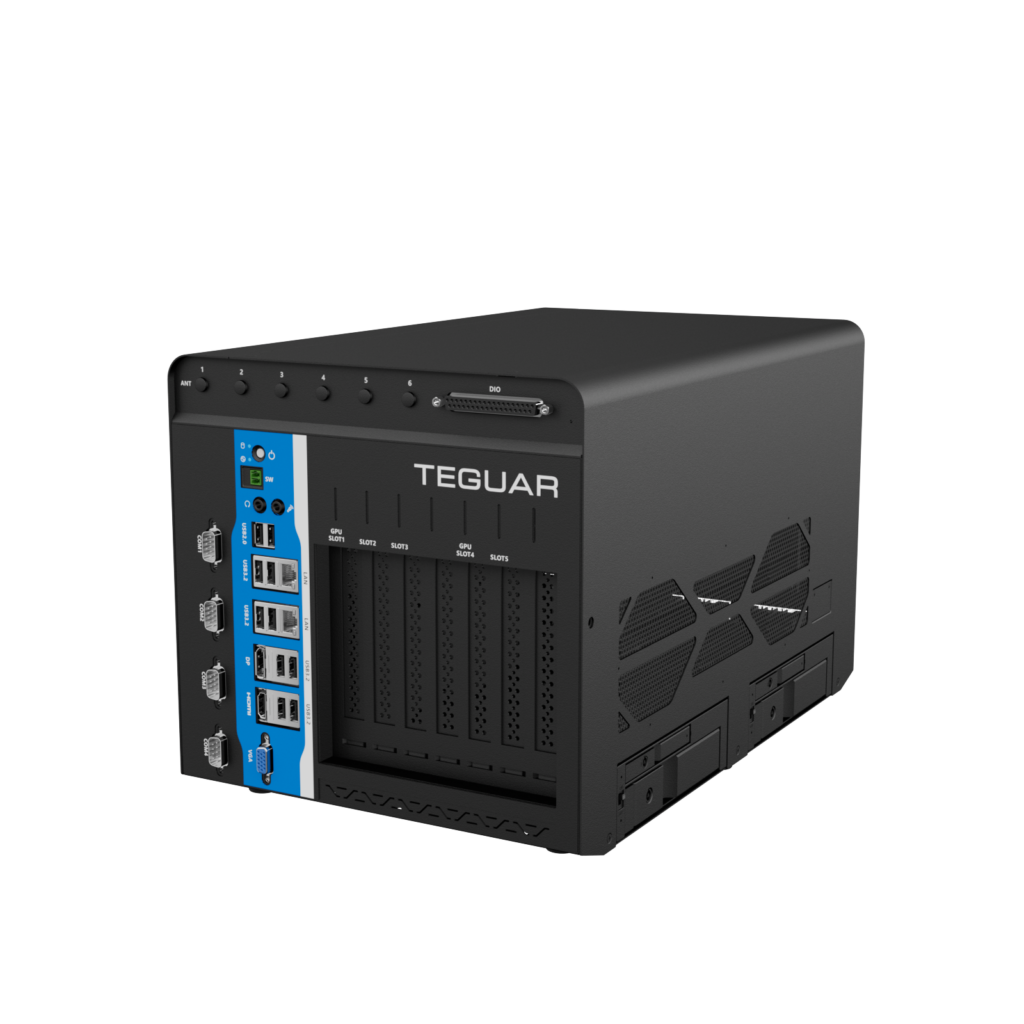
Imperium TGB-7393
$2,676.50 -
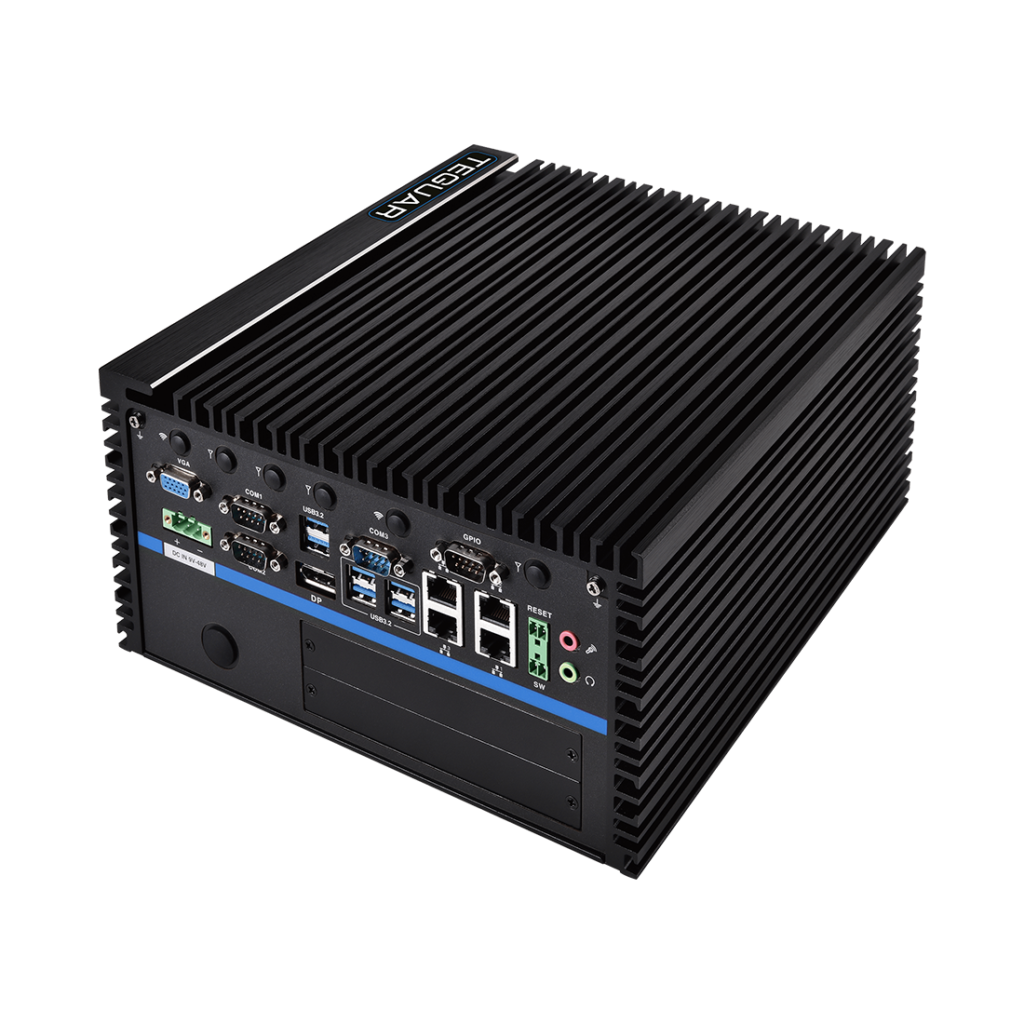
Regis TB-7393
$2,238.72