





How do I Choose the Right Industrial Panel PC for My Application?
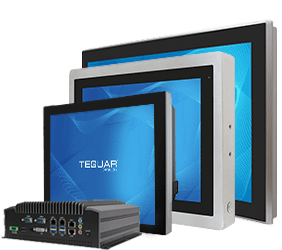
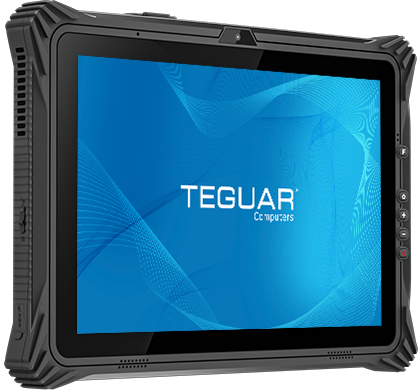
If you visit Teguar’s Panel PC page, you find there’s no shortage of options to choose from. Slim, rugged, USB-C, PoE, and sizes from 7 inches to over 20; how do you know which features you need and what’s right for you?
Read on to explore some terms to know, common applications, and some key features to look out for when you go shopping for an industrial touch screen computer.
Industrial Panel PCs for HMI and Control Panels
Panel PCs make the perfect HMI (Human-Machine Interface) computer because they can flush mount into a wall and operate with the touch screen, with no need for desk space for a keyboard or mouse. Ideal fanless panel PCs have IP ratings to resist dust and moisture ingress, making them perfect for repeated wipe downs or in factories with loose particulates in the air.
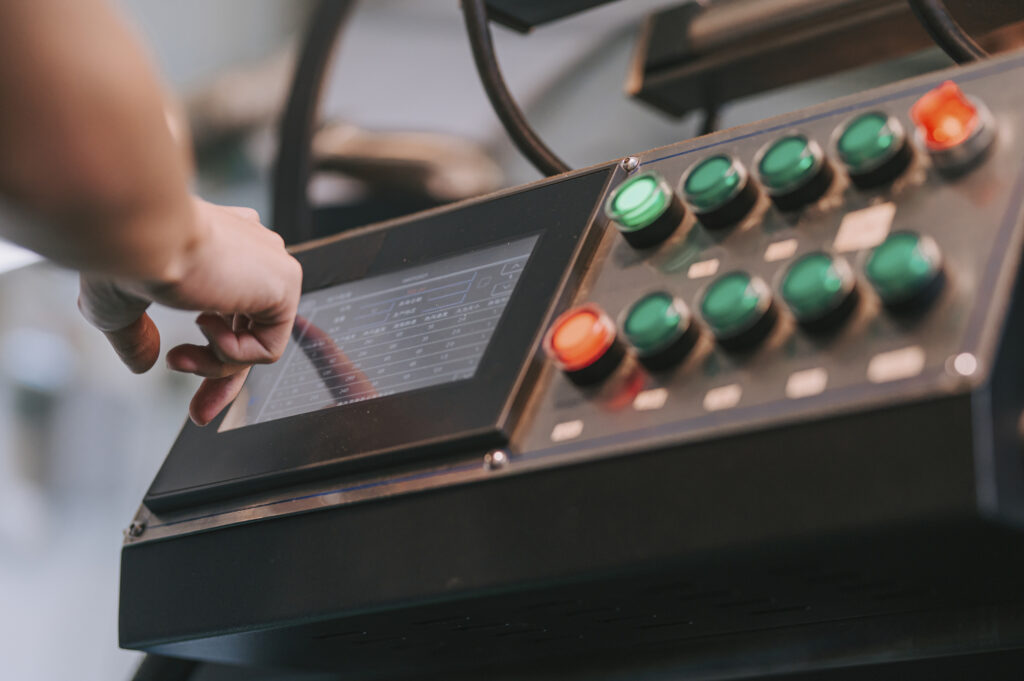
What are some features to look for when choosing an Industrial Panel PC for an HMI?
- Vibration tolerance
- Rated IP65 or higher
- Fully flush mounting capability
- LAN or PoE
Rugged Panel PCs for Kiosks
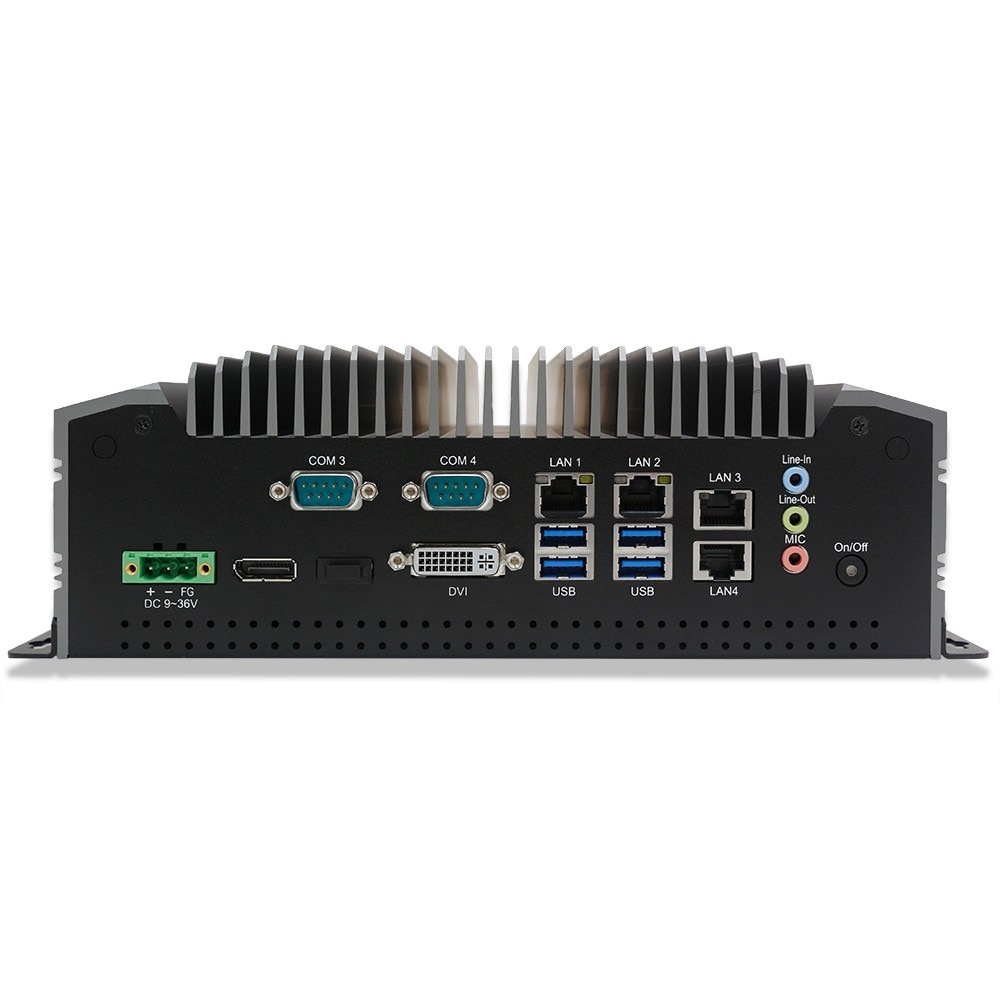
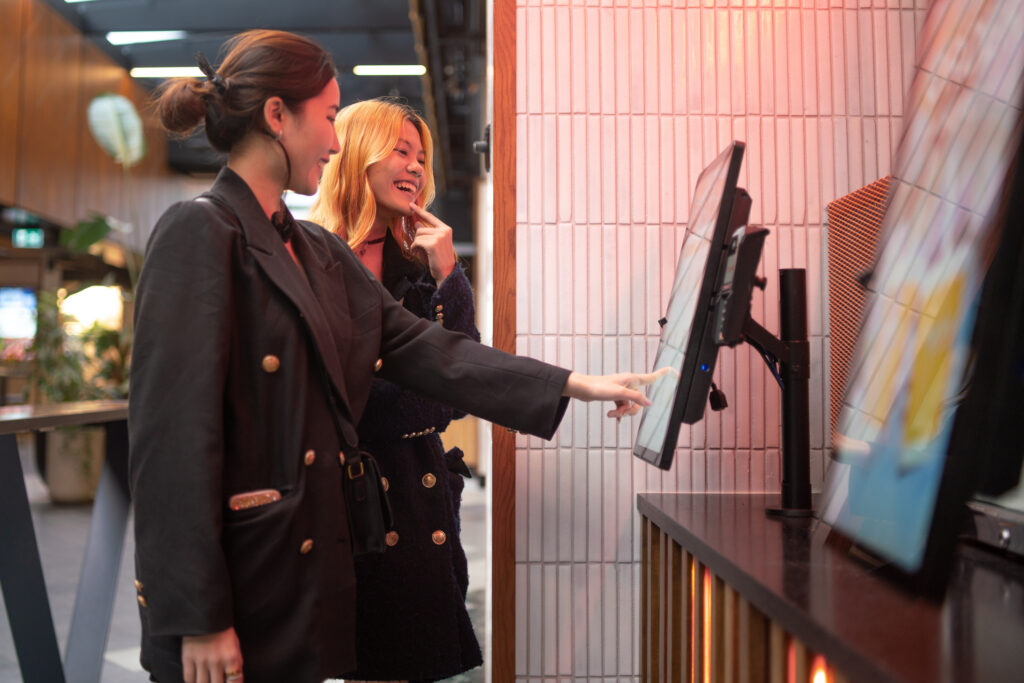
A bright, responsive touch screen computer is the perfect fit for seamless customer use, whether checking in for a flight, an appointment, or a reservation. Consumer friendly industrial panel PCs feature slim form factors and thin bezels on a PCAP multi-touch screen. However, they still need to hold up to repeated use, cleaning, and the wear and tear associated with bustling public spaces. As a result, rugged materials like aluminum or at least a sturdy plastic are necessary. If your kiosk needs any peripherals such as a barcode scanner or NFC reader, ensure the I/O supports this with sufficient USB.
What are some key features of Industrial Panel PCs for use as a Kiosk?
- Slim form factor
- Responsive touch screen
- Durable materials
- Sufficient I/O for peripherals or accessories
Industrial PCs for Transportation
Shock and vibration resistance is paramount for any computer on a vehicle. A tablet docked on a forklift and an embedded computer running the vision in a self-driving car are two very different applications, but both have similar needs.
What kind of computer is best for transportation or vehicle use?
Look for industrial computers with:
- Shock and vibration resistance
- Rugged material construction
- Strong wireless connectivity with Wi-Fi and/or cellular
What Size Industrial Panel PC Should I Choose?
When space is at a premium, industrial touch screen computers come in sizes as small as 7”. For complex interfaces where maximum visibility is the priority, look for an HMI computer of 22-, 24-, or even 27-inches. Options for 4:3 or widescreen are both available, so choose a ratio that works best with your intended software or programs.
What IP Rating Do I Need?
An IP Rating of IP65 or higher is recommended for the majority of industrial applications. In consumer-facing environments, IP54 is most likely sufficient. In a washdown room, IP66 or higher will be necessary for waterproofing.
A key factor of note is that panel PCs which mount into the wall only need the IP rating on the front bezel. With a fully flush panel mount set into the wall, the back of the unit will be completely hidden and protected by the wall, so only the bezel will need to resist the dust or moisture in the room. Many industrial panel PCs are not IP rated beyond the front bezel because of this.
Panel PC Comparison
| Cornerstone TP-7045 | Horizon TA-6140 | Pinnacle TP-7200 | |
| CPU | Intel Core i3-1215U | Intel Core i3-N305 | Intel Core Ultra 5-125U |
| IP Rating | IP66 Front Bezel | IP54 Front Bezel | IP65 Front Bezel |
| Material | Aluminum Front Bezel and Steel Chassis | Plastic | Aluminum |
| Sizes Available (in inches) | 10, 12, 15, 16, 17, 18, 19, 22, 24 | 16, 18, 22, 27 | 12, 16 |
| Touch Screen Type | PCAP or Resistive | PCAP | PCAP or Resistive |
A Panel PC with the Best of Both Worlds
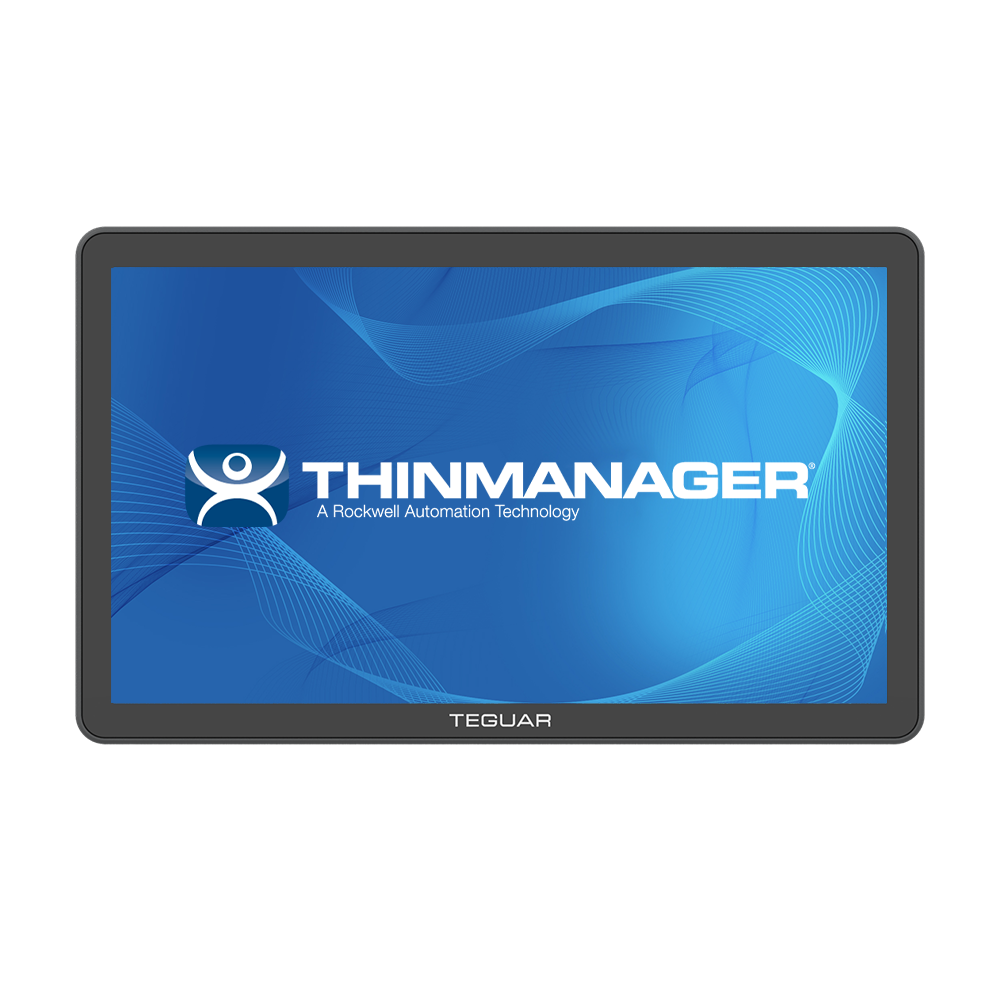
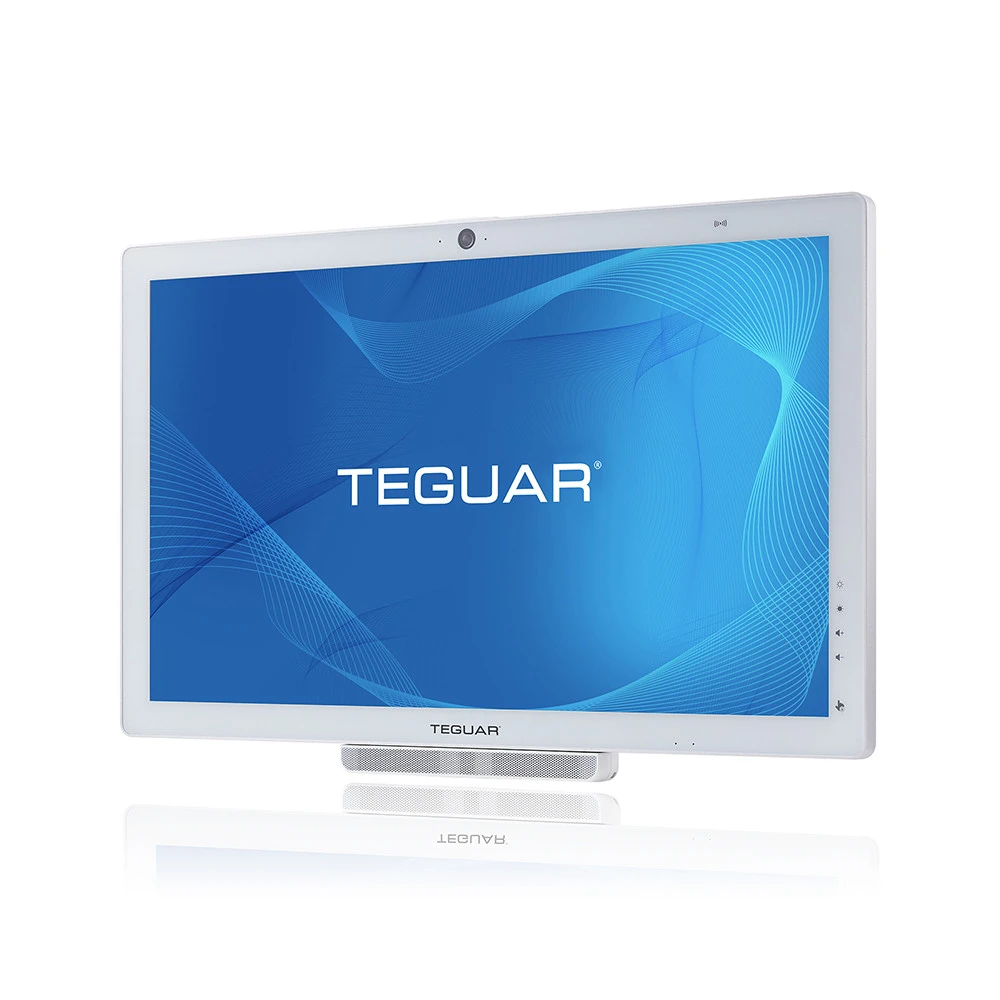
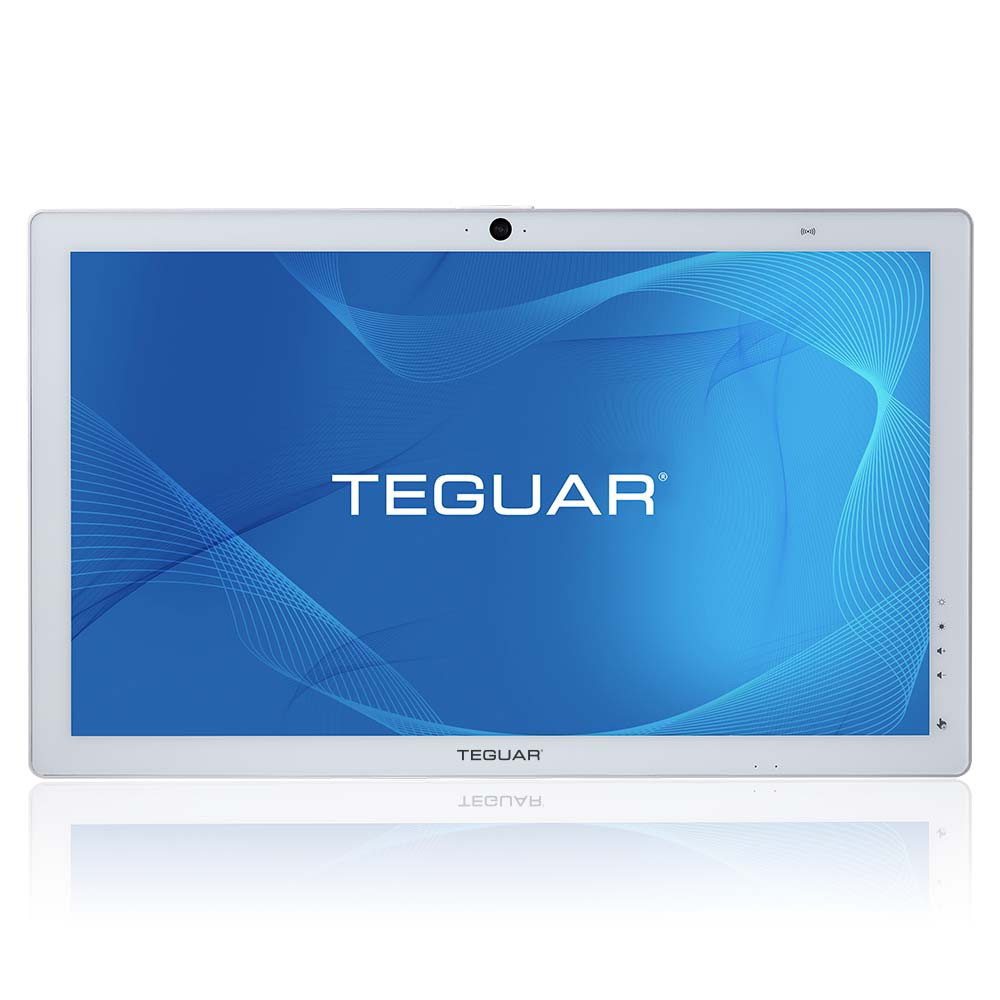
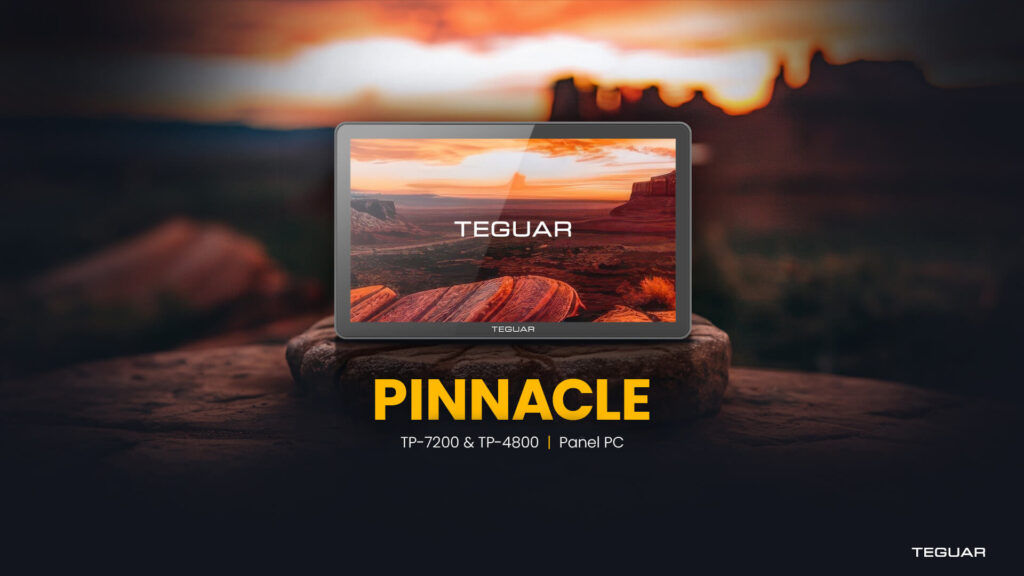
What if you’re in an application where a bright, responsive multitouch screen is just as important as a rugged all-aluminum build? You need the Pinnacle Panel PC from Teguar. With a slim form factor, an IP66 front bezel, a fully fanless design, and a direct-bonded high brightness touch screen, Pinnacle brings the familiar experience of consumer touch products to any rugged application.
Other Industrial Computers from Teguar
-
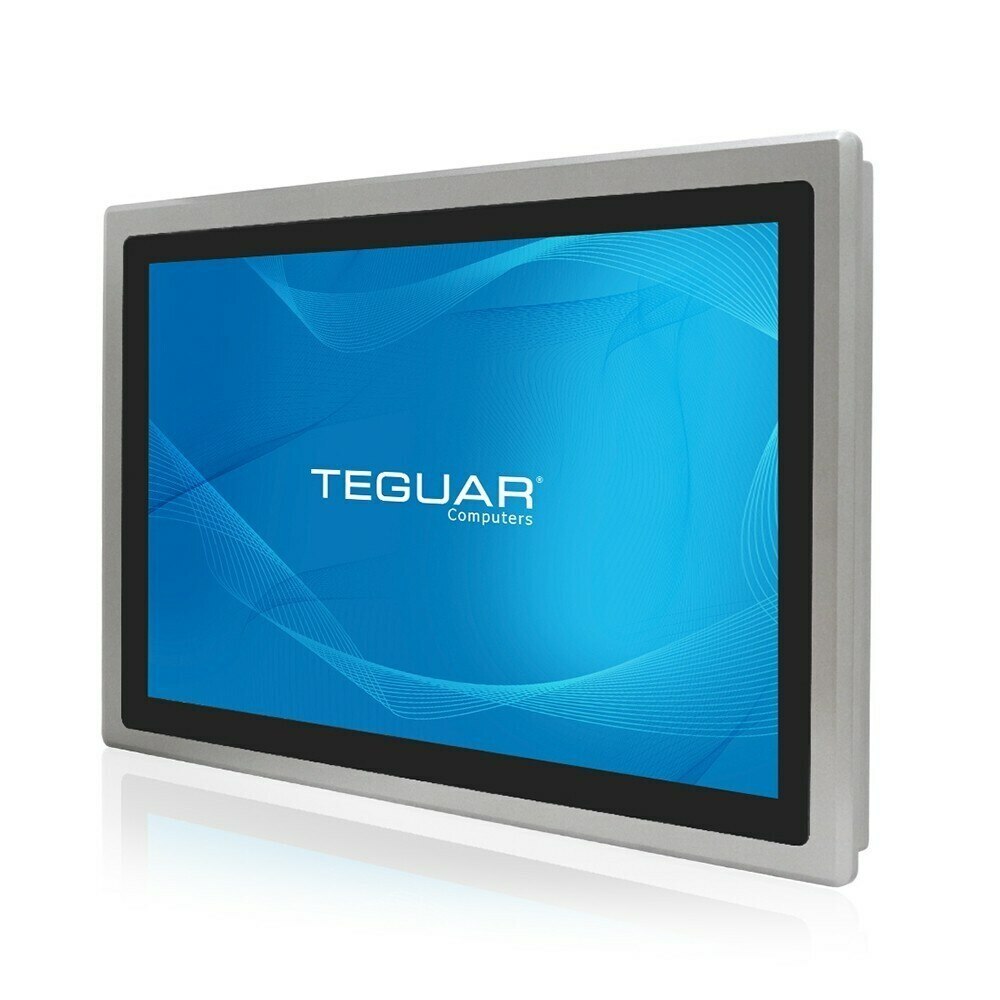
TP-3445-18
$2,069.12 -
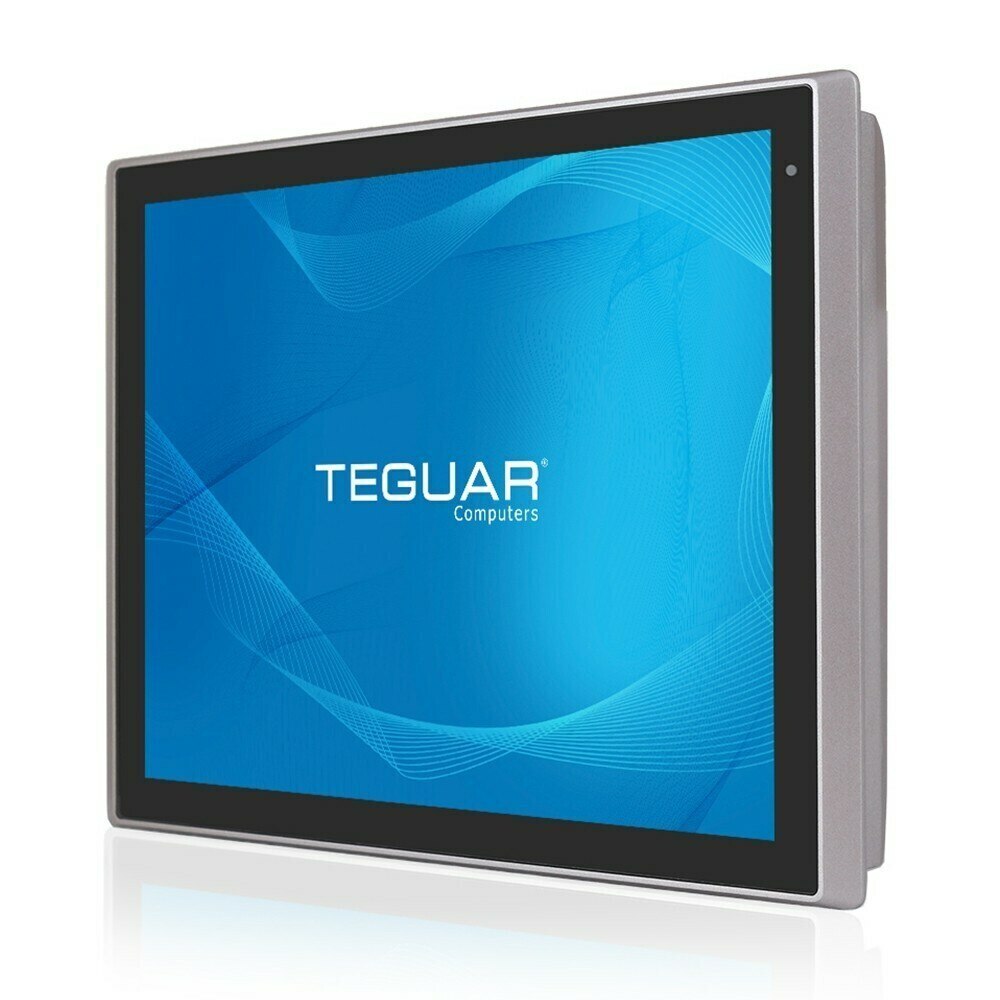
TP-3445-19
$2,174.06 -
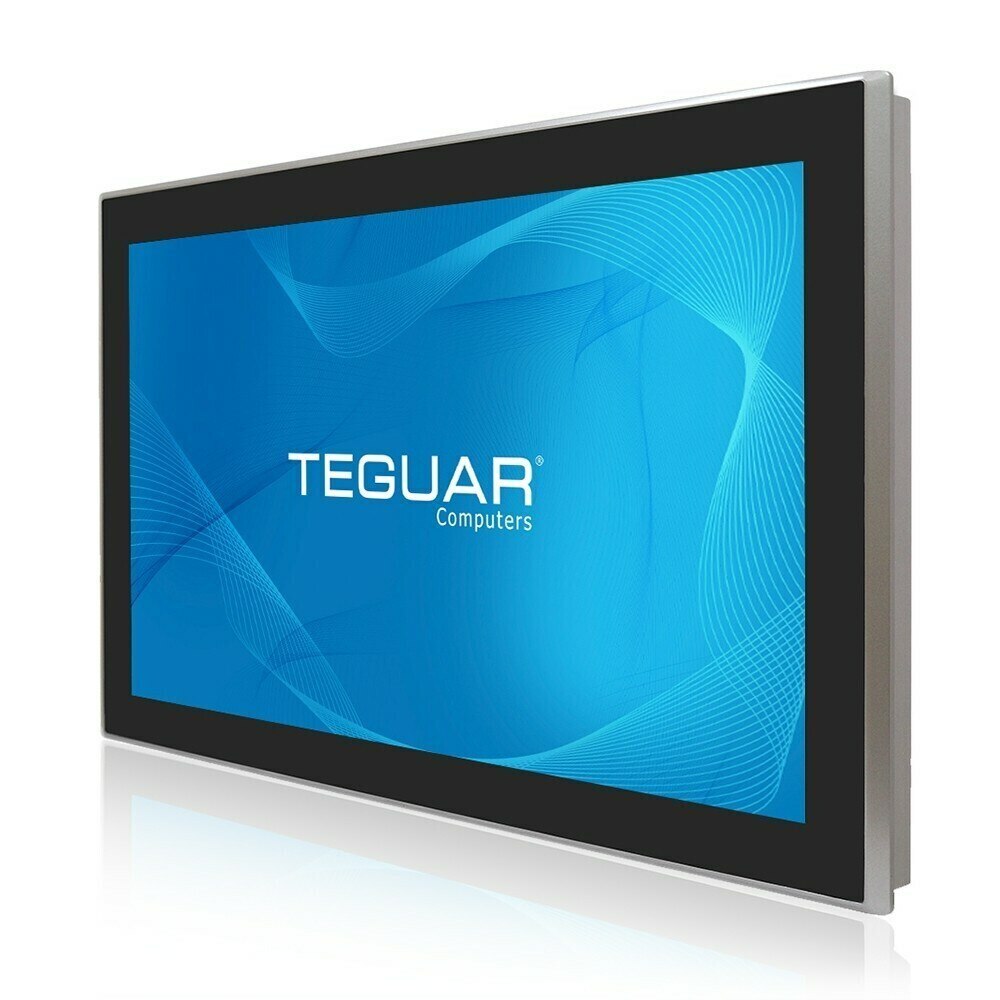
TP-3445-22
$2,104.10 -
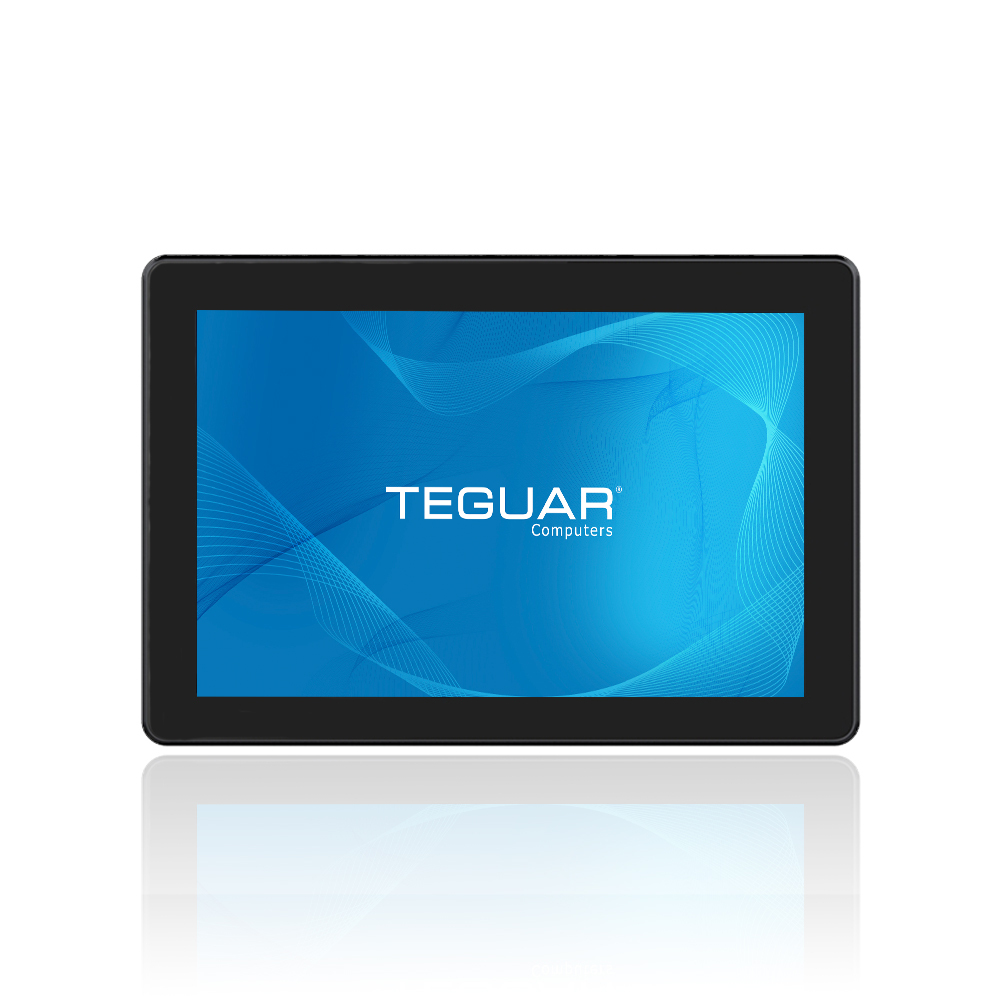
TP-4180-10
$1,028.20 -
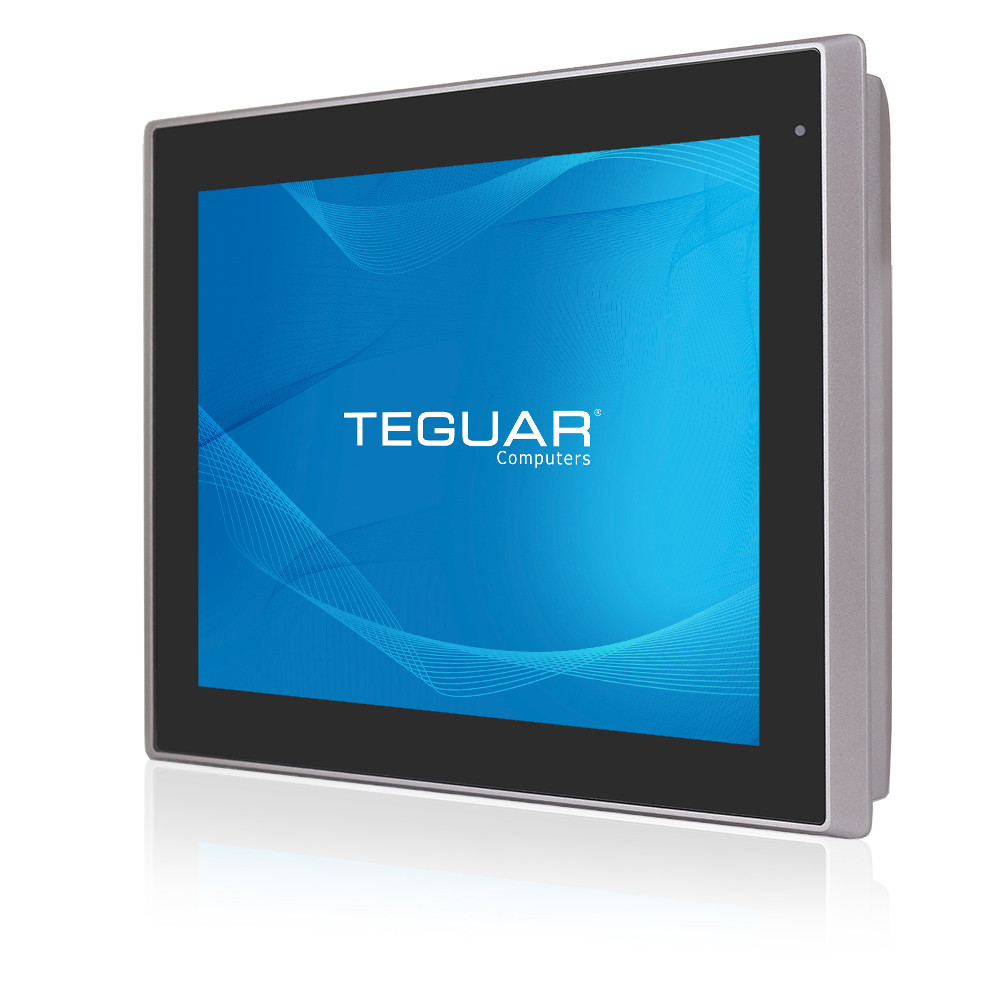
TP-5645-17
$2,734.80 -
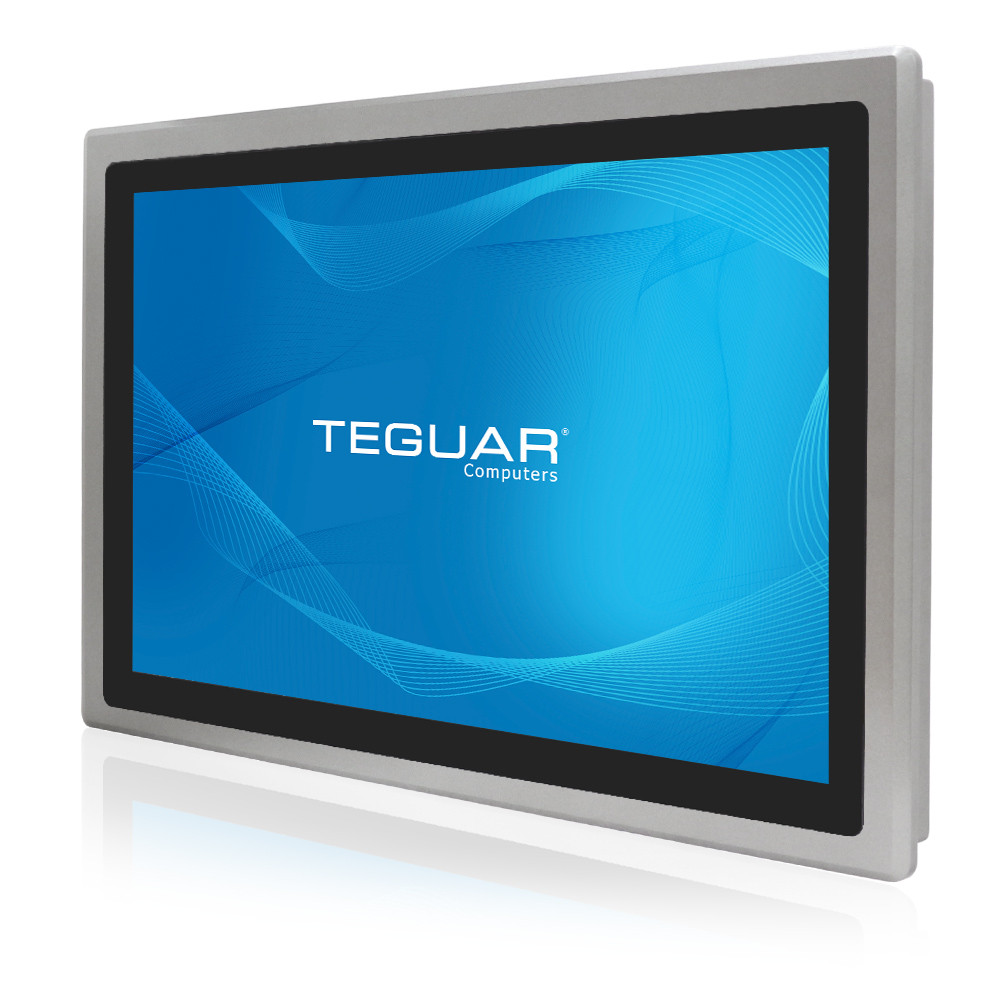
TP-5645-18
$2,977.54 -
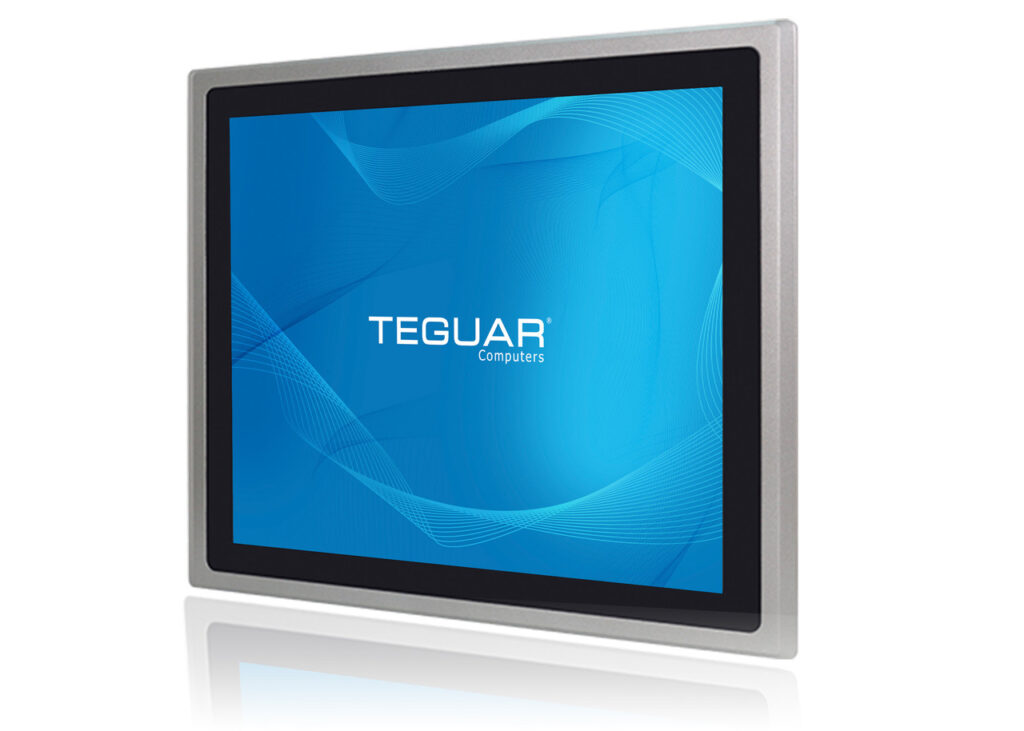
TP-5645-19
$2,968.00 -
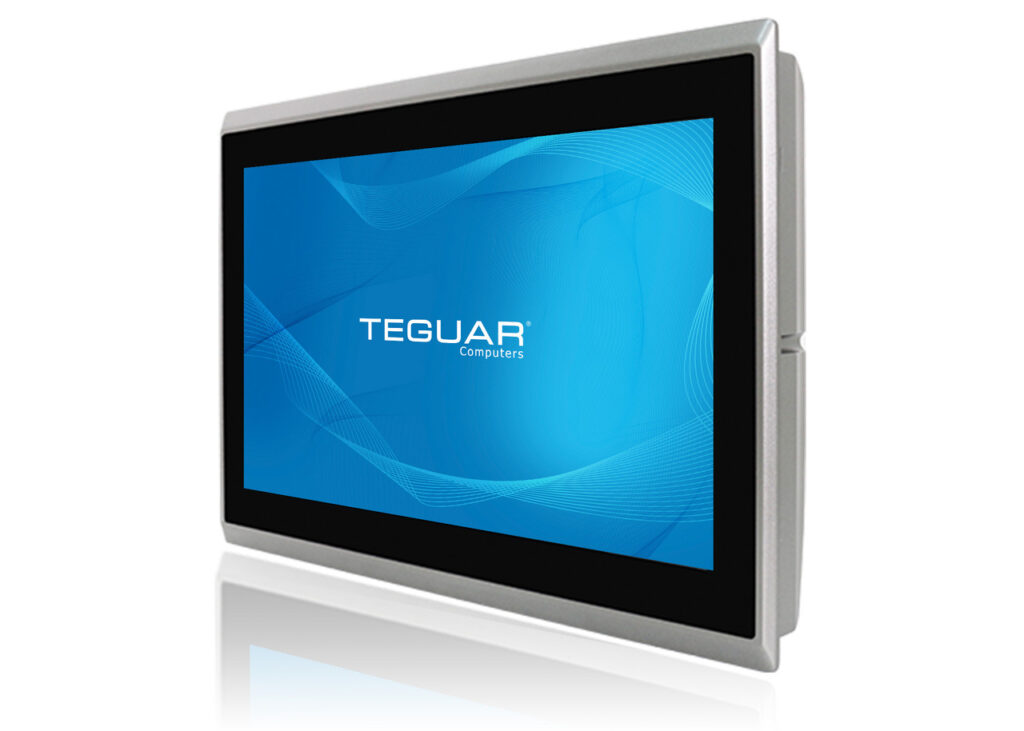
TP-5645-16
$2,310.80 -
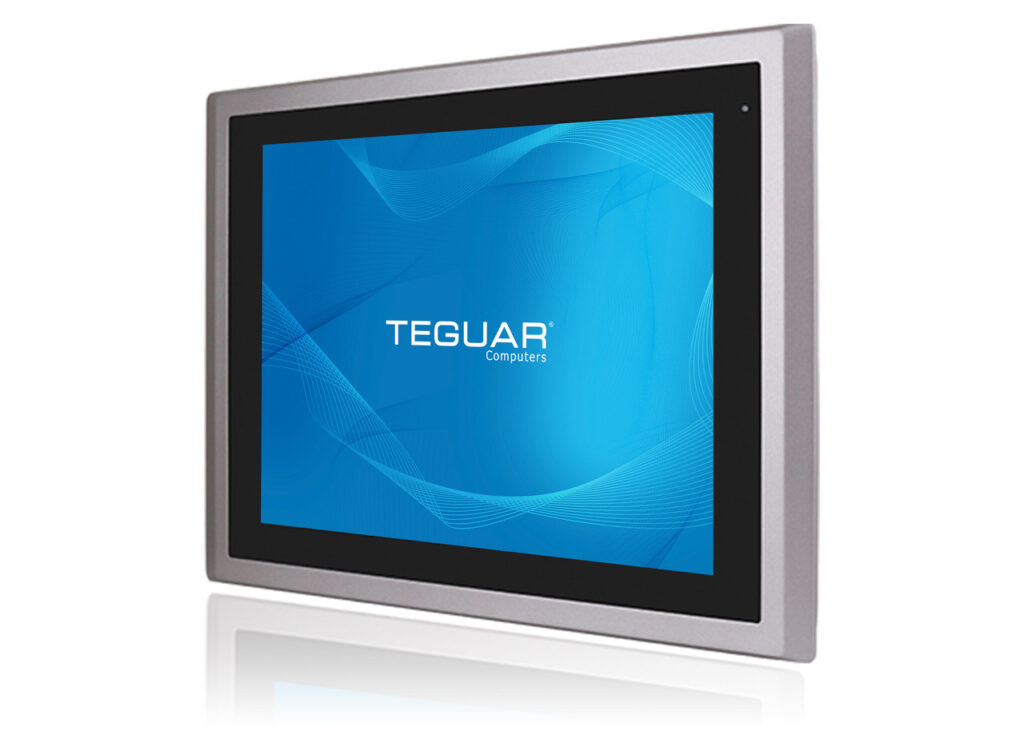
TP-5645-15
$2,107.28 -
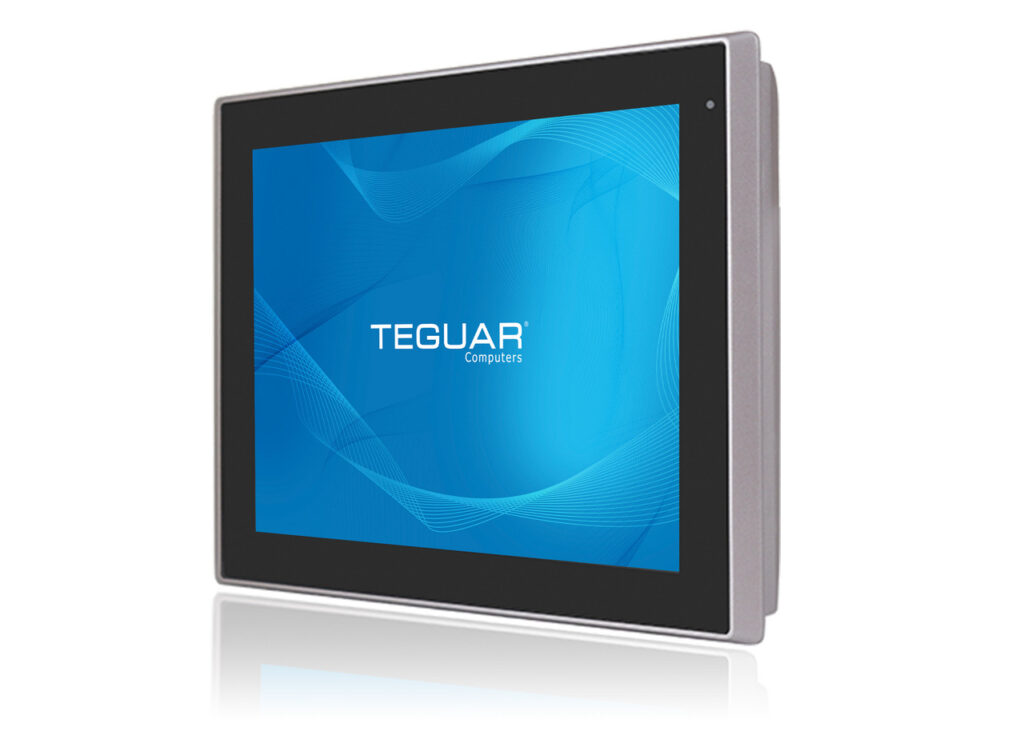
TP-5645-12
$2,017.18
What makes Teguar Industrial Panel PCs the best panel PCs on the market?
- Rugged, durable construction
- Elegant, streamlined designs
- Fully fanless design
- Flexible I/O
Get Started Today
To talk to one of our Solutions Specialists, send in the form below or give us a call. Our experts are determined to understand your exact needs and pair you with the right product for the job.
About the Authors:
Madelyn Brannan serves as the Digital Marketing Coordinator at Teguar, which presents an engaging opportunity to learn new things. She strives to help current and future customers by making them aware of the solutions that Teguar can provide. When Madelyn isn't researching things like you've just read about, they like to draw and play tabletop games.Previous Article
TB-7145-MVS vs TB-7393: Which Industrial PC with Expansion Slots Is Right for Your Application?